
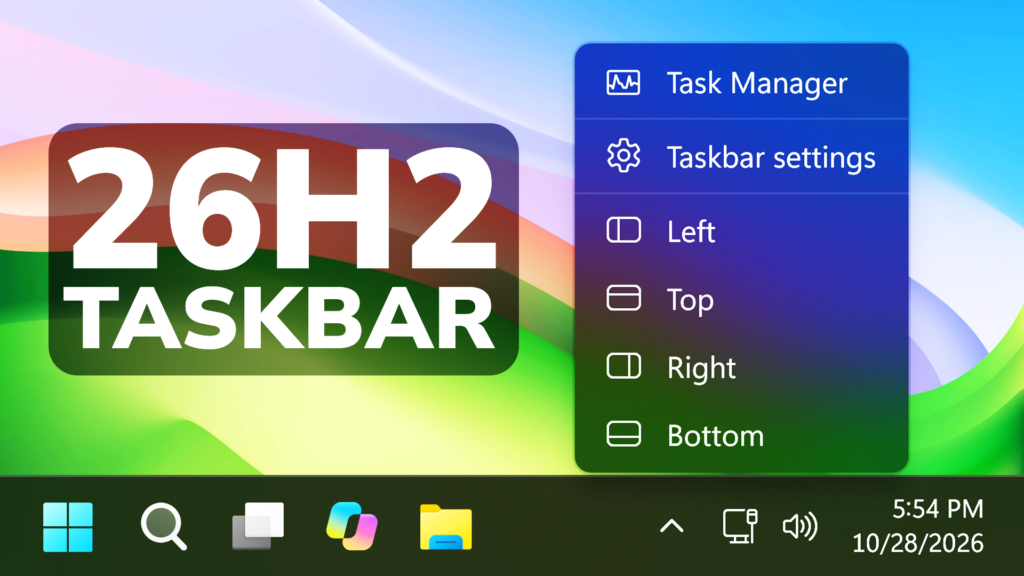
In this article, I will show you How to Enable a Windows 11 26H2 Hidden Taskbar Position Controls Menu and how to use it.
Since Microsoft tested the New Taskbar Location Settings, they introduced a hidden debug menu in Windows 11 that is not designed for the normal user, but can still be enabled and used by everyone in the latest Windows 11 26H2 Builds.
To enable this, we will use a script that was created by Michał Łeptuch
First of all, Download TaskbarLocationOptions.cer, then Double-click it and Install Certificate. Choose Local Machine, then Next, then Choose Place all certificates in the following store > Browse > Trusted People > OK > Next > Finish.

Then, make sure you download TaskbarLocationOptions_x64.appinstaller.
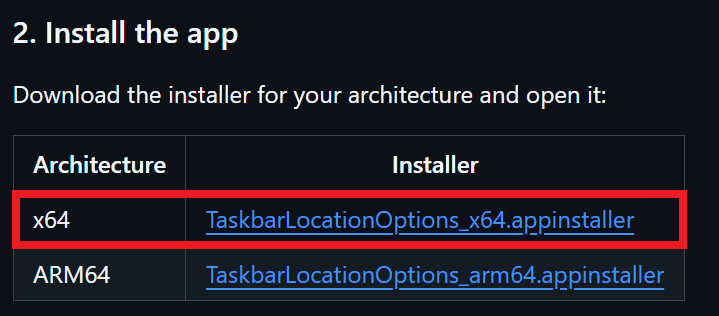
Run the App, click on Install and then App will be automatically opened after the install process is finished.
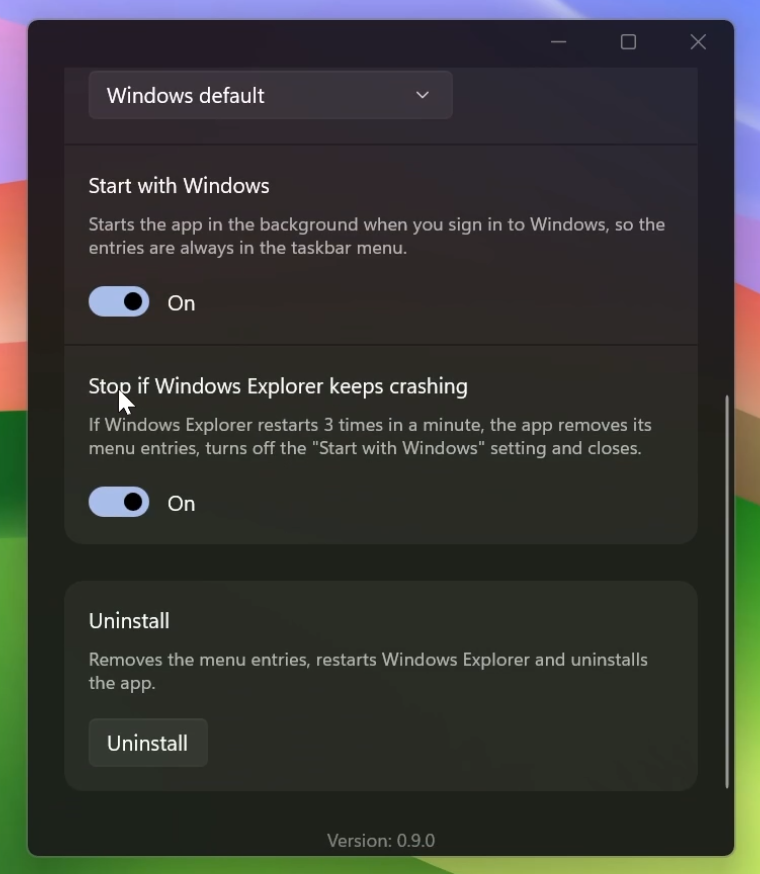
The App has a few options, such as Changing the Language, enable Start with Windows and even an Automatic Stop Setting if something doesn’t work properly.
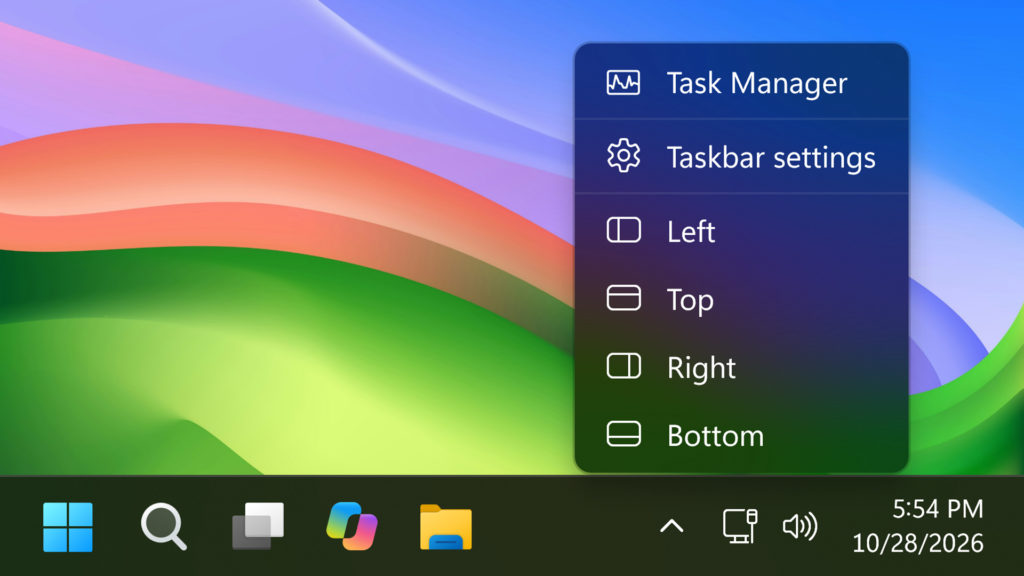
When you right-click on the Taskbar, you will have the options to change the Taskbar Location to all 4 positions and in a future update of this small app, all of these options will be under a submenu.
For a more in-depth tutorial, you can watch the video below from the youtube channel.
 11
11
 20
20

