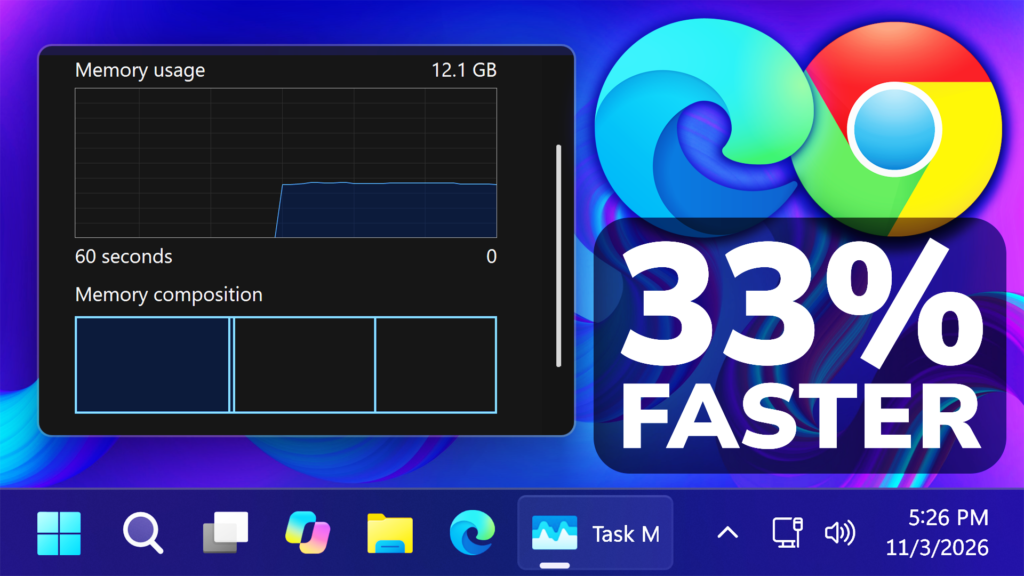
In this article, we will talk about a New Windows 11 26H2 Performance Feature that makes Apps Launches Faster up to 33%.
In the October 2026 Feature Update for Windows 11 26H2, Microsoft has announced the Accelerated App Launch Feature, which now works with Microsoft Edge.
- [Microsoft Edge on Windows now supports Accelerated App Launch]
- New! Microsoft Edge now opens faster and more consistently on Windows, with the biggest improvements when your device is busy or under load. Accelerated app launch streamlines how Windows launches Edge when it’s already running in the background, reducing launch delays when you open a link or launch Edge from the taskbar or Start menu.
- This capability is available on Windows 11, version 25H2, 26H2, and 26H1, with Microsoft Edge version 150 or later required.
- For more information, see Edge is faster on Windows with Accelerated App Launches.
- New! Microsoft Edge now opens faster and more consistently on Windows, with the biggest improvements when your device is busy or under load. Accelerated app launch streamlines how Windows launches Edge when it’s already running in the background, reducing launch delays when you open a link or launch Edge from the taskbar or Start menu.
With accelerated app launch, most Windows users will see a 15% launch speed improvement, with wins of up to 33% under heavy multitasking!1 That means you can start browsing faster.
This has already rolled out starting with Microsoft Edge version 150 and later and is supported on Windows 11, versions 25H2, 26H2, 26H1 with the October 2026 non-security update (KB5127936) or later.
With accelerated app launches on Windows, when an Edge process starts, it sends a registration request to Windows. Windows checks and accepts the request. Later, when Edge is launched again, Windows can use the accelerated-launch registration to notify the already running Edge process directly.
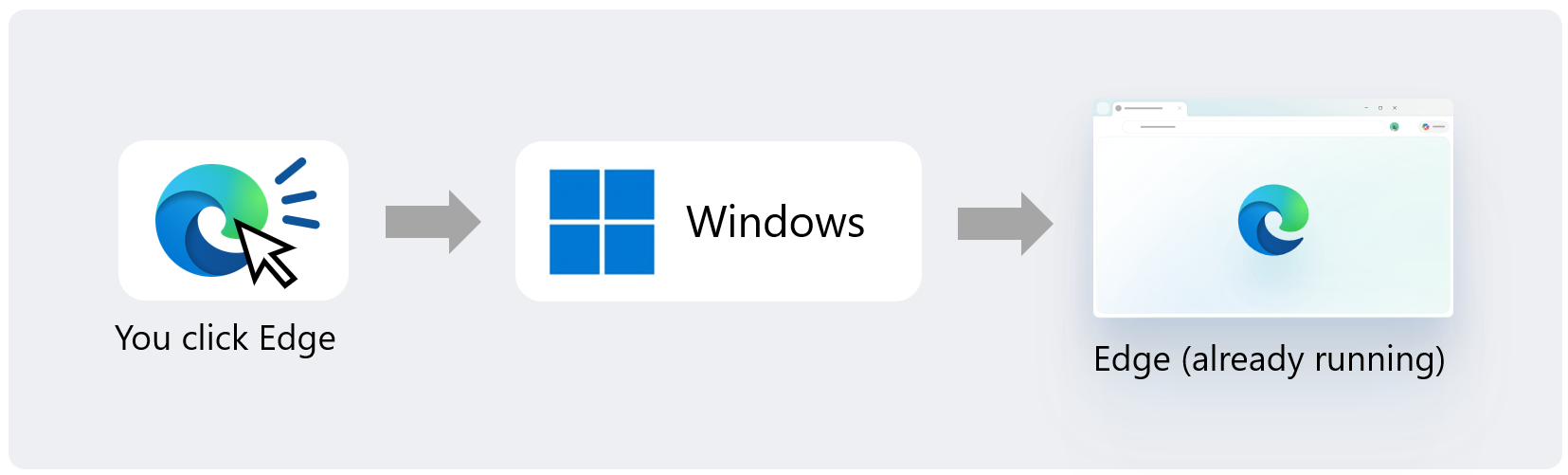
Accelerated app launches are supported by the Start menu and the Taskbar and opening supported links that open in Edge by default.
Microsoft is also working with Windows on adding other ways to utilize this feature, such as when opening PDF files.
They are also contributing this work to Chromium, the open-source project which Edge is based on, so other Chromium-based browsers can benefit from accelerated launches on Windows in the future.
For more information about this New Feature, you can check this article from the Microsoft Blog.
For a more in-depth tutorial, you can watch the video below from the youtube channel.
 11

 20