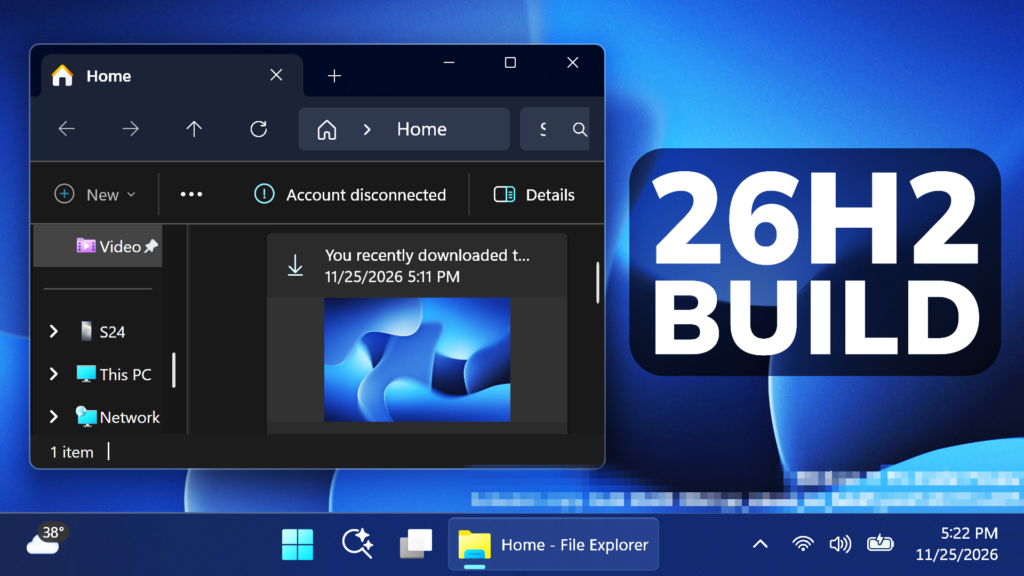
In this article, we will talk about the latest Windows 11 26H2 Insider Preview Builds for the Beta Channel, with the latest Build being 26320.10022.
Microsoft is moving to two primary channels, with the advanced option to pick specific Windows core versions within those. The new channels are Experimental and Beta.
Beta is a refresh of the previous Beta Channel and previews what Microsoft plans to release in the next few weeks. The big change: Microsoft is ending gradual feature rollouts in Beta. When they announce a feature in a Beta update and you take that update, you will have that feature. You may occasionally see small differences within a feature as they test variations, but the feature itself will always be on your device.
New File Explorer Features
- Search from This PC in File Explorer is now indexer-based, making it much faster and consistent with search from File Explorer Home.
- Improved progress indication when navigating to locations that take longer to load, such as network drives, makes it easier to see that loading is underway.
New BitLocker Feature
- Standard users can now set a BitLocker preboot PIN. Before this change, users without admin rights couldn’t add the TPM+PIN protector. Now, standard users on managed devices can add the PIN themselves.
- How it works: When the policies below apply to a device that doesn’t have a PIN yet, you get a notification asking you to add one. Selecting the notification opens a window where you can set the preboot PIN.
In Microsoft Intune or another device management solution, configure these existing BitLocker policies to require TPM+PIN for non-administrators:
| Policy | Value |
|---|---|
AllowStandardUserEncryption | ON |
AllowWarningForOtherDiskEncryption | OFF |
RequireDeviceEncryption | ON |
SystemDrivesRequireStartupAuthentication | ON |
Offline Maps Removal
- Following the April 2025 announcement of the upcoming deprecation of the Windows UWP Map control and Windows Maps platform APIs, we are removing the Offline Maps feature and related UX from Windows Settings. With the upcoming removal of the Maps control and APIs, the offline maps feature will no longer be functional. The removal includes these features in Windows Settings:
- Offline Maps – located under Settings > Apps > Offline Maps
- Maps storage – located under Settings > Storage > Local Disk
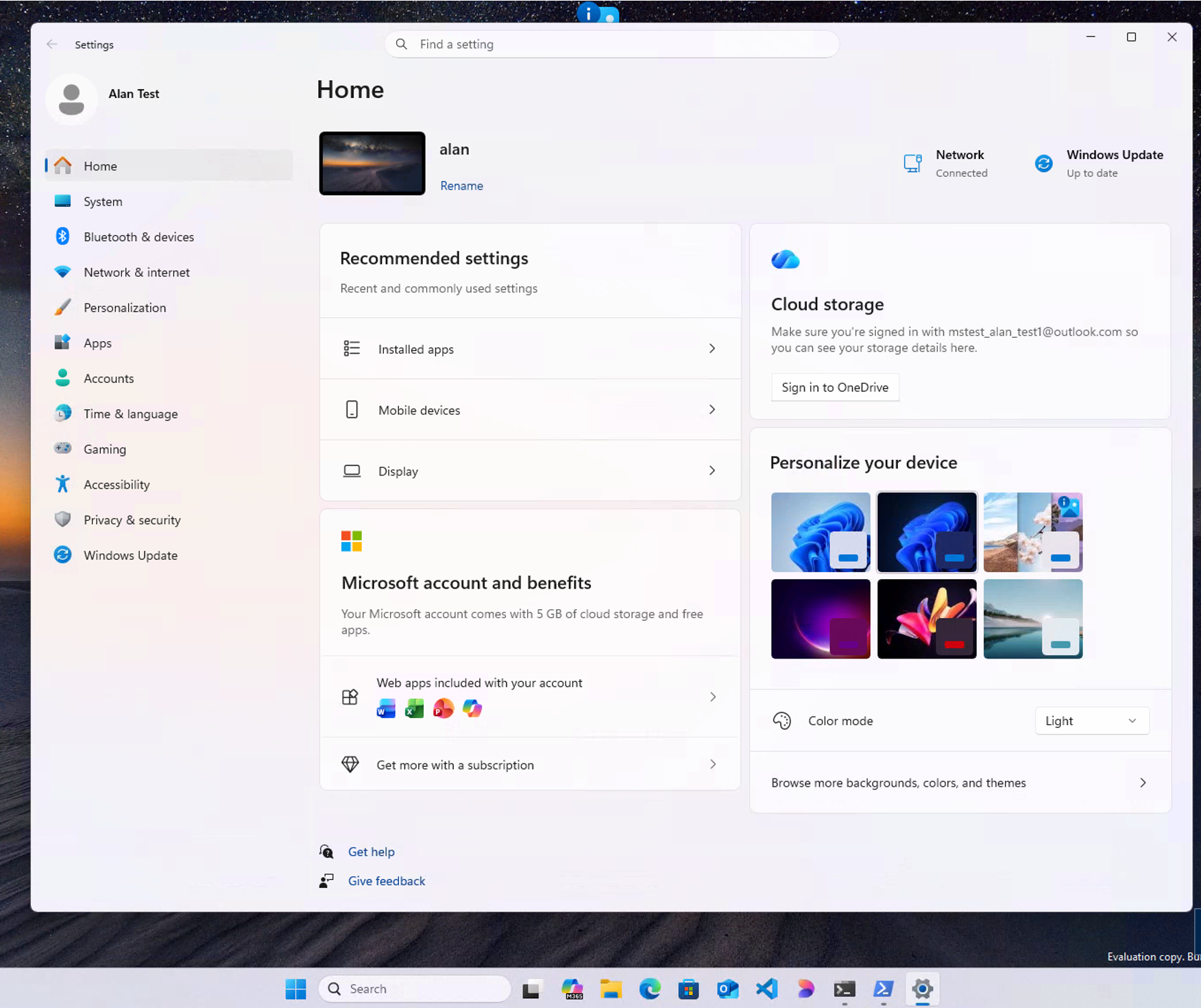
New Settings Accounts UI
Discover your account benefits in Settings. It’s now easier to discover the benefits and services available with your Microsoft account, right in Windows Settings.
Remote Desktop Fix
Fixed an issue where Remote Desktop Protocol (RDP) connections might fail on the client due to a certificate mismatch after the latest flights.
Input Fix
- Fixed an underlying issue which was causing the mouse cursor to be unexpectedly invisible in a few different scenarios in recent flights.
- Improved reliability of configuring voice typing settings.
For more information about this Build, you can check this article from the Microsoft Blog.
For a more in-depth presentation of the New Build, you can watch the video below from the youtube channel.
 11

 20