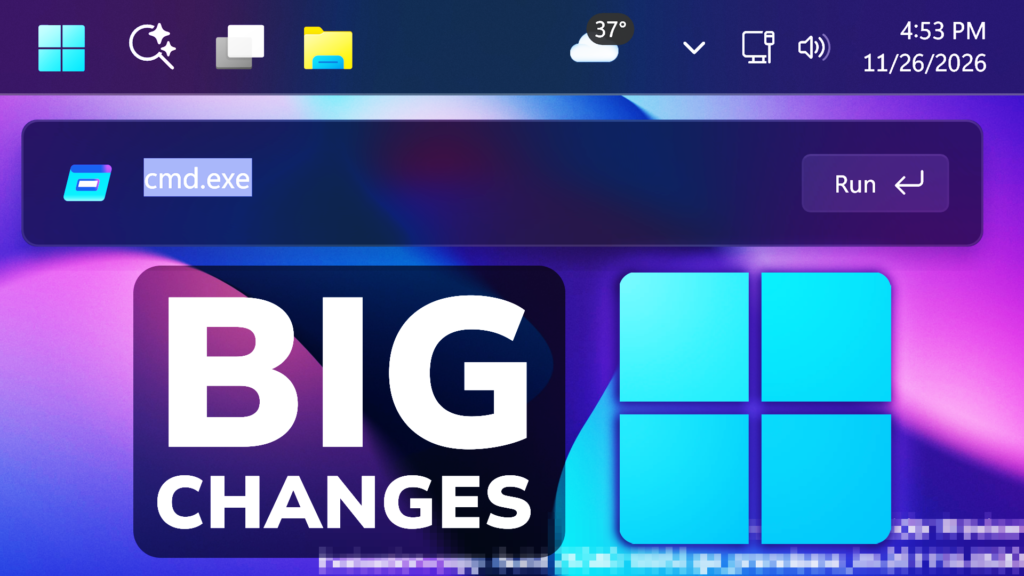
In this article, we will talk about some Big UI Changes that are Coming Soon to Windows 11 26H2 such as New Taskbar Features, Modern Dialogs, Phone as Second Display and more.
We all know that Windows 11 is far from being perfect and polished, but Microsoft is working on getting that done, by improving a lot of the Old UI Elements that we can still find in Windows 11 26H2. In this article, we will see some of the New UI Changes that Microsoft is working on, behind the scenes.
New Search UI on All Taskbar Positions
Since the New Search UI was announced, we couldn’t correctly use on different taskbar positions, but Microsoft has confirmed they are working on that both in their Insider Blog Posts and on Twitter/X.
This is what Microsoft mentioned the 26340.9843 Build Blog Post:
As noted in our blog post, the new Windows Search opens at the bottom center of the screen. Work is underway to have it adapt to different taskbar positions and when using search from the Start menu.
Also on X, an Official Microsoft Employee has confirmed Microsoft is actively working on implementing this Feature.
New Vertical Taskbar Auto-Hide
The Auto-Hide Feature for the Taskbar is also not working on All Taskbar Positions, and Microsoft has also confirmed this is getting worked on.
New Modern WinUI3 Dialogs
Also a lot of the Old Dialogs in Windows 11 will be modernized using WinUI3 in the near future.
New Modern Defragment Tool
One of most forgotten about Tools in Windows 11, the Defragment Tool is also getting a Modern Design as confirmed by an Official Microsoft Employee.
New Phone as Second Display Feature
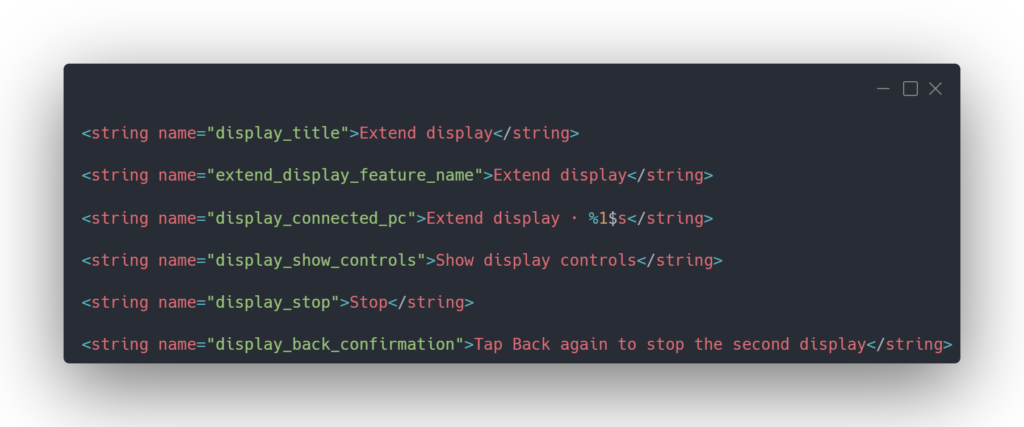
Finally, as discovered by WindowsLatest.com, Microsoft is planning of implementing a New Feature that could soon turn your Android phone into a second monitor.
For a more in-depth presentation of the New UI Changes that Microsoft is working on in Windows 11 26H2, you can watch the video below from the youtube channel.
 11

 20