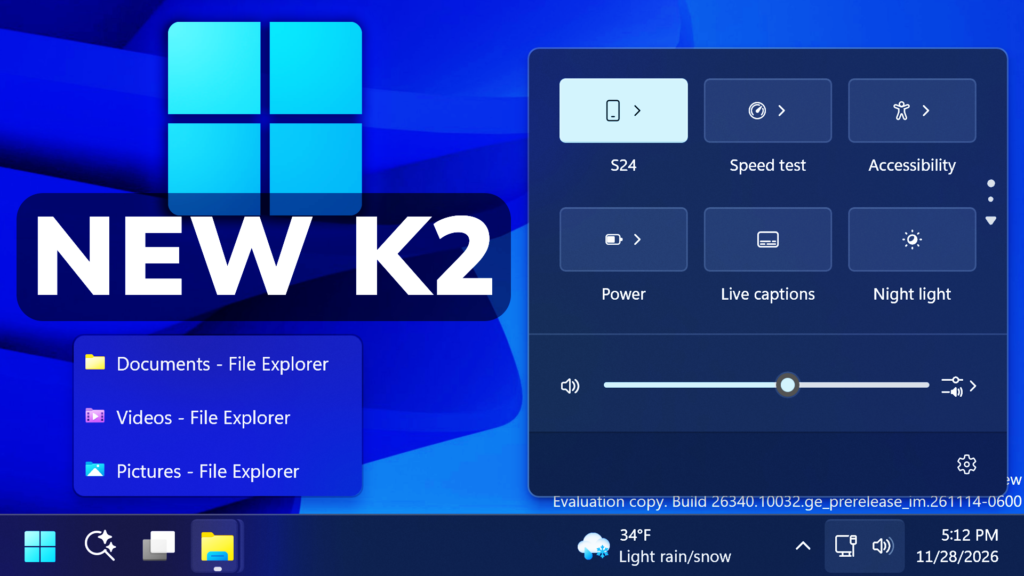
In this article, we will talk about All the New Windows K2 Features that we can test in December 2026, this including the New Taskbar, Huge Settings Features, Search UI and more.
Windows K2, for those of you who don’t know, if Microsoft Codename for the internal plan that wants to fix Windows 11 and to address the main painpoints that users have reported for years now.
New Security Settings Page
First of all, Microsoft has split up the Privacy & Security Settings Page into 2 different pages: Privacy and Security.
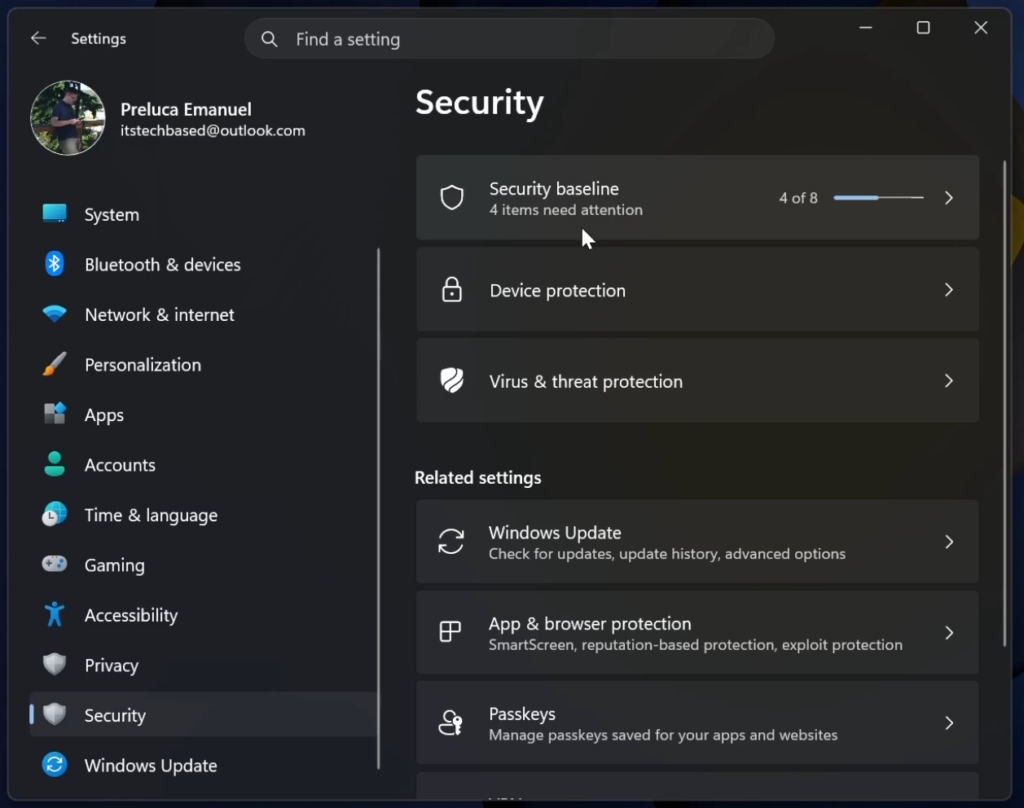
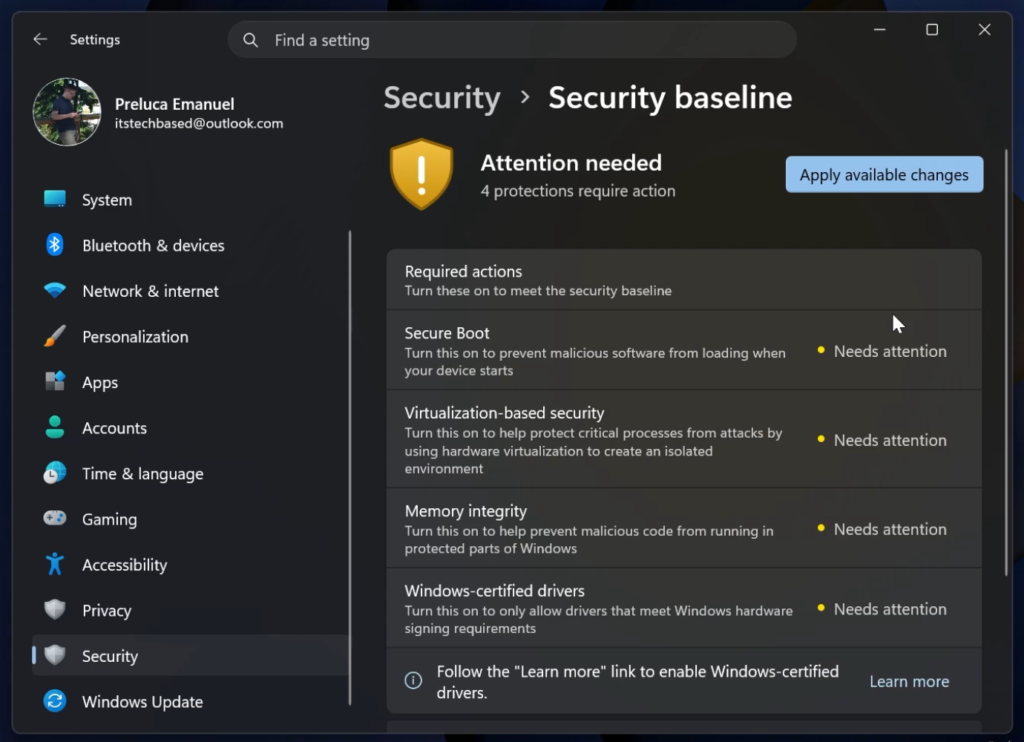
The New Security Page in Settings contains the New Security Baseline, Device Protection, Virus & Threat Protection and some Related Settings.
New Integrity Protection Page in Settings
The New Security Baseline Page gives you access to all the Security Components of your System, and allows you to apply quick changes so that your device is secure.
New Device Protection Page in Settings
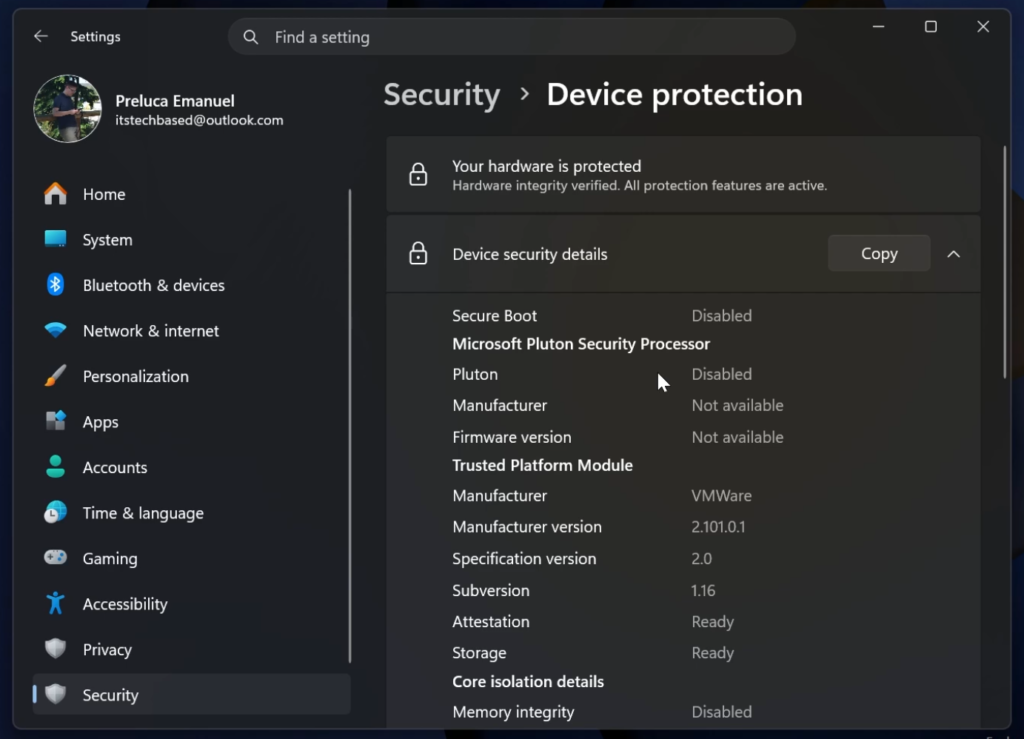
The New Device Protection Page has some general information related to your Device Security, including info about Secure Boot, TPM and more.
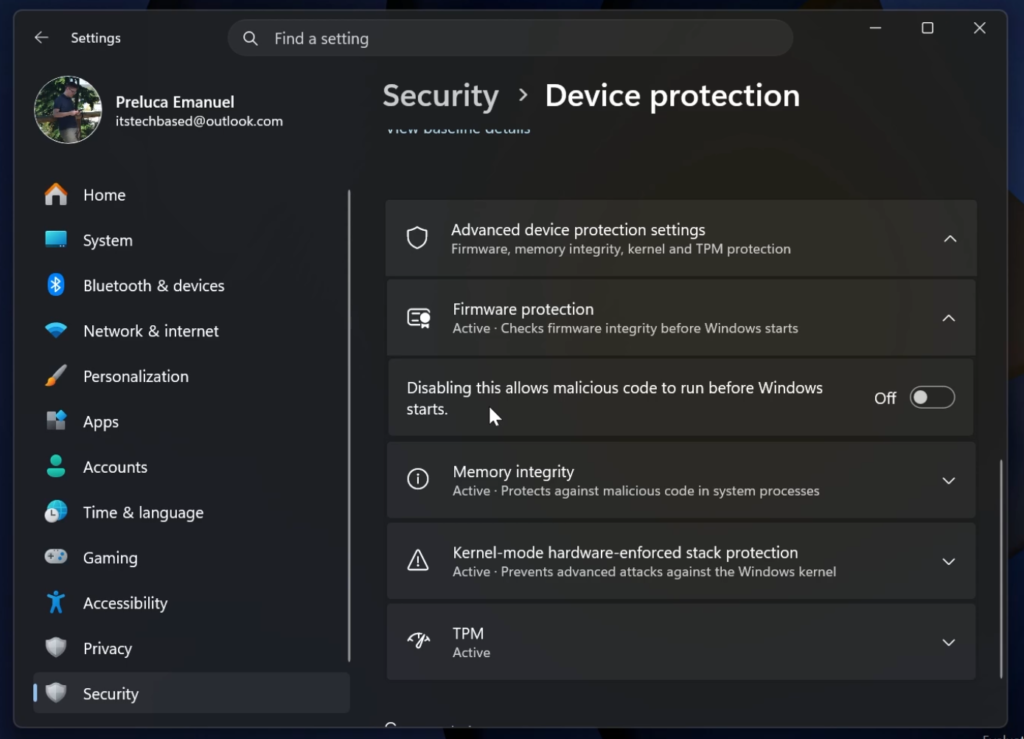
At the bottom, you can also change some Advanced Device Protection Settings.
New Virus & Threat Protection in Settings
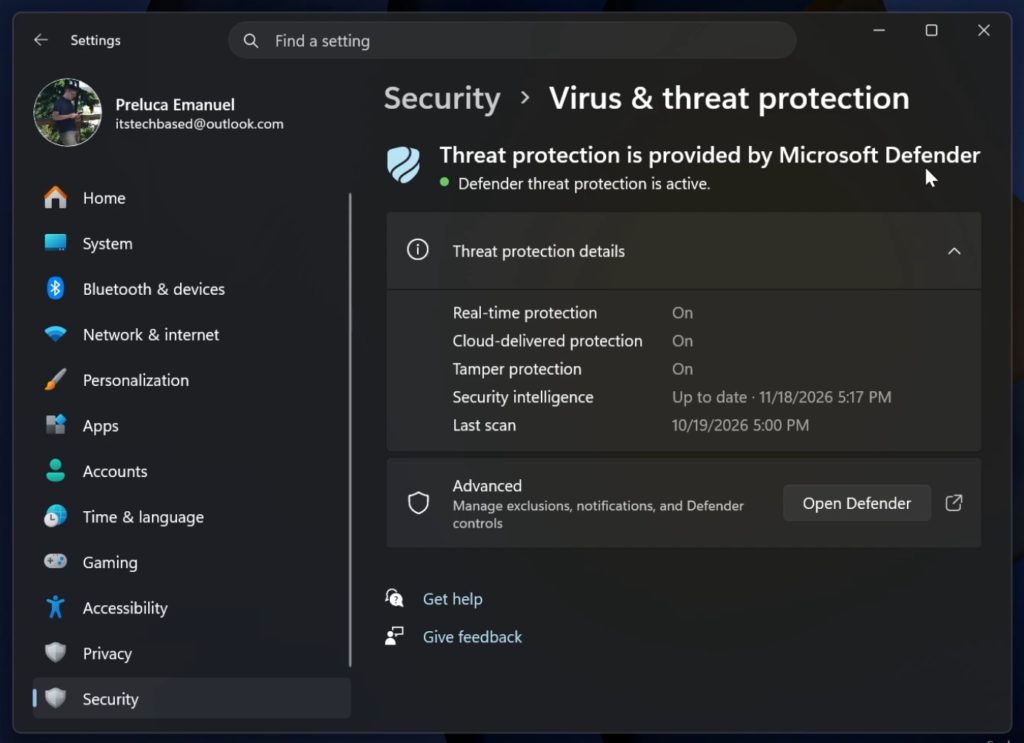
The New Virus & Threat Protection in Settings shows you some general information related to your preferred Antivirus Software, in this case Microsoft Defender.
New App & Browser Protection Settings Page
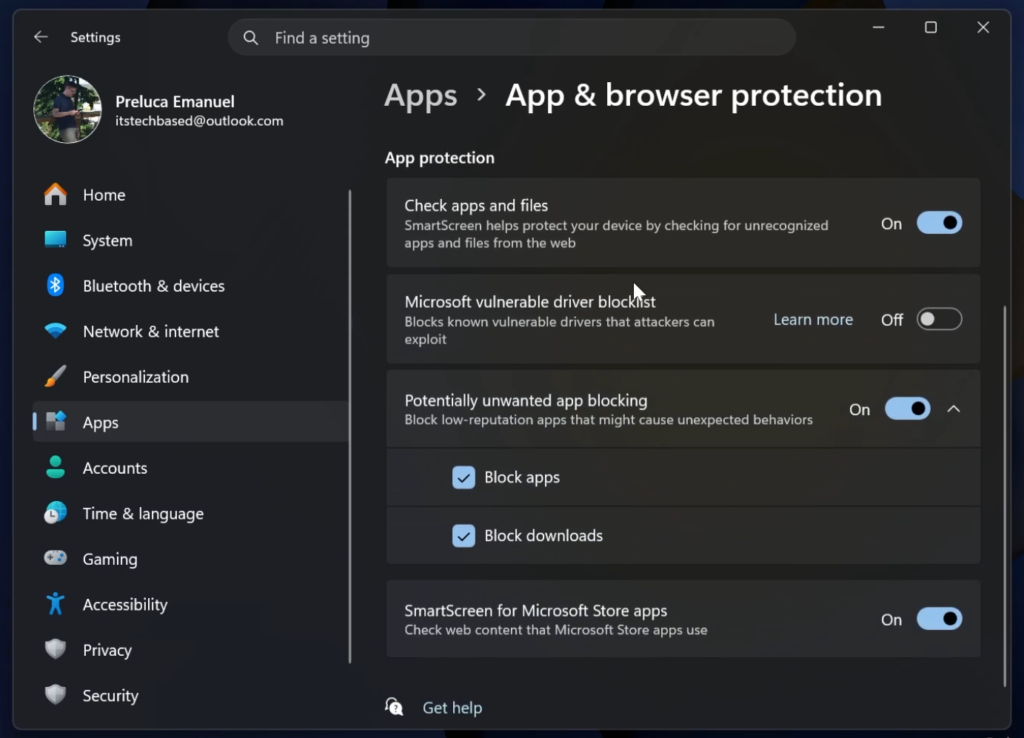
Additionally, Microsoft is also adding a New App & Browser Protection Page in Settings > Apps.
This Page allows you to change Security Settings related to your Apps and Browsers.
New Live Captions Transcript Recording Length Option
New Reading Assist Accessibility Feature
New Mobile Devices in Quick Settings
Improved reliability of the new mobile devices experience in Quick settings.
New Taskbar List Previews
- When you hover over an app on the taskbar, Windows shows previews of its open windows to help you tell them apart and quickly see what’s in each one.
- Now, you can choose to use the list view anytime. When list view is on, hovering over an app on the taskbar shows all its open windows by title in a list instead of as previews.
- To turn on list view, go to Settings > Personalization > Taskbar.
New Windows Search Improvements
The new Windows Search experience that began rolling out last month is expanding with additional rich results for definitions, currency conversions, and general web searches.

New File Explorer Quick Filters in Search
Quick filters in search: When a search returns too many files, new file type and date filters make it easier to find the right file.
New Sticky Keys Disable Option
The dialogs that ask whether you’d like to turn on Sticky Keys or Filter Keys are being updated, making it easier to dismiss these prompts permanently. If you don’t use these keyboard features, you can choose not to be asked again directly from the dialog, helping you continue what you’re doing with fewer interruptions.
New People Widget
- The new People widget provides a way to quickly get back to the people you communicate with from the Windows Widgets board. The widget brings together relevant contacts from supported communication apps, making it easier to see the people you connect with and quickly continue a conversation.
- To try it, open the Widgets board using Windows key + W, select the + button to open the widget picker, and add the People widget. Selecting a contact opens the appropriate conversation in the supported communication app.
- Prerequisite: To see contacts in the widget, first set up Phone Link, WhatsApp, or both on your PC.

For a more in-depth presentation of the New Windows K2 Features, you can watch the video below from the youtube channel.
 11

 20