
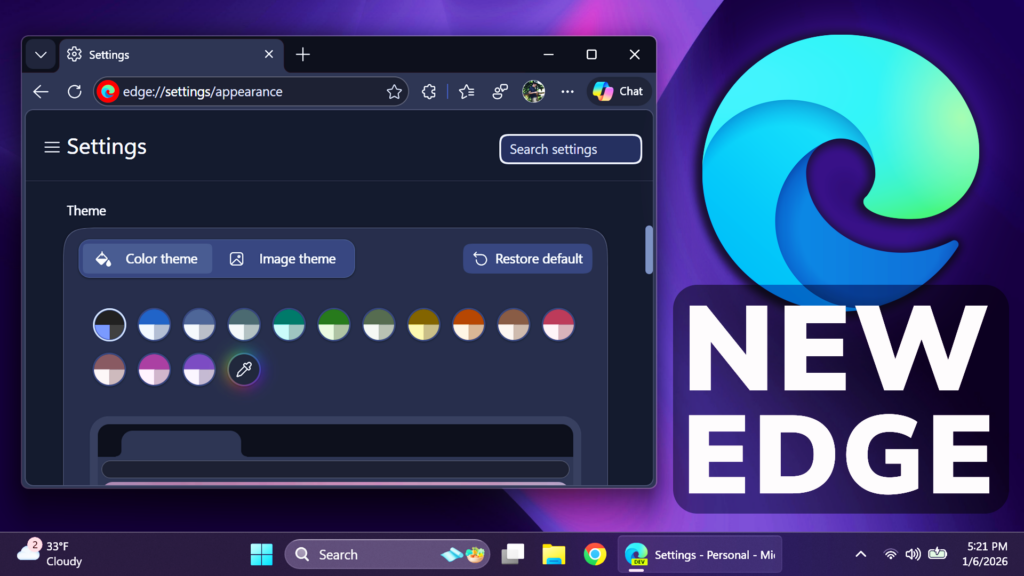
In this article, we will talk about the latest Microsoft Edge Update in the Canary and Dev Channels that has some Major UI Changes.
First of all, if you want to test the New UI in Microsoft Edge, you will need to get either the Canary or Dev Channels Versions of Edge and after a while, you will automatically get the New Design.
What you will notice is that the New Edge Design is copied entirely from the Copilot App, starting from the rounder corners, fonts and color pallete.
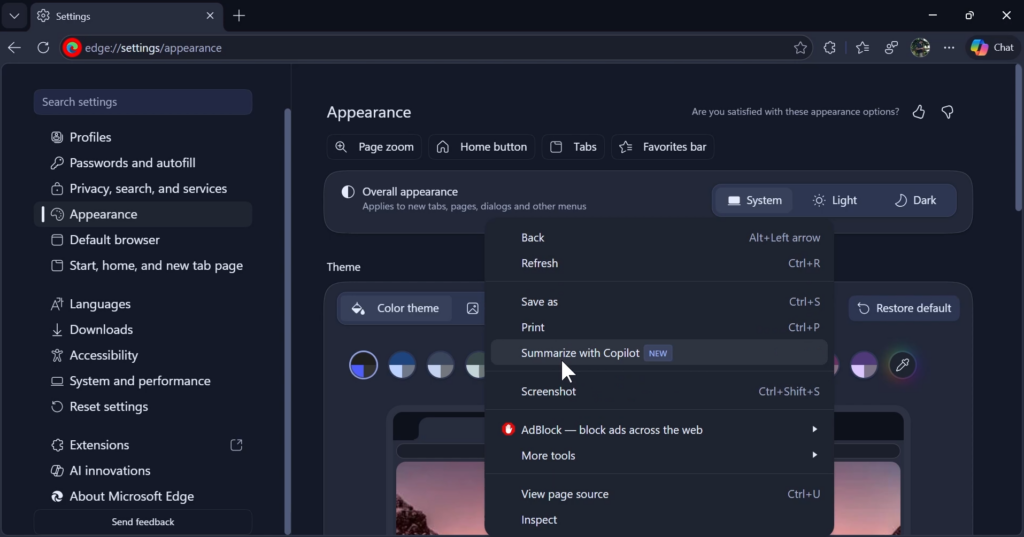
There will be a difference in tabs, general menus and even the context menu inside Microsoft Edge.
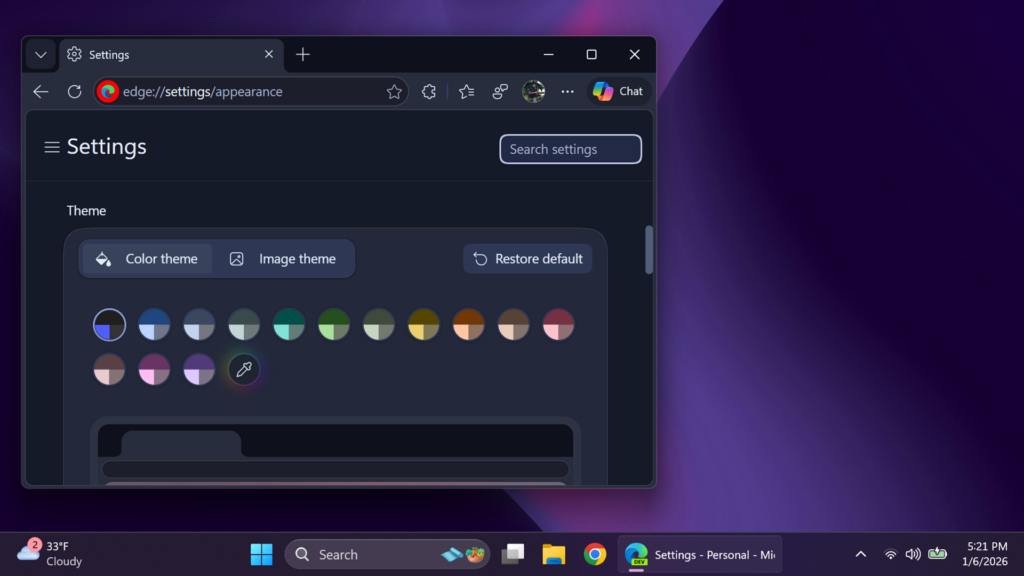
It is not clear when this will ship to the main version of Microsoft Edge, but Microsoft’s plans are clear. They want to implement Copilot even more inside Microsoft Edge.
My overall opinion on this is that the New Theme looks very nice compared to the normal version, but what I don’t like is the fact that Microsoft is focusing so much on Copilot and its implementation.
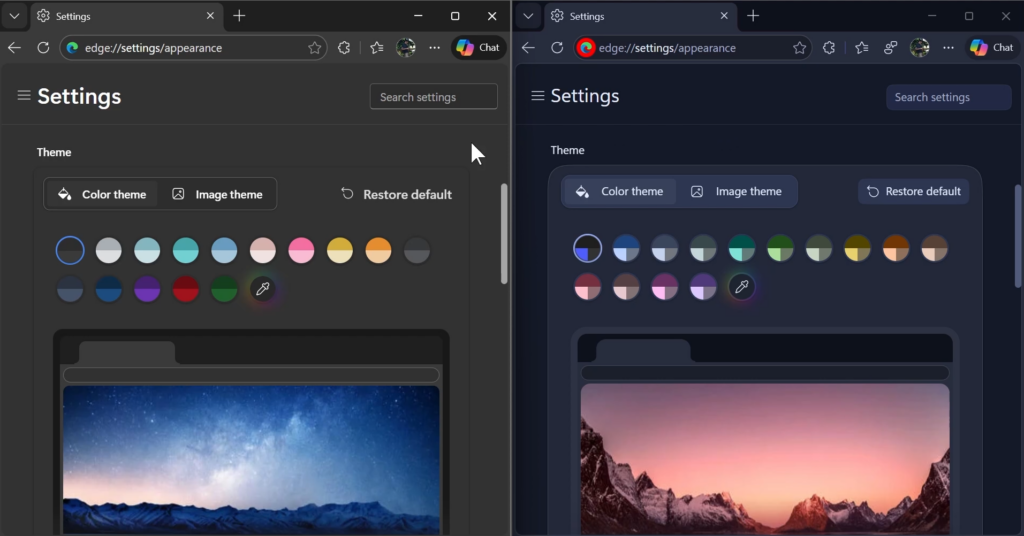
For a more in-depth presentation of the New Edge Design, you can watch the video below from the youtube channel.
 9
9
 20
20

