
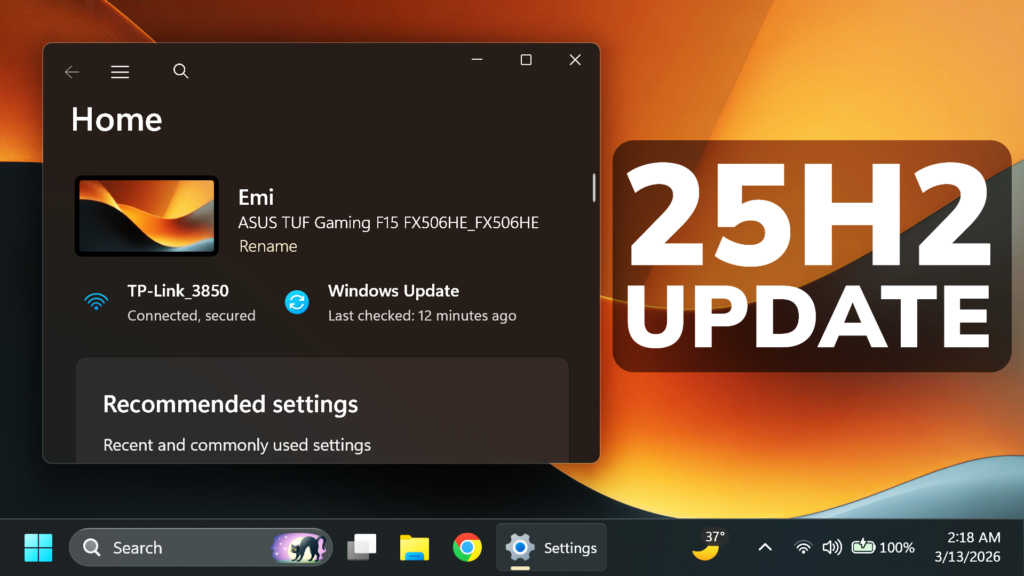
In this article, we will talk about the latest Windows 11 24H2 and 25H2 Insider Preview Build for the Release Preview Channel, which is the Build 26200.8106 or KB5079391.
Features that are gradually rolling out
- [Narrator] Narrator provides rich image descriptions on Copilot+ PCs and now works with Copilot on all Windows11 devices. Press Narrator key + Ctrl + D to describe the focused image or Narrator key + Ctrl + S to describe the full screen. Copilot opens with the image ready, allowing you to enter a prompt for a customized description. The image is shared only after you choose to describe it. On Copilot+ PCs, Narrator gives instant, on‑device descriptions, and you can select Ask Copilot for more detail.
- [Smart App Control] You can turn Smart App Control (SAC) on or off without needing a clean install. To make changes, go to Settings > Windows Security > App & Browser Control > Smart App Control settings. When turned on, SAC helps block untrusted or potentially harmful apps. To learn more, see App & Browser Control in the Windows Security App – Microsoft Support. This feature was previously disclosed in the January 2026 release notes (KB5074105) and is now beginning to roll out.
- [Settings]
- The Settings About page (Settings > System > About) has been improved to provide a more structured and intuitive experience, offering clearer device specifications and easier navigation to related device components, including quick access to Storage settings.
- The device information card on the Settings Home pagesimplifies key device specifications and improves consistency across the end-to-end flow from the Home Card to the Settings > System > About page, making information easier to scan and understand.
- Improved the performance of loading Home in Settings.
- Improved reliability of downloading necessary updates when prompted in Settings > System > Advanced.
- [Account Settings]
- Microsoft 365 Family subscribers can upgrade to a different Microsoft 365 plan from Settings > Accounts. To remove the upgrade option, turn off Suggested content in Settings.
- This update improves the design of the dialog boxes in Settings > Accounts > Other users to match the modern Windows look and support dark mode. The visibility of the dialog box option depends on whether the device has a domain joined work or school account.
- [Input] Windows introduces a cleaner, modern pen setting experience. You can now choose the new Same as Copilot key option, which enables the pen tail button to open the same app as the Copilot key.
- [File Explorer]
- Improved reliability of unblocking files downloaded from the internet in order to preview them in File Explorer.
- You can now use Voice Typing (Windows key plus H) when renaming a file in File Explorer.
- You can now sort the permissions entries in the Advanced Security Settings window for a folder in File Explorer by Principal.
- [Display]
- Monitors can now report refresh rates higher than 1000 Hz.
- While using a native USB4 monitor connection, the USB controller can now go to the lowest power level while the PC is sleeping, saving battery life.
- Improved reliability of auto rotation after resuming from sleep.
- Improved HDR reliability for displays with non-compliant DisplayID 2.0 blocks.
- Monitors with DisplayID now report a more accurate size when using the WMI monitor APIs.
- [Printing]
- Updated downlevel baseline support for printer connections to be Windows 10, version 1607 / Windows Server 2016 (Build 14393).
- [Windows Hello] Improved: Windows Hello Fingerprint reliability for certain devices.
- [Safe mode] Improved reliability of loading components of the taskbar in safe mode.
- [Voice Access] Improved how numbers are detected and written when using Voice Access in English.
- [Start menu] Improved reliability of applying Start menu layout via group policy when desktopAppLink is present in the JSON.
- [Remote Desktop] The Set-RDSessionCollectionConfiguration PowerShell command now recognizes DisableSeamlessLanguageBar.
- [Audio] Improved handling of short MIDI messages in cases where an application was initialized without providing long message buffers.
- [System File Checker] Removed extraneous error message you might unexpectedly see when running sfc /scannow.
Features that are normally rolling out
- [Narrator] This update improves the Natural Voices experience in Narrator. It also makes Natural Voices setup more reliable.
- [Performance & Reliability] This update improves stability in Windows Recovery Environment (Windows RE) when you run x64 apps on ARM64 devices. These apps run more smoothly and respond as expected.
For more information about this Update, you can check this article from the Microsoft Blog.
For a more in-depth presentation of the New Build, you can watch the video below from the YouTube channel.
Share the article:
 9
9
 20
20

