
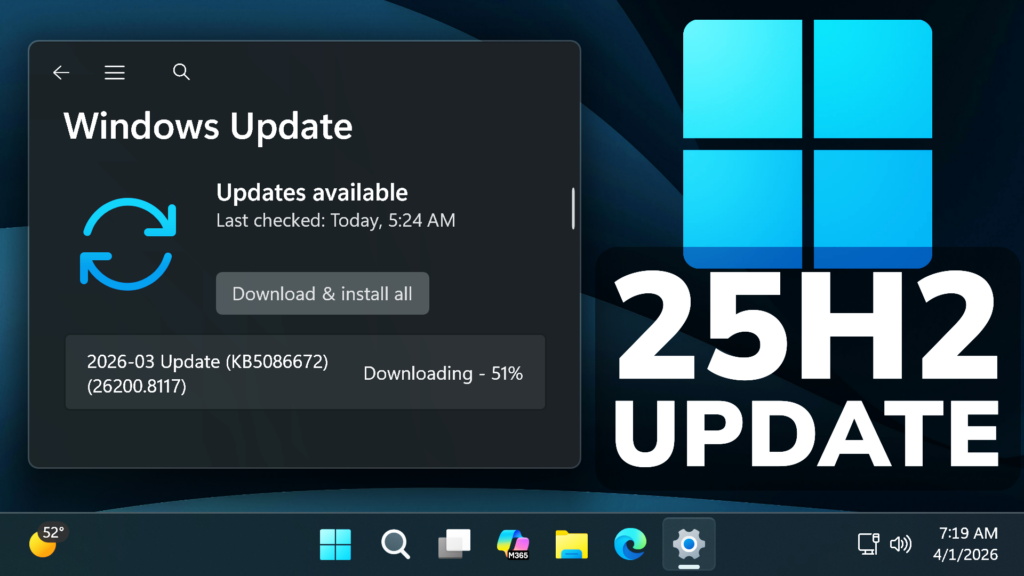
In this article, we will talk about a New Windows 11 25H2 Emergency Update, that Microsoft released to apply a Fix for a Known Installation Failure.
This out-of-band update for Windows 11, version 25H2 and 24H2 (KB5086672) is cumulative and includes updates from previous security and non-security releases.
This update includes the improvements and features that were introduced in the March 26, 2026 non-security preview update (KB5079391), along with a fix for an installation issue that affected some devices attempting to install that update.
New Improvements in this Update
This out-of-band update contains quality improvements from KB5079473 (released March 10, 2026), KB5085516 (released March 21, 2026), and KB5079391 (released March 26, 2026 – no longer offered). The following summary outlines key issues addressed by this out-of-band update. The bold text within the brackets indicates the item or area of the change.
- [Setup] Fixed: While installing the March 2026 Windows preview update (KB5079391), some devices running Windows 11, version 25H2 or 24H2, might encounter the following error:Some update files are missing or have problems. We’ll try to download the update again later. Error code: (0x80073712)
This out-of-band update is offered through Windows Update for devices running Windows 11 that have already installed KB5079473 or a later update. It is also available for manual download from the Microsoft Update Catalog.
How to Install this Update
To install this Update, simply Check for Updates in the Settings App through the Windows Update Section.
For more info about this Update, you can check this article from the Microsoft Blog.
For a more in-depth presentation of the New Update, you can watch the video below from the YouTube channel.
 9
9
 20
20

