
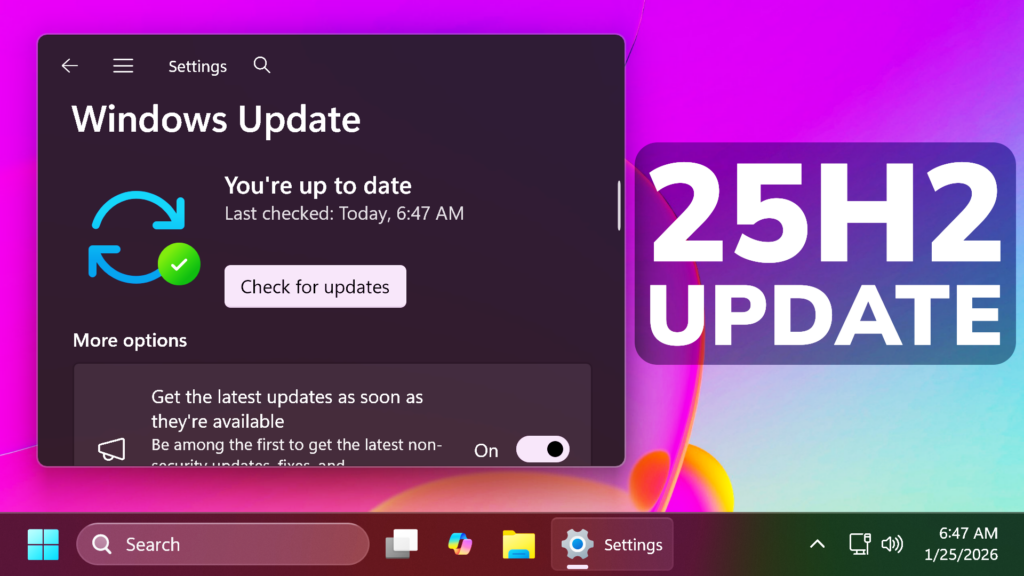
In this article, we will talk about a New Windows 11 25H2 Emergency Update, that Microsoft released to apply some Fixes for Known Issues.
This out-of-band update for Windows 11, version 25H2 and 24H2 (KB5078127) is cumulative. It includes updates from previous security and non-security releases, along with an additional fix. To learn more about differences between security updates, optional non-security preview updates, out-of-band (OOB) updates, and continuous innovation, see Windows monthly updates explained. For information on Windows update terminology, see the different types of Windows software updates.
To view the latest updates about this release, visit the Windows release health dashboard or the update history page for Windows 11, version 25H2 and 24H2.
New Improvements in this Update
This OOB update includes quality improvements. This update is cumulative and includes security fixes and improvements from the January 13, 2026, security update (KB5074109) and the out-of-band update (KB5077744) from January 17, 2026, in addition to the following:
- [File System] Fixed: After installing the Windows update released on and after January 13, 2026, some applications became unresponsive or encountered unexpected errors when opening files from or saving files to cloud-based storage, such as OneDrive or Dropbox. In certain Outlook configurations that store PST files on OneDrive, Outlook may hang and fail to reopen unless the process is terminated or the system is restarted. Users may also see missing sent Items or previously downloaded emails being re‑downloaded.
How to Install this Update
To install this Update, simply Check for Updates in the Settings App through the Windows Update Section.
For more info about this Update, you can check this article from the Microsoft Blog.
For a more in-depth presentation of the New Update, you can watch the video below from the YouTube channel.
 9
9
 20
20

