
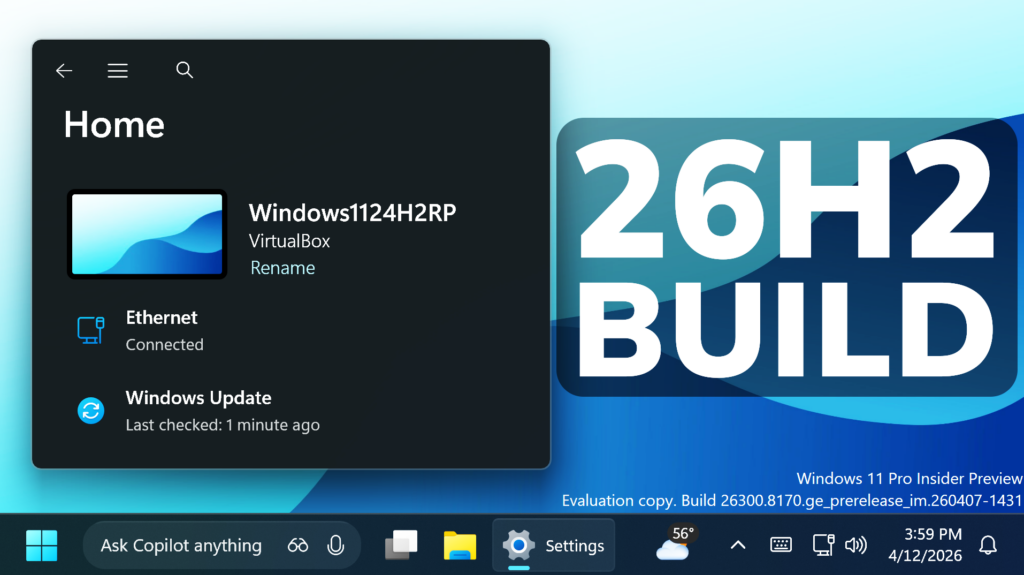
In this article, we will talk about the latest Preview Build for Windows 11 26H2 in the Dev Channel, which is the Build 26300.8170.
Starting recently, the Dev Channel is jumping ahead to receive 26300 series builds. This means that the window to switch from the Dev Channel to the Beta Channel is closed once Build 26300.7674 is installed. If you are in the Dev Channel today and still want to switch to the Beta Channel at the last minute, when Build 26300.7674 is offered you can pause updates in Windows Update and switch your channel to the Beta Channel and un-pause updates.
These 26300 series builds will contain many of the same features and improvements as the 26220 series builds that will continue to be released in the Beta Channel. Over time, we will be making behind-the-scenes platform changes in each build so they may have different known issues because of those changes.
New Secure Boot Warning in Windows Security
Microsoft has recently started to roll out enhancements to the Windows Security app > Device security > Secure Boot experience, which shows green, yellow, and red icon badges as well as new text that reflects your device’s Secure Boot state and certificate status. Microsoft is updating Secure Boot certificates on consumer devices and some business PCs, and you can now check your certificate status with this new feature. This experience is disabled by default on enterprise IT managed devices and servers.
New Feedback Hub App Update
- Improved the default window size, and now it will remember window size across session.
- You can now use the mouse back button to go back between pages.
- If you were seeing less community feedback than usual, that should be addressed now.
- Upvote buttons for feedback should display correctly for Insiders using the Chinese display language now, … and more.
New Windows Insider Program
The Windows Insider Program has been completely revamped, with New Channels, New Ways for Enabling Features, Easy Switch between channels and more. For additional information you can check this article.
New Storage Improvements
- Microsoft is increasing the size limit for formatting FAT32 volumes via the command line from 32GB to 2TB.
- Improved the performance when navigating to see storage on large volumes via Settings > System > Storage > Advanced Storage Settings > Disks & Volumes.
- Updated Settings > System > Storage, so rather than seeing a UAC prompt immediately when you go to the page, you’ll only see it when going to view temporary files.
New Network Improvement
Fixed issue causing Settings > Network & Internet > Data Usage to show large unrealistic values in recent Insider builds.
For more information about this Build, you can check this article from the Microsoft Blog.
For a more in-depth presentation of the New Build, you can watch the video below from the youtube channel.
 9
9
 20
20

