
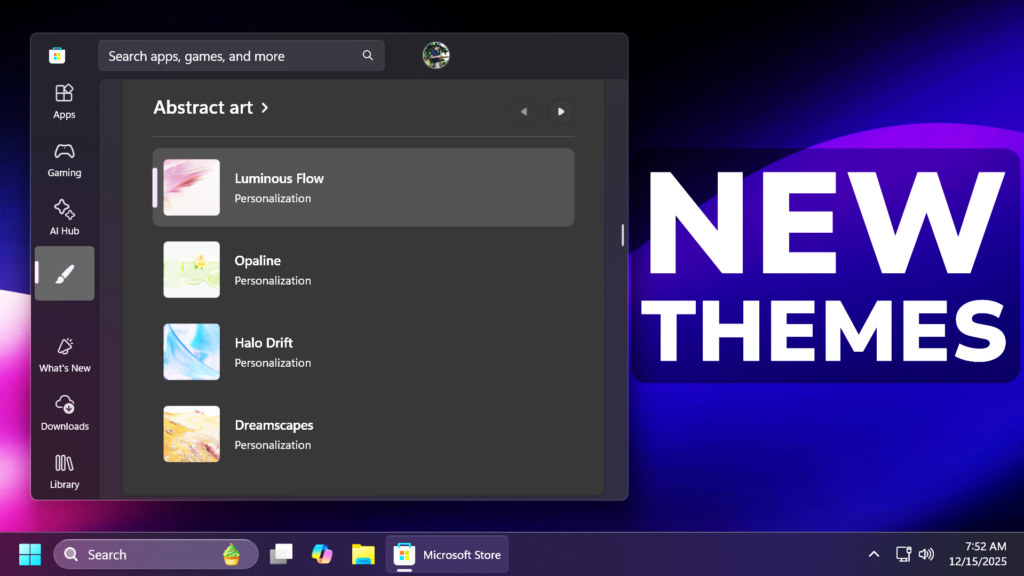
In this article, we will talk about the New Windows 11 Official Themes and How to Get them.
Microsoft is beginning to rollout a new Themes department in the Microsoft Store on Windows, where visitors can quickly find curated and trending themes to customize their Windows devices with a single click.
Maybe you’re a gamer who wants to celebrate the latest release, a fan who finds joy in seeing beloved characters each morning, a designer searching for an artfully composed background that sparks creativity every time you log in, or someone who simply wants their desktop to feel fresh and uplifting. The desire to make your device truly yours is universal. Applying a new look is simple: just one click, and your Windows device reflects your personality.
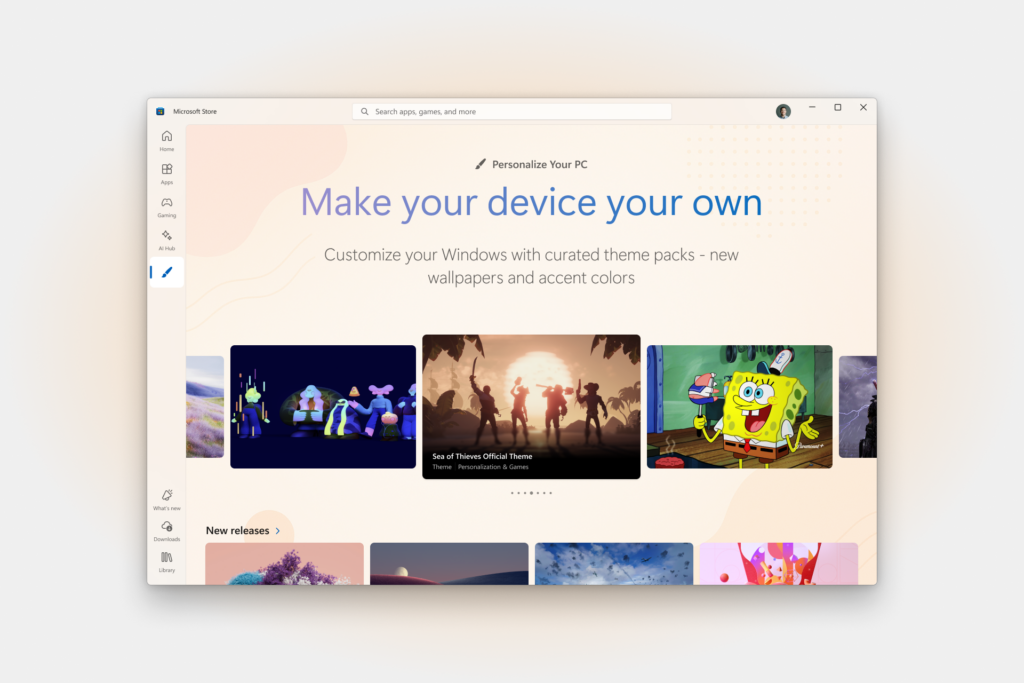
The new Themes department in the Microsoft Store on Windows hosts over 400 themes, over 35 of which are new to the store, each a collection of wallpapers and accent colors which can change over time, making it easier than ever to personalize your device.
Also, Microsoft is stating that the new Themes department is just the beginning step toward making every device a true reflection of its owner.
For more information and the most popular themes, you can check this article from the Microsoft Blog.
For a more in-depth presentation of the New Themes, you can watch the video below from the youtube channel.
 9
9
 20
20

