
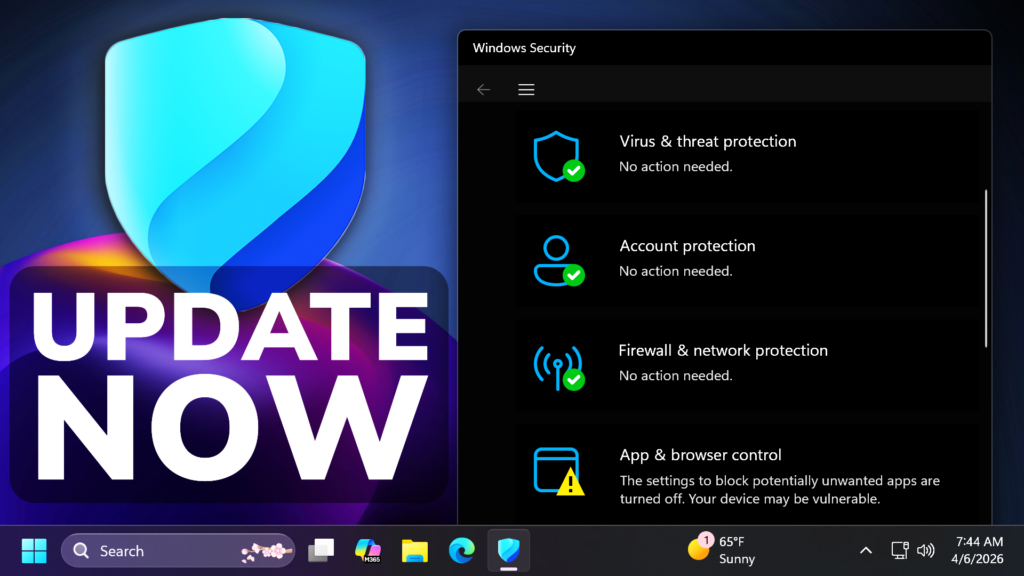
In this article, we will talk about a New Windows 11 Warning that can be displayed in the Windows Security App for Expiring Secure Boot Certificates in April 2026.
Starting in April 2026, the Windows Security app displays additional information about the status of Secure Boot certificate updates on your device. You can find this under Device security > Secure Boot.
Microsoft Secure Boot certificates, originally issued in 2011, are approaching expiration in 2026. Updated 2023 certificates are being delivered automatically through Windows Update. The Windows Security app now shows whether your device has received these updates, what your current status is, and whether any action is needed.
Secure Boot certificate states you might see include the following:
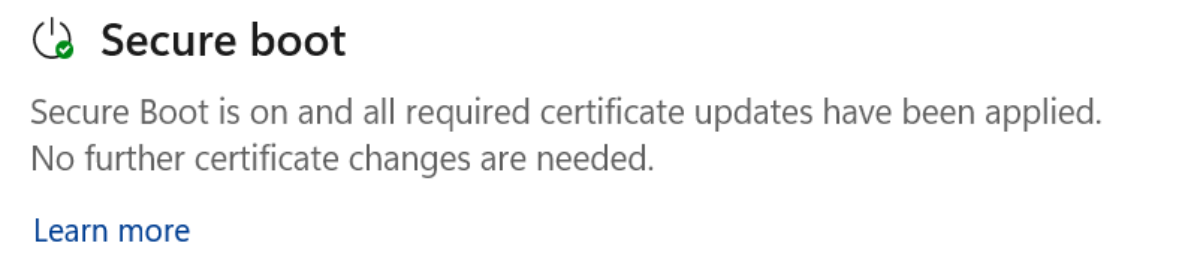
Fully Updated
Your device has received all required Secure Boot certificate updates, and the updated Boot Manager has been installed. No action is needed. The Secure Boot badge shows a green checkmark.
Not yet Updated
Your device is running with an older Secure Boot certificate. The Secure Boot certificate update is expected to be applied automatically through Windows Update. Make sure your device is connected to the internet and has the latest Windows updates installed.
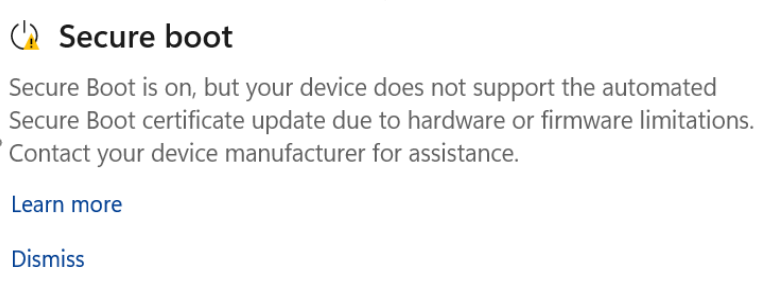
Starting in May 2026, in addition to informational text about your device’s Secure Boot status, a yellow caution badge might appear if additional action is required. This can happen when the update is blocked by a device’s hardware or firmware limitation.
Requires action
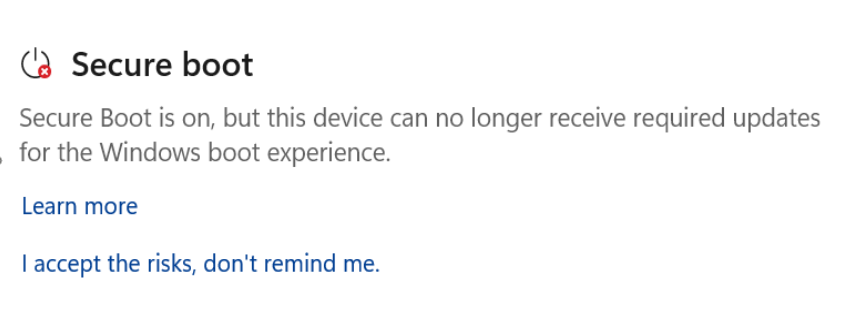
A security update exists for the Windows boot experience that cannot be delivered to your device’s current boot configuration. This state appears only after a security vulnerability that affects the boot process is discovered and cannot be serviced on devices that have not yet received the updated certificates. This could occur as early as June 2026, when some of the current Secure Boot certificates begin to expire. When this occurs, the Secure Boot badge changes to a red stop icon.
These feature enhancements are rolling out automatically starting in April 2026. When these features are enabled on your device, you’ll see Secure Boot certificate status inside the Windows Security app (Windows Security > Device security > Secure Boot), including visual indicators that reflect the current state.
Beginning in May 2026, additional improvements will become available, including notifications outside the app (such as system alerts) and additional in‑app guidance and controls to help you respond to Secure Boot warnings.
For more information related to these warnings, you can check this article from the Microsoft Support Website.
For a more in-depth presentation of the New Warnings, you can watch the video below from the youtube channel.
 9
9
 20
20

