
In this article, we will talk about how to Optimize Windows 11 25H2 by Removing Bloatware, AI and other Settings.
In this article, we will use Winslop, which is a Viral Tool that allows us to do all these steps automatically.
The App has been around for a while, but haven’t made a guide about it because it still had quite an unfriendly interface. Well that changed recently, as the creator of Winslop has redesigned the App using WinUI3.
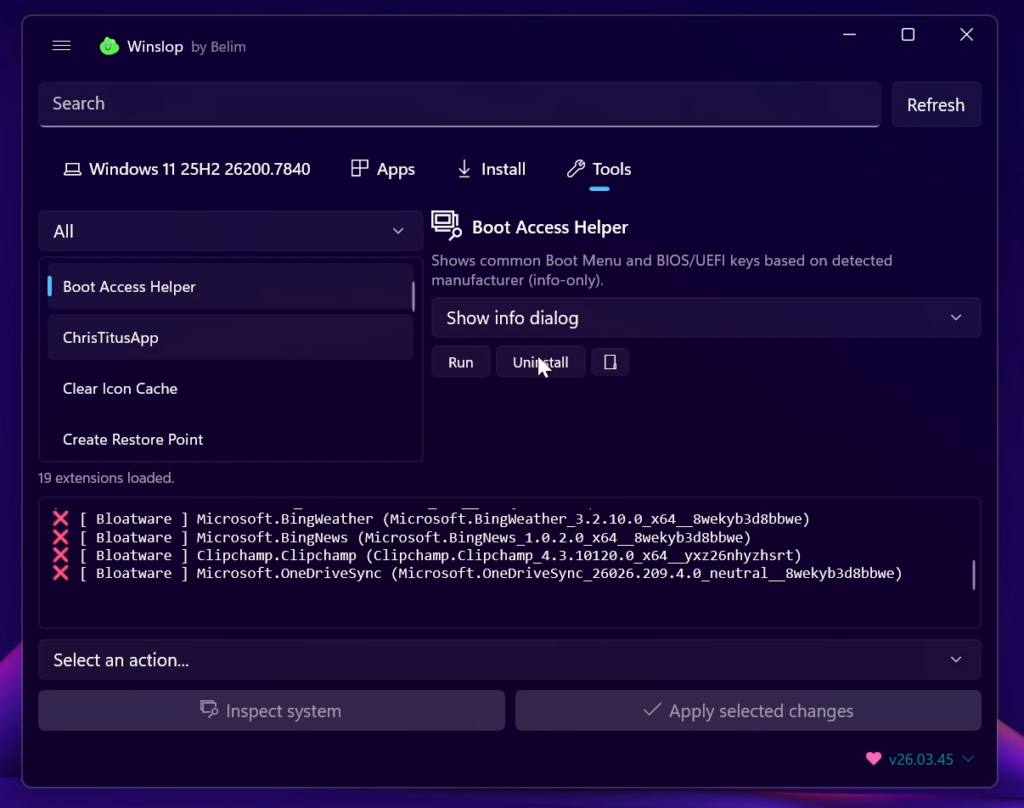
The App has different sections that will help you remove the “slop” from Windows 11.
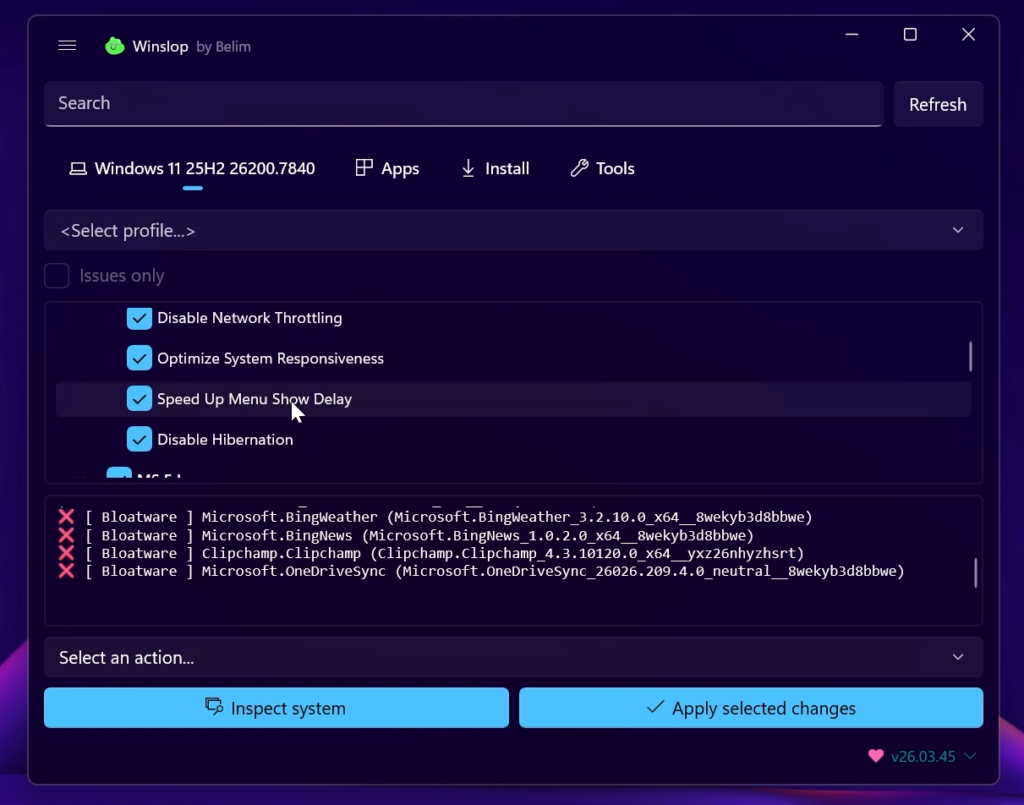
In the Main Interface you will have all the general settings that you can customize, such as removing Ads, Bloatware, AI and more.
You can Customize all the Settings to your liking and make sure to go through all of them before running the App.
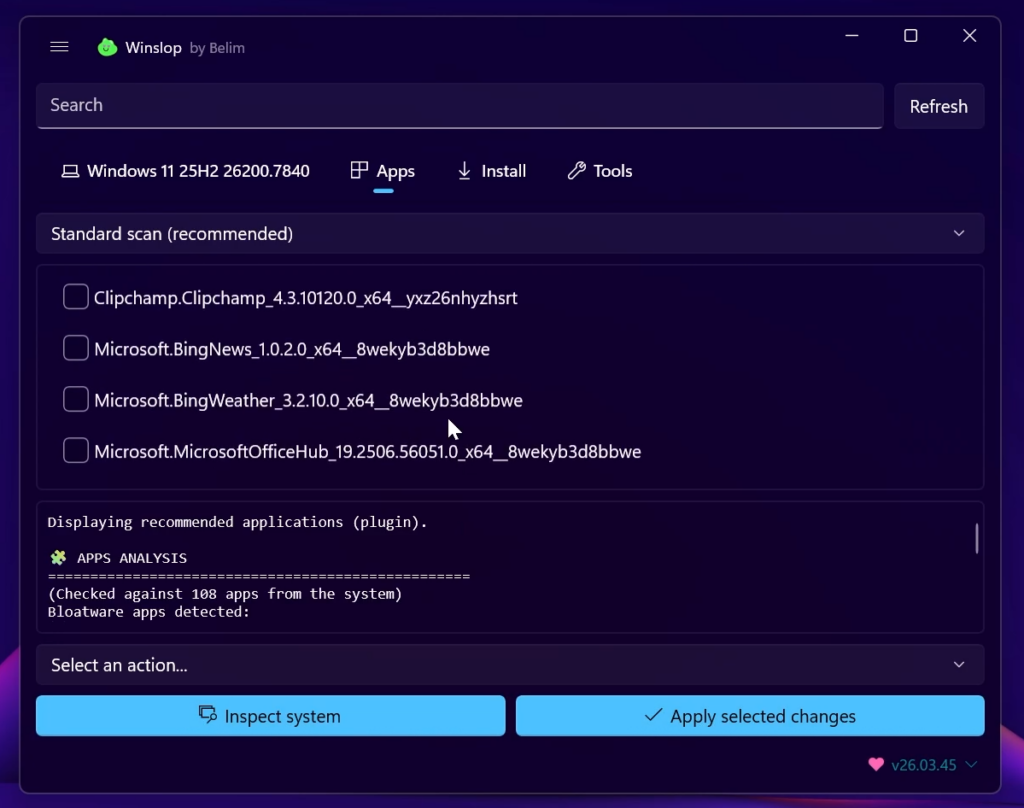
You also have another section that allows you to remove certain unwanted Apps from Windows 11.
You will need to Scan your Computer first and then you will be able to see the Bloatware that you can remove.
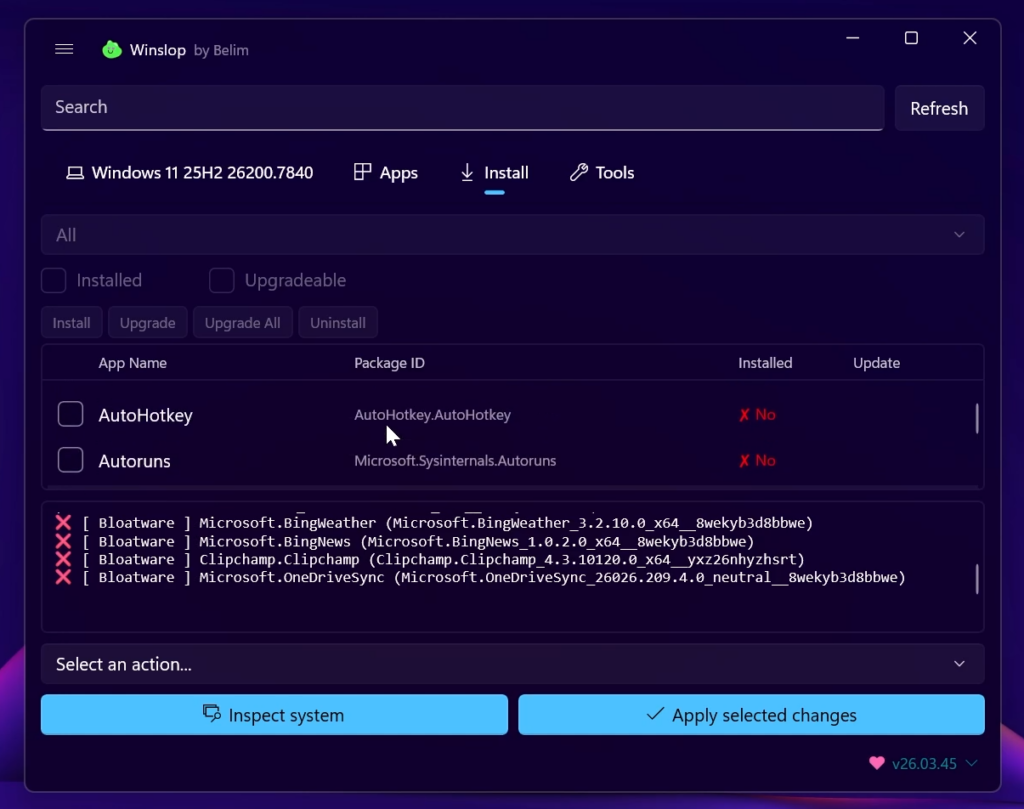
The Install Section allows you to install certain useful Apps for Windows 11.
This will include a lot of small Apps that improve Windows 11, for example AutoHotkey or Autoruns.
Finally you also have the Tools Section, that gives you access to some of the most popular tools for Windows 11, such as the ChrisTitusApp.
For an in-depth tutorial about Winslop, you can watch the video below from the Youtube Channel.
 9
9
 20
20

