
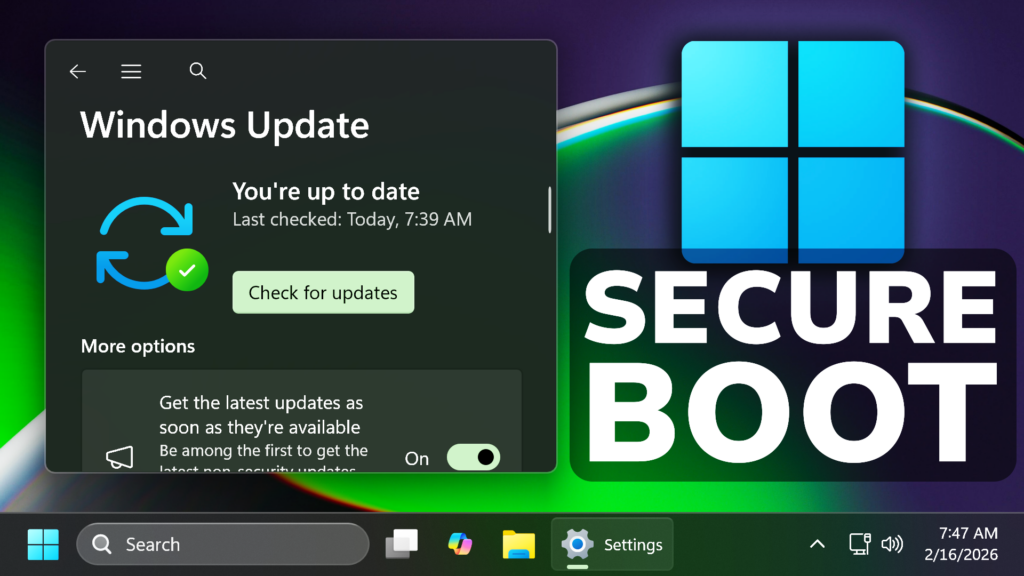
In this article, we will talk about the Windows 11 Secure Boot Certificates that are expiring in 2026 and what you need to do.
In the latest Updates for Windows 11 in the Main Release, Microsoft is announcing that the Secure Boot Certificates are expiring in 2026.
As stated by Microsoft, Secure Boot certificates used by most Windows devices are set to expire starting in June 2026. This might affect the ability of certain personal and business devices to boot securely if not updated in time.
Secure Boot is a security feature in Unified Extensible Firmware Interface (UEFI) based firmware that helps ensure that only trusted software runs during a device’s boot (start) sequence.
Microsoft is updating the Secure Boot certificates originally issued in 2011 to ensure Windows devices continue to verify trusted boot software. More info here.
If you don’t get these New Secure Boot Certificates you can expect the following:
- New Secure Boot and Boot Manager protections cannot be applied.
- Vulnerability fixes for the early boot environment – such as BitLocker bypass mitigations or Secure Boot revocations – will not be available.
- Some third‑party components that rely on Microsoft Secure Boot trust may fail to update if they require newer certificate entries.
Most personal Windows devices will automatically receive the new Secure Boot certificates through Microsoft‑managed updates. For devices managed by an organization, IT administrators should follow Microsoft’s Secure Boot certificate update guidance. Some devices may require an OEM firmware update to apply the new certificates correctly. For any device, personal or organization‑managed, contact your OEM for information about required firmware updates, keeping in mind that such updates may only be available for devices that are still within their support period. Keeping your device up to date ensures it continues to receive the full protections Secure Boot is designed to provide.
For additional information from Microsoft, you can check this article from the Microsoft Blog.
For a more in-depth explanation, you can watch the video below from the youtube channel.
 9
9
 20
20

