
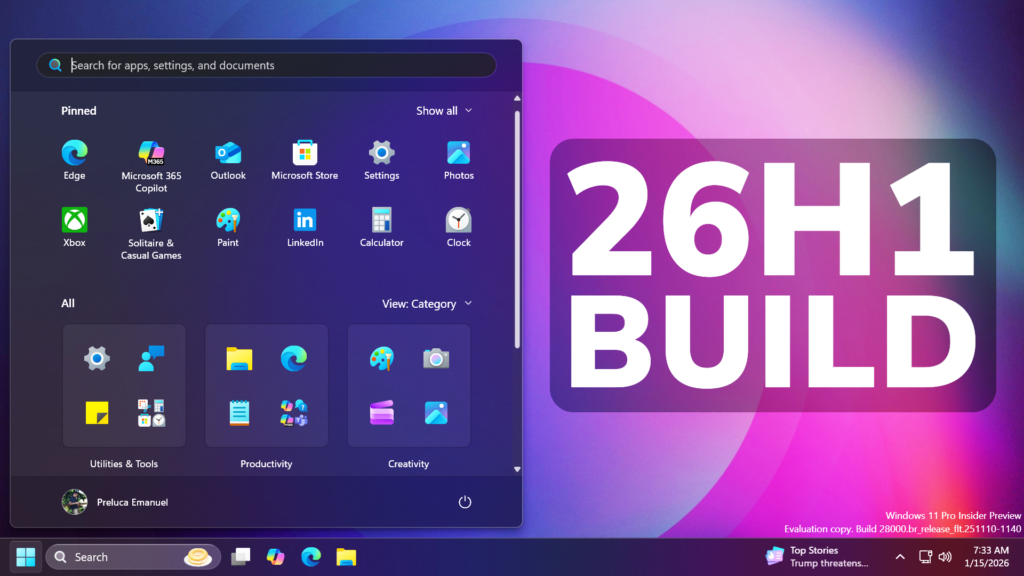
In this article, we will talk about another Preview Build for Windows 11 26H1, with the Build 28020.1371 or KB5073097 in the Canary Channel.
In the latest Build for the Canary Channel, you may notice the New Windows 11 26H1 Version, which is a New Version that Microsoft is using to test the New Platform for the upcoming Qualcomm Snapdragon X2 Devices and Nvidia N1X Processors.
26H1 is not a feature update for version 25H2 and only includes platform changes to support specific silicon. There is no action required from customers.
25H2 remains the primary place for new features. Windows 11 continues to have an annual feature update cadence, with releases in the second half of the calendar year.
As a reminder, in the Windows Insider Program, new experiences will continue to land first in the Dev and Beta Channels, with Canary primarily focused on platform changes.
In other words, Microsoft is testing the New Features that will make their way into the Main Release in the second part of 2026, with the 26H2 Update.
New Discover Widget
Microsoft is introducing a new Discover Windows widget on Windows 11. This widget helps you learn about Windows features with short, helpful tips that appear right when you need them.
Fixes in this Build
Start Menu
- Fixed an issue where selecting something from inside a folder of pinned items in Start menu, could lead to the whole folder becoming invisible in Start menu.
File Explorer
- Fixed an issue causing File Explorer to show a white flash when navigating between pages for some Insiders after the previous flight.
Input
- Fixed an issue where the keyboard character repeat delay in Settings > Bluetooth & Devices > Keyboard was backwards from how it was set in the backend.
Other
- Fixed an underlying issue that could lead to your PC freezing where attempting to run Windows Terminal elevated from a non-admin account.
- Fixed an issue where the Share dialog might unexpectedly show an option to share to Shell Experience Host.
For more information about this Build, you can check this article from the Microsoft Blog.
For a more in-depth presentation of the New Build, you can watch the video below from the youtube channel.
 11
11
 20
20

