In this article, we will talk about the latest Windows 11 25H2 Insider Preview Build for the Beta Channel, which is the Build 26220.9223.
Microsoft is moving to two primary channels, with the advanced option to pick specific Windows core versions within those. The new channels are Experimental and Beta.
Beta is a refresh of the previous Beta Channel and previews what Microsoft plans to release in the next few weeks. The big change: Microsoft is ending gradual feature rollouts in Beta. When they announce a feature in a Beta update and you take that update, you will have that feature. You may occasionally see small differences within a feature as they test variations, but the feature itself will always be on your device.
New Maximised Apps by Default
Microsoft is also introducing a new accessibility setting, Open apps maximized, that automatically maximizes app windows when they open, so you no longer have to do it yourself every time.
To turn it on, go to Settings > Accessibility > Visual effects, and turn on Open apps maximized. Once enabled, Windows maximizes app windows for you as they open.
New File Explorer File Previews
PDF and non-HTML files downloaded from the web can now be previewed automatically in the preview pane.
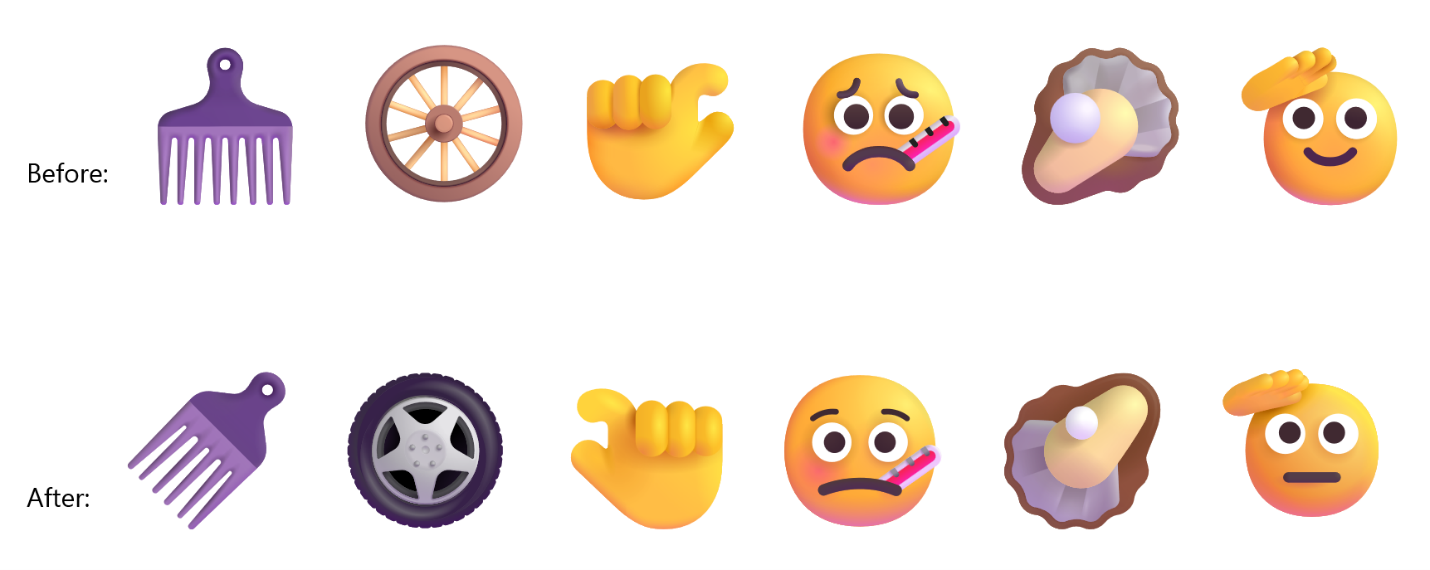
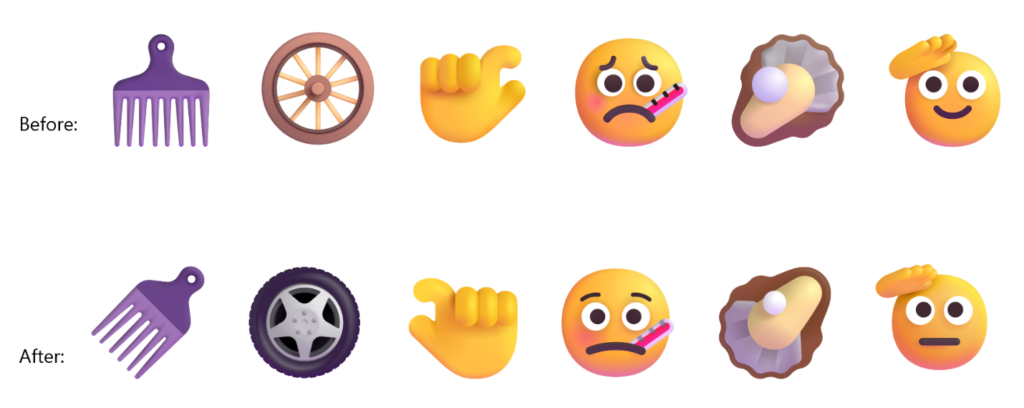
New Emoji 17.0
- Microsoft is adding support for Emoji 17.0. This includes new emoji such as distorted face, fight cloud, and hairy creature. To try the new emoji, press the Windows key plus Period (.) to open the emoji panel and insert them from there.

- As part of this effort, we’ve also made some slight adjustments to the design of some of our current emoji to improve consistency across platforms. This includes the saluting face, face with peeking eye, goose, lotus, and kissing cat emoji.
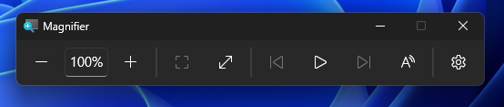
New Magnifier
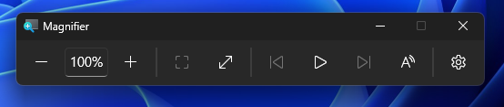
- Microsoft is giving Magnifier’s toolbar a modernized visual refresh.
- Updated icons. We’ve updated Magnifier’s toolbar icons to align with Windows 11 visual design, giving the tool a cleaner, more modernized feel.
- Refined spacing and padding. We’ve adjusted the padding and spacing across the toolbar for a more polished, consistent layout.
- What’s not changing: The way Magnifier works. Your views, zoom controls, keyboard shortcuts, and Read Aloud all behave exactly as they did in earlier versions.
New Microsoft Store Update
This update provides support for in-app purchases in packaged WinUI 3 apps that require elevation, helping developers offer purchases through Microsoft’s integrated commerce platform.
For more information about this Build, you can check this article from the Microsoft Blog.
For a more in-depth presentation of the New Build, you can watch the video below from the youtube channel.
 11
11
 20
20