
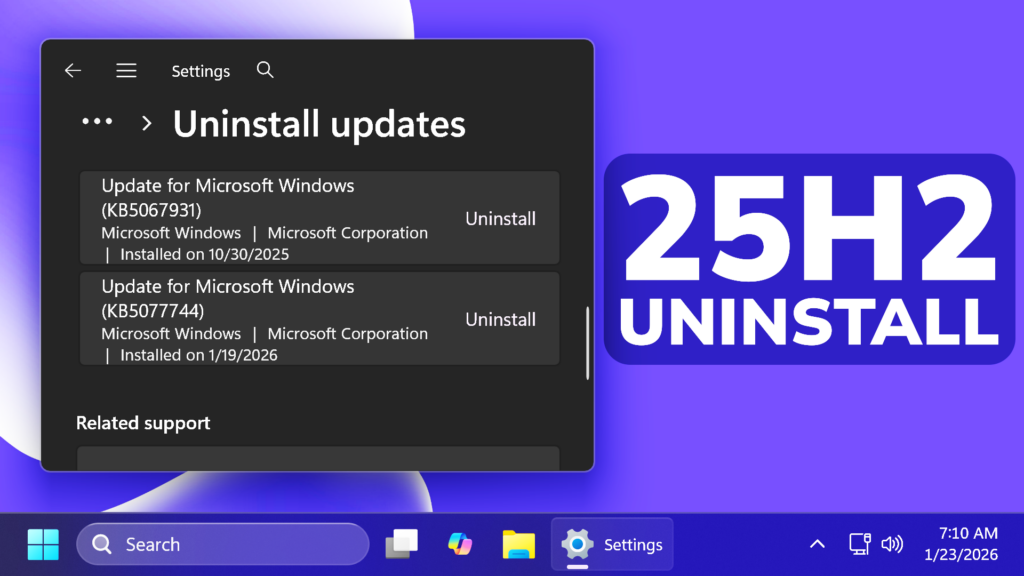
In this article, we will talk about the New Windows 11 25H2 Problem which Forces Microsoft to Recommend Update Uninstall.
Microsoft has released the Patch Tuesday Update on January 13, which caused a few Issues and then on January 17 they also released an Out of Band Update which fixed a few of those issues.
The problem is that in the original Update from January 13 there is an issues that Microsoft hasn’t fixed yet and one of the workarounds that Microsoft recommends is to completely uninstall the update.
The issue is that after Windows updates on January 13, 2026 users with Outlook POP account profiles and profiles with PST files report that Outlook hangs and does not exit properly. This issue may occur for any Outlook profile that has PSTs stored on OneDrive.
Some of the symptoms include Outlook hangs and shows “Not Responding”, Inability to reopen Outlook, Emails not appearing and Outlook redownloading emails.
The affected platforms are:
- Client: Windows 11, version 25H2; Windows 11, version 24H2; Windows 11, version 23H2; Windows 10, version 22H2; Windows 10 Enterprise LTSC 2021; Windows 10 Enterprise LTSC 2019
- Server: Windows Server 2025; Windows Server, version 23H2; Windows Server 2022; Windows Server 2019
The Official Status for this Issue is that Microsoft has confirmed this issue and is currently investigating it.
Some of the workarounds recommended by Microsoft:
- Use webmail.
- Move PSTs out of OneDrive. For more information, please go to How to remove an Outlook .pst data file from OneDrive.
- Remove the Windows Update. For more information, please go to How to uninstall a Windows Update.
How to Uninstall the Update
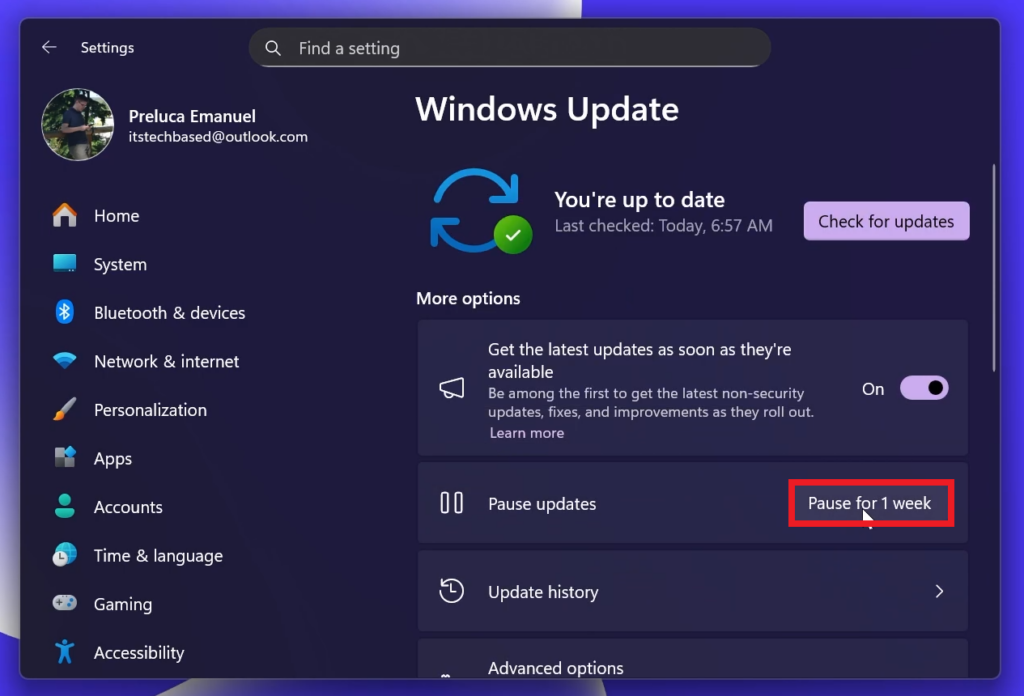
Make sure to open the Settings App, then Windows Update and then click on Pause Updates (so that the Update won’t reinstall after uninstalling it)
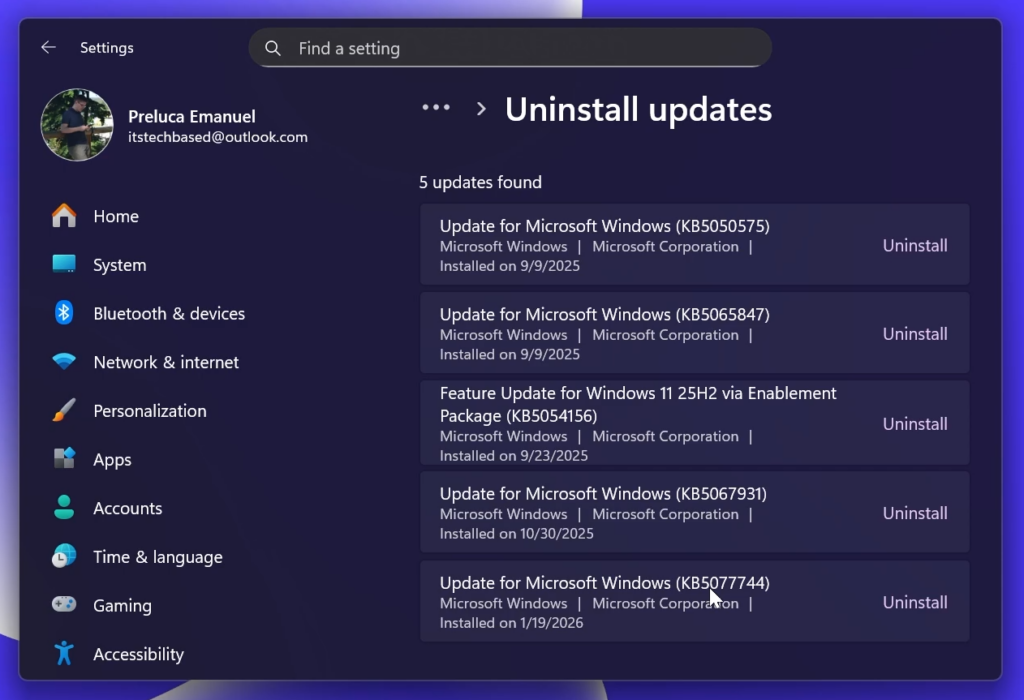
Then go to Update History and then Uninstall updates.
From here, if you have the Out of Band Update KB5077744 from January 17 installed, make sure to uninstall that first and then the original KB5074109 Update from January 13.
For more information about this, you can check this article from the Microsoft Blog.
For a more in-depth tutorial, you can watch the video below from the youtube channel.
 11
11
 20
20

