
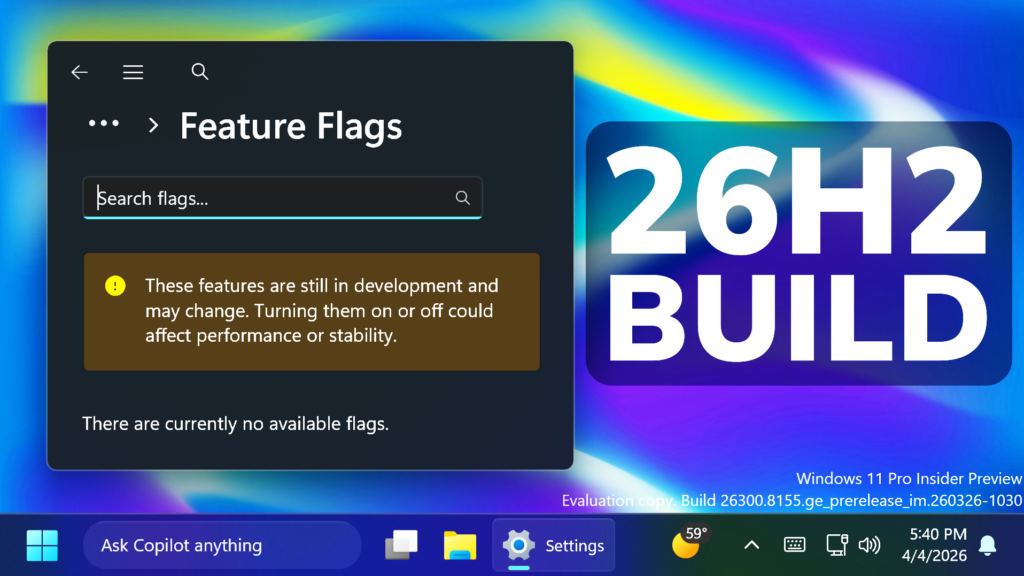
In this article, we will talk about the latest Preview Build for Windows 11 26H2 in the Dev Channel, which is the Build 26300.8155.
Starting recently, the Dev Channel is jumping ahead to receive 26300 series builds. This means that the window to switch from the Dev Channel to the Beta Channel is closed once Build 26300.7674 is installed. If you are in the Dev Channel today and still want to switch to the Beta Channel at the last minute, when Build 26300.7674 is offered you can pause updates in Windows Update and switch your channel to the Beta Channel and un-pause updates.
These 26300 series builds will contain many of the same features and improvements as the 26220 series builds that will continue to be released in the Beta Channel. Over time, we will be making behind-the-scenes platform changes in each build so they may have different known issues because of those changes.
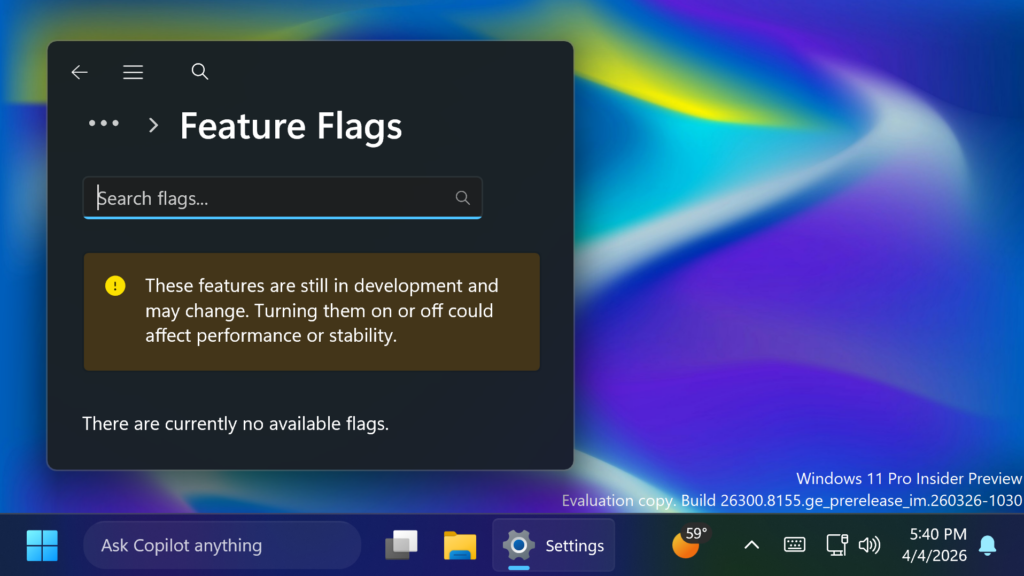
New Feature Flags
Microsoft is adding the Feature Flags Option in Settings > Windows Update > Windows Insider Program. This will allow you to enable slowly rolling out features, without the need to use tools like Vivetool.
New Input Feature
Users will be able to feel haptic feedback effects on compatible input devices while performing certain actions, such as aligning objects in PowerPoint, window snapping, resizing, or hovering over the Close button. These haptic effects can be configured in Settings under Bluetooth & devices > Mouse > Haptic signals.
New Xbox Mode
- Xbox full screen experience is now Xbox mode
- Microsoft added an improved first run experience when entering Xbox mode
Other Improvements
- Improved performance of launching startup apps after boot (apps which display under Settings > Apps > Startup).
- Fixed an issue resulting in certain apps not being able to sign in recently, citing an internal connection issue when internet was actually connected.
- Fixed an underlying crash impacting some Insiders’ ability to print with the latest flights.
For more information about this Build, you can check this article from the Microsoft Blog.
For a more in-depth presentation of the New Build, you can watch the video below from the youtube channel.
 11
11
 20
20

