
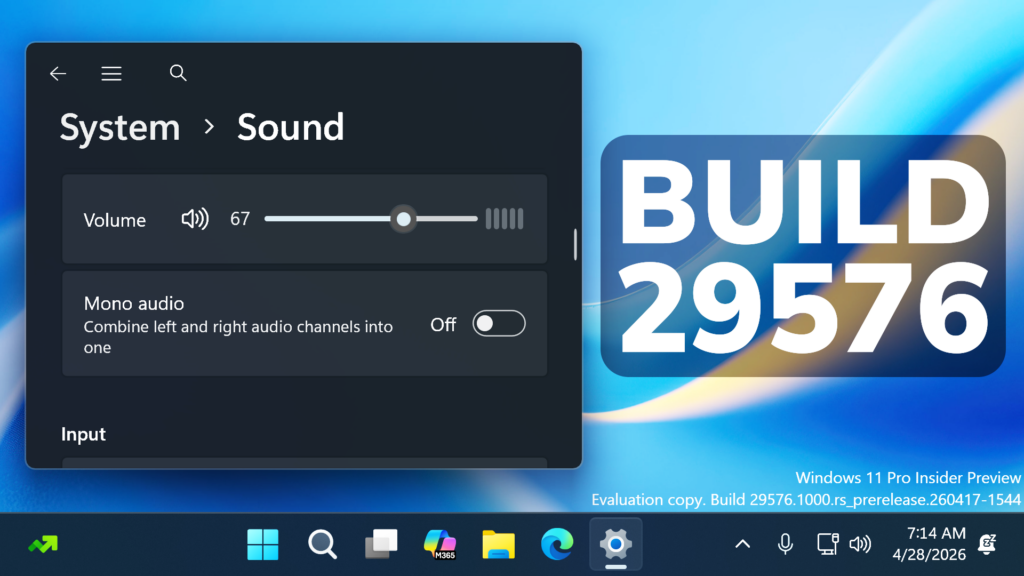
In this article, we will talk about the latest Windows 11 Insider Preview Build for the Canary Channel, which is the Build 29576.
Microsoft has split the Canary Channel in 2 different Update paths. As Microsoft is stating, this will help them validate platform changes at different stages while continuing to deliver new features and experiences to Insiders in the Canary channel.
What is the purpose for the 2 Update Branches:
- 28000 Builds for Version 26H1 will continue releasing previews for the New X2 Platform Devices (not everyone will get this Update)
- 29500 Builds for the Next Windows 11 Version (most likely 27H2) will be released as previews for the New Platform Krypton, which will most likely be released for everyone in 2027
Going forward, each Canary Channel build will be announced in its own blog post, so you’ll always know exactly what’s new and what to expect.
If you are an Insider in the Canary Channel, note that when you are updating to this New Optional Platform, you will no longer be able to go back without a system reinstall.
The New Builds will be very unstable, as they are testing this New Platform, so if you don’t want to take the risk, make sure to stick to the 28000 Builds for Windows 11 26H1.
RIP Canary, New Future Platforms
In the latest Changes, Microsoft has completely revamped the Windows Insider Program and the Canary Channel, will now be the Future Platforms Section of the New Experimental Channel.
More info about these Changes can be found in this article.
New Sound Settings
- Microsoft has updated the design of the volume slider, so now if there is audio actively playing it will be displayed on the side.

- If your audio device supports hardware acceleration, an option to allow hardware acceleration has now been added to the Advanced section in Properties that device.
- Configuring exclusive mode for an audio device is now available in the Advanced section of the Properties for that device, so you don’t have to navigate to Control Panel to do it.
- Configuring adaptive communication sound levels (reducing volume of other sounds when communications activity is detected) is now available directly in Settings, so you don’t have to navigate to Control Panel to do it.
- The option to set an audio device as default sound device for communication will now always display in Properties, just greyed out if the device is already the default (rather than the control hiding in this case).
New Point-in-time Restore
Point-in-time restore for Windows empowers you to quickly roll your device back to a previous state — helping minimize downtime and simplify troubleshooting when disruptions strike. Whether you’re dealing with a widespread outage or a one-off issue, point-in-time restore helps recover your system (including apps, settings, and user files) to get you back to productivity faster. For more details, check out our documentation.

New Task Manager Changes
- Microsoft is updating Task Manager to provide better insight into NPU usage for PCs that include an NPU. New optional NPU and NPU Engine columns are now available on the Processes, Users, and Details pages. The Details page also adds NPU Dedicated Memory and NPU Shared Memory optional columns to give you deeper visibility into how workloads are using NPU resources. Additionally, if there are neural engines that are part of a GPU, they will now appear on the Performance page, providing a more complete view of AI‑related system activity.
- They are also adding a new optional Isolation column to the Processes and Details pages, allowing you to see which apps are running in an AppContainer.
Other Fixes
Fixed an underlying issue causing some rendering issues in certain apps with recent Canary flights.
For more information about this Build, you can check this article from the Microsoft Blog.
For a more in-depth presentation of the New Build, you can watch the video below from the youtube channel.
 11
11
 20
20

