
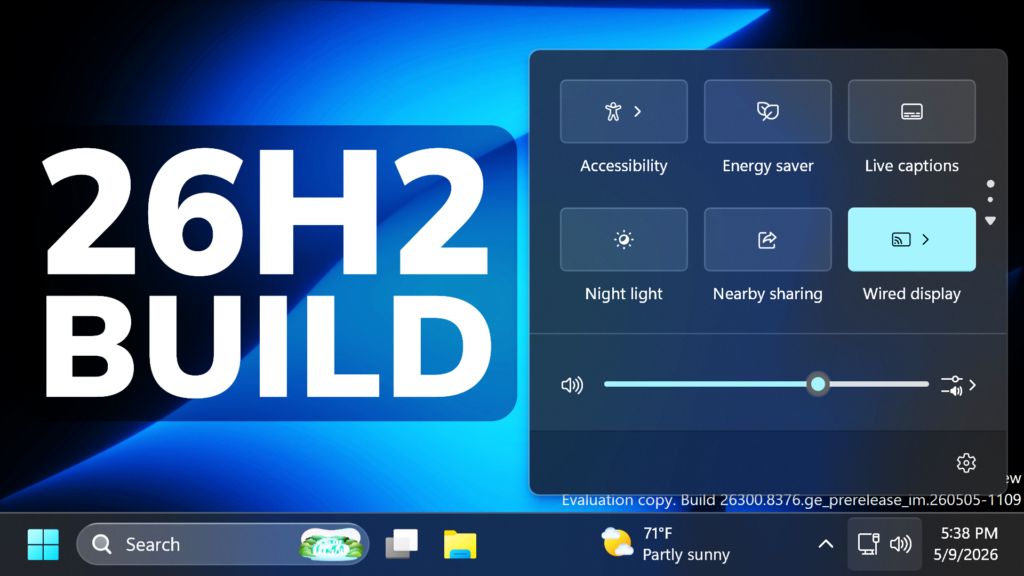
In this article, we will talk about the latest Preview Build for Windows 11 26H2 in the Dev Channel, which is the Build 26300.8376.
These 26300 series builds will contain many of the same features and improvements as the 26220 series builds that will continue to be released in the Beta Channel. Over time, Microsoft will be making behind-the-scenes platform changes in each build so they may have different known issues because of those changes. These Builds are previewing Features that will be part of Windows 11 26H2, the Big Annual Release for 2026.
New Performance Boost Feature
In the latest Windows 11 Insider Preview Build for the Experimental Channel, Microsoft is testing a New Hidden Feature, called the Low Latency Profile, that uses the CPU to its Max frequency in short periods of time to launch apps or use Windows Features (Start Menu, Context Menu etc.)
This New Feature can improve launch speed for Apps by 40% and Windows in general by 70%.
The only downsides that we can name are a small heat increase for the CPU and lower battery life for laptops.
For more information about this New Feature and How to Enable it, you can check this article.
New Touchpad Settings
- Scroll / zoom speed: control the baseline speed for these gestures
- Automatic scrolling: scrolling continues indefinitely without lifting your fingers. Activate by either bringing your fingers near the edge of the touchpad while scrolling, or holding them still and pressing harder (requires hardware support).
- Accelerated scrolling: repeatedly scrolling increases their speed, allowing quick traversal of long documents.
- Single-finger scrolling: perform a vertical scroll with a single finger starting from the left or right side of the touchpad.

New File Explorer Address Bar Improvements
- The address bar now supports paths containing double backslashes and quotation marks (for example, C:\Users\user or “C:\Users\user”), improving compatibility with a wider range of inputs.
- Improved reliability of the Address Bar suggestion dropdown so it now consistently closes after an item is selected.
New File Explorer More Readable File Size Formatting
File sizes in the Details view now display using appropriate units (KB, MB, GB) instead of KB-only, making them easier to understand at a glance.
New File Explorer Rename Experience
- Fixed an issue where text would be repeatedly selected while renaming items in folder views.
- Fixed an issue where updated names (case-only changes) were not immediately reflected in folder views across local and cloud storage.
New File Explorer Improved Context Menus
Improved keyboard navigation of File Explorer context menu in flyouts.
New File Explorer Refresh Option
New File Explorer Print and Create Shortcut Options
New Upgrade to Windows 11 Pro Education Edition
Windows Insiders in K–12 education environments can now experience a seamless upgrade path from Windows 11 Home to Windows 11 Pro Education edition—at no additional cost. This enables educational organizations to procure Windows 11 Home devices, upgrade them to Windows 11 Pro Education, and bring devices under school management.
More information in this article from Microsoft.
New Administrator Protection
Improved reliability of Japanese IME usage when Administrator Protection is enabled.
Apps Crashes Fix
Fixed a WPN hang in the previous flight, which was leading to notification issues and certain apps hanging on launch.
Desktop App Icons Improvements
Improved reliability of loading desktop app icon shortcuts.
For more information about this Build, you can check this article from the Microsoft Blog.
For a more in-depth presentation of the New Build, you can watch the video below from the youtube channel.
 11
11
 20
20

