
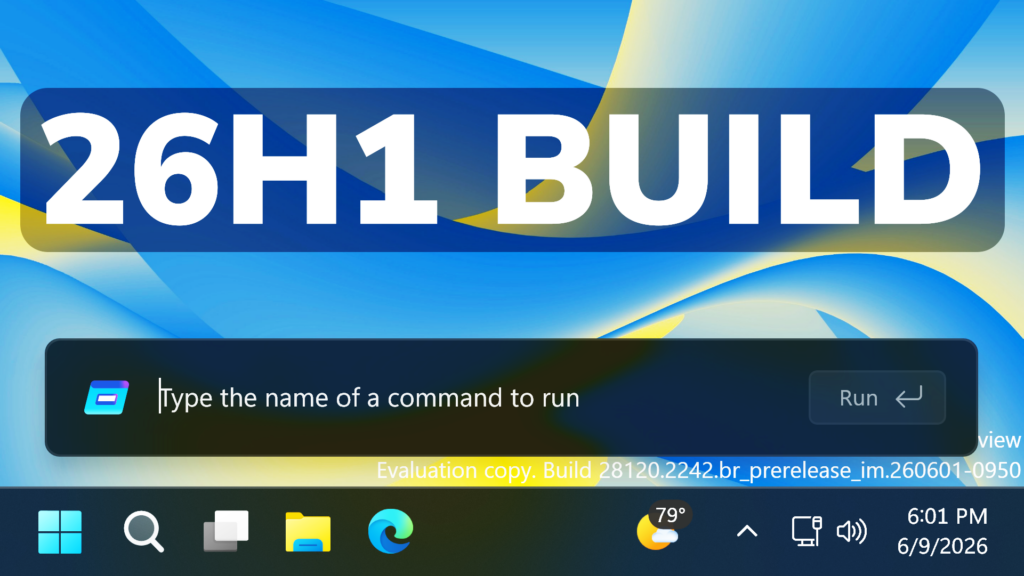
In this article, we will talk about another Preview Build for Windows 11 26H1, with the Build 28120.2242 in the Experimental Channel.
Starting today, Insiders in the Experimental (26H1) channel will begin receiving a new 28100 series build number, while we officially introduce a new Beta (26H1) channel based on the 28000 series builds. This enables our goal of giving Windows 11 26H1 Insiders the same choice between Beta and Experimental development branches, with the associated differences outlined in our original blog announcing the program changes. As part of that commitment, Insiders in Experimental (26H1) can easily switch to Beta (26H1), or vice versa, by simply switching the experience selection in Settings > Windows Update > Windows Insider Program. This entails a simple in place upgrade (IPU), meaning no clean reinstallation of Windows is required.
As a reminder, while Insiders do have the ability to specifically select Windows 11 version 26H1 under the Advanced options tab in the Windows Insider settings, Windows 11 26H1 is a targeted release of Windows supporting specific silicon launching this year, including Qualcomm Snapdragon X2 Series devices. It is generally otherwise recommended to stick with the default Windows core version selected within Advanced options.
New Windows Update Options
- Ability to skip updates immediately during the out of box experience (OOBE)
- Extend update pauses as many times as you need
- Always available options to shutdown and restart with updating
- More insight on available updates to make more informed installation decisions
New Startup Animation
Microsoft has also added the New Animation for Startup, Restart etc. in the 26H1 Branch, as a hidden feature.
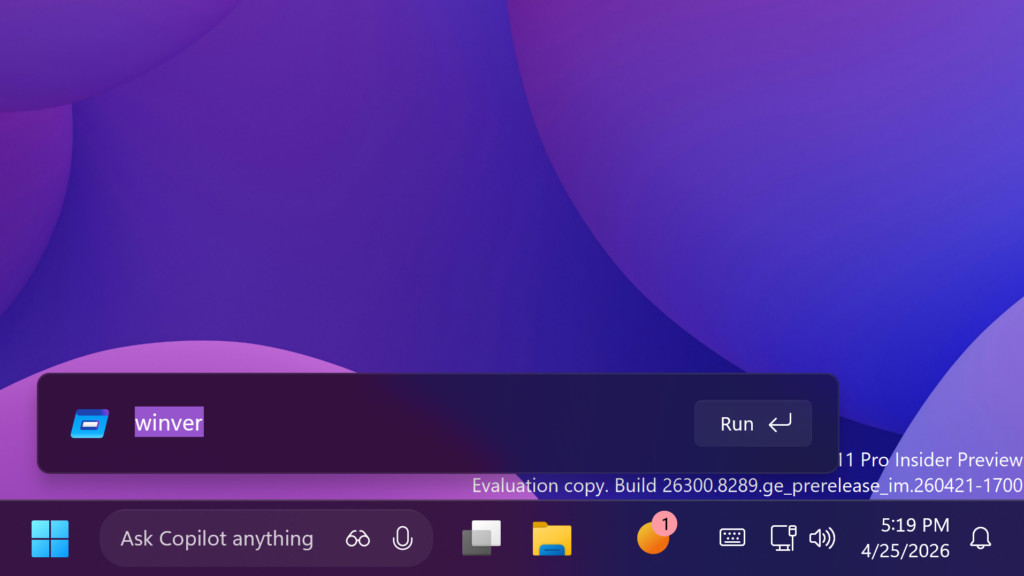
New Modern Run Dialog
The New Modern Run Dialog has also been updated to be more compact.
New Screen Tint Feature
Microsoft is also adding a New Section in Settings, that allows you to add a Screen Tint Effect to your screen.
New Administrator Protection
After resuming the rollout of Administrator protection as enabled by IT admins, we are also now rolling out the ability to enable Administrator Protection in Settings under Privacy & security > Windows Security > Account protection and switching the toggle to on. A restart will be required.
Multiple Desktops Improvement
Improved reliability of explorer.exe when closing the input switcher, and when switching between multiple desktops.
New Storage Changes
Microsoft has updated the dialog when creating a Dev Drive to now support specifying the size in GB instead of only MB. This has also been added when changing the size of volumes under Settings > System > Storage.
New Fonts Changes
The Times New Roman font family is updated to improve the rendering of combining diacritical marks across Greek and Cyrillic scripts. This update provides more accurate and visually consistent text by addressing mark positioning issues. As a result, readability is improved, rendering inconsistencies are reduced, and support for global language users working with Greek and Cyrillic text is strengthened.
Notifications Improvements
This update improves the reliability of Simple Service Discovery Protocol (SSDP) notifications to help prevent the service from becoming unresponsive.
Enable All New Hidden Features
New Pause Updates Feature in Settings:
vivetool /enable /id:61410885New Modern Run Dialog:
vivetool /enable /id:57156807,57259990,58381341,58527096New Startup Animation:
vivetool /enable /id:59728252New Screen Tint Feature:
vivetool /enable /id:60662124For more information about this Build, you can check this article from the Microsoft Blog.
For a more in-depth presentation of the New Build, you can watch the video below from the youtube channel.
 11
11
 20
20

