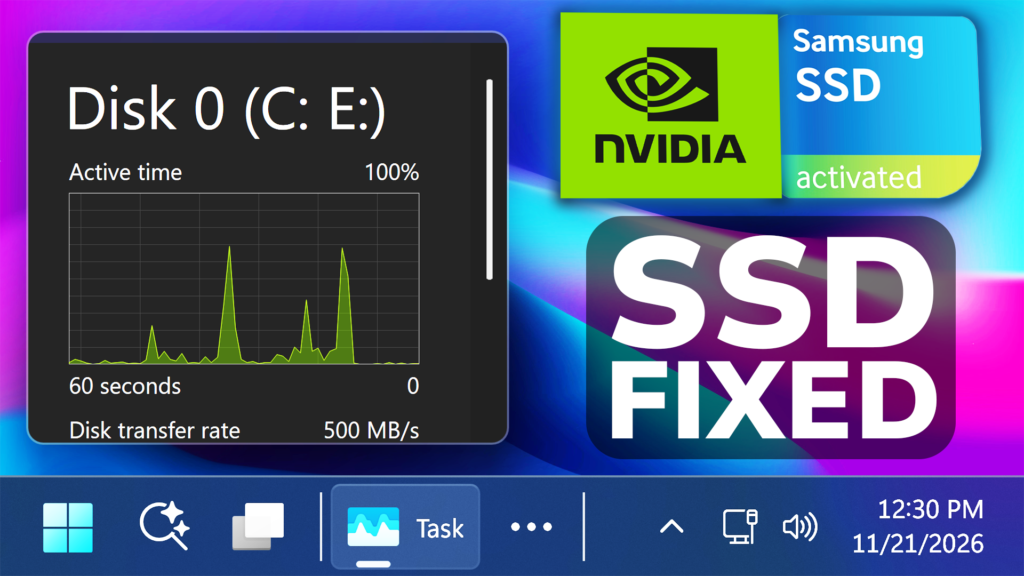
In this article, we will talk about the New Windows 11 NVIDIA Driver 621.35 that was just Released to Fix SSD Problems caused by the previous 2 Drivers.
With the recent issue that AMD GPU Drivers had, now it was NVIDIA’s time to have issue with its drivers and users were reporting that the latest 2 drivers can have up to 30GB of writes per hour causing unnecessary SSD wear. For more information about the Issue, you can check this article.
NVIDIA has now Released Hotfix Display Driver version 621.35, that fixes the Excessive writes to file nvlog.nvlgstg that may occur in background.
Download NVIDIA Hotfix Driver 621.35
What’s interesting, is that NVIDIA hasn’t Released this New Hotfix Driver on the NVIDIA App, so you have to manually get it from the Twitter Post or from their Customer Help Website.
NVIDIA is also explaining in their Official Post, that with the previous driver, excessive writes to file nvlog.nvlgstg might’ve occured in the background.
Certain users have already analyzed the New Hotfix Driver and it actually changes the number of places where diagnostic logs are emitted from 87 to 82. The log-saving mechanism remains unchanged, but five calls that emitted unnecessary diagnostic logs on the GPU driver side have been removed.
How to install
First of all, get the Hotfix Driver from the Twitter Post or from the Customer Help Website, and run the file to install it.
You will then go through a very simple process that will install the latest driver to your system.
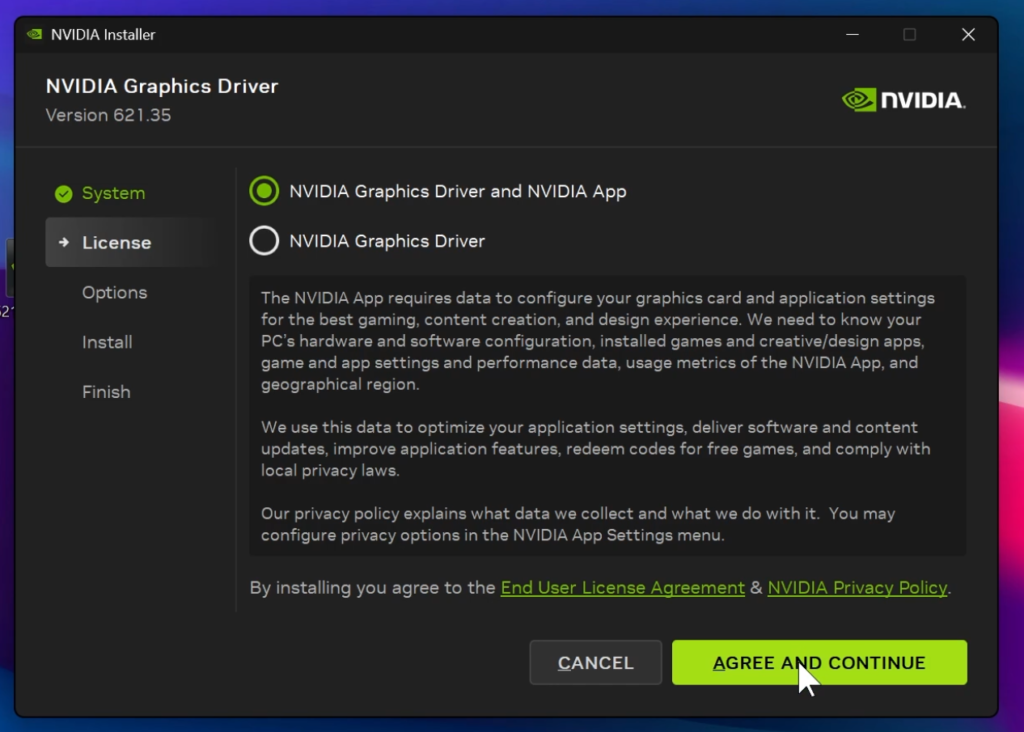
From the tests that I’ve done, at least on my side, there are no issues with the latest driver, but my advice would be for you to wait on an older driver version, at least for a couple of days, until we get more reports from people that have already updated.
For a more in-depth tutorial, you can watch the video below from the youtube channel.
 11

 20