
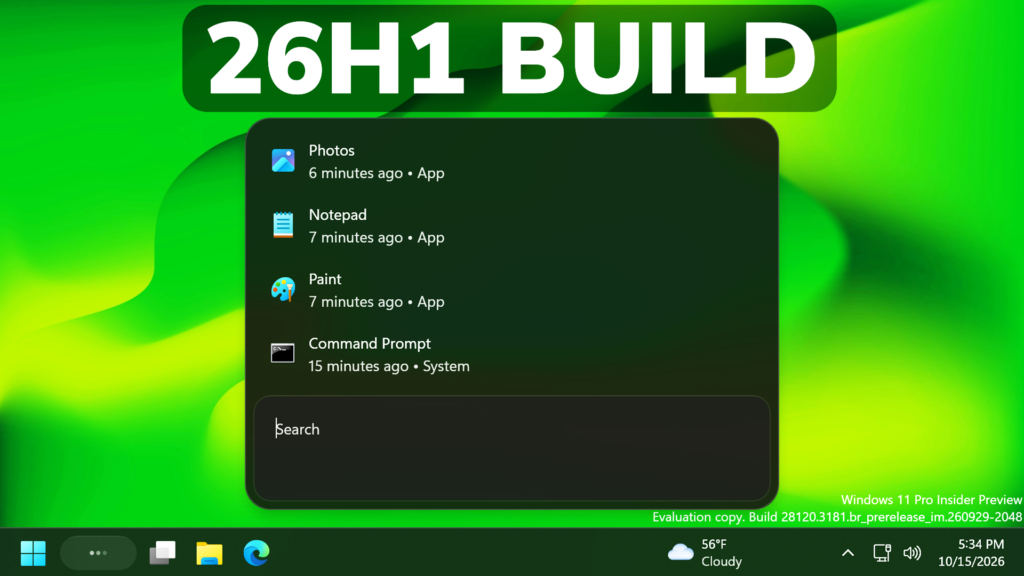
In this article, we will talk about another Preview Build for Windows 11 26H1, with the Build 28120.3181 in the Experimental Channel.
Insiders in the Experimental (26H1) channel will begin receiving a new 28100 series build number, while we officially introduce a new Beta (26H1) channel based on the 28000 series builds. This enables our goal of giving Windows 11 26H1 Insiders the same choice between Beta and Experimental development branches, with the associated differences outlined in our original blog announcing the program changes. As part of that commitment, Insiders in Experimental (26H1) can easily switch to Beta (26H1), or vice versa, by simply switching the experience selection in Settings > Windows Update > Windows Insider Program. This entails a simple in place upgrade (IPU), meaning no clean reinstallation of Windows is required.
As a reminder, while Insiders do have the ability to specifically select Windows 11 version 26H1 under the Advanced options tab in the Windows Insider settings, Windows 11 26H1 is a targeted release of Windows supporting specific silicon launching this year, including Qualcomm Snapdragon X2 Series devices. It is generally otherwise recommended to stick with the default Windows core version selected within Advanced options.
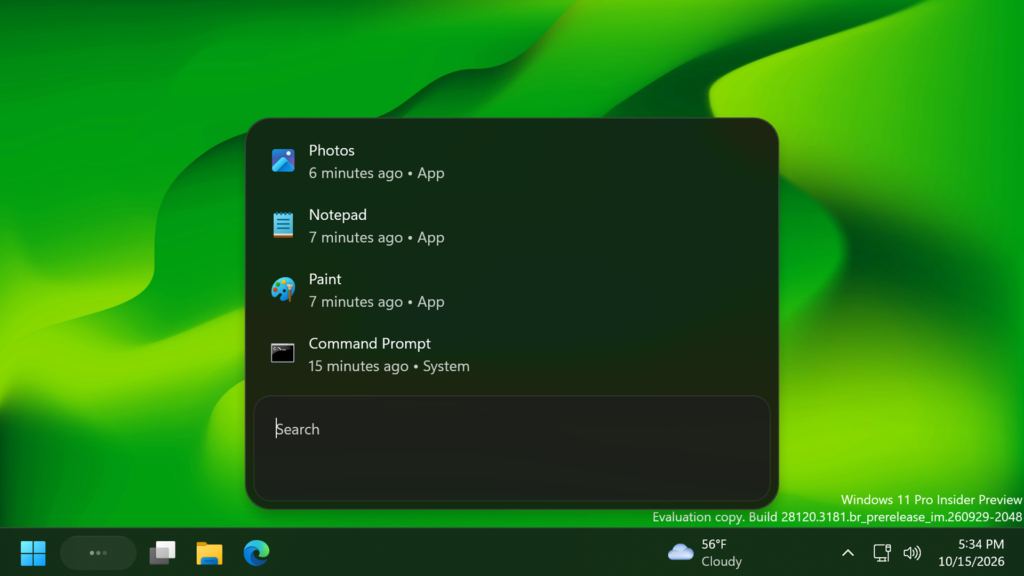
New Windows Search UI
- New Windows Search experience with inline actions: Microsoft is beginning to roll out a new Windows Search experience built on WinUI 3 that is faster, more efficient, and features a streamlined design that makes results easier to scan. We’re also introducing inline actions, allowing you to quickly complete tasks directly. Turn on dark mode or Bluetooth, adjust your screen brightness, mute your device, or arrange windows from Windows Search.
- They are improving how Windows Search understands what you’re looking for, including better matching for typos and synonyms. We’ll continue fine-tuning these improvements over the coming weeks. For more information detailing the new changes, check out the Windows Insider Blog.
- English is the only supported language for this initial release.
- After upgrading to this build, restart your device before the New Windows Search Experience feature flag is visible.
New Narrator Math Reading
Microsoft is adding math reading and navigation support in Narrator, bringing clearer and more natural math experiences to users who are blind or have low vision.
New Taskbar Improvement
Improved underlying state persistence of taskbar settings related to multiple monitors across monitor connections and disconnections.
For more information about this Build, you can check this article from the Microsoft Blog.
For a more in-depth presentation of the New Build, you can watch the video below from the youtube channel.
 11
11
 20
20

