
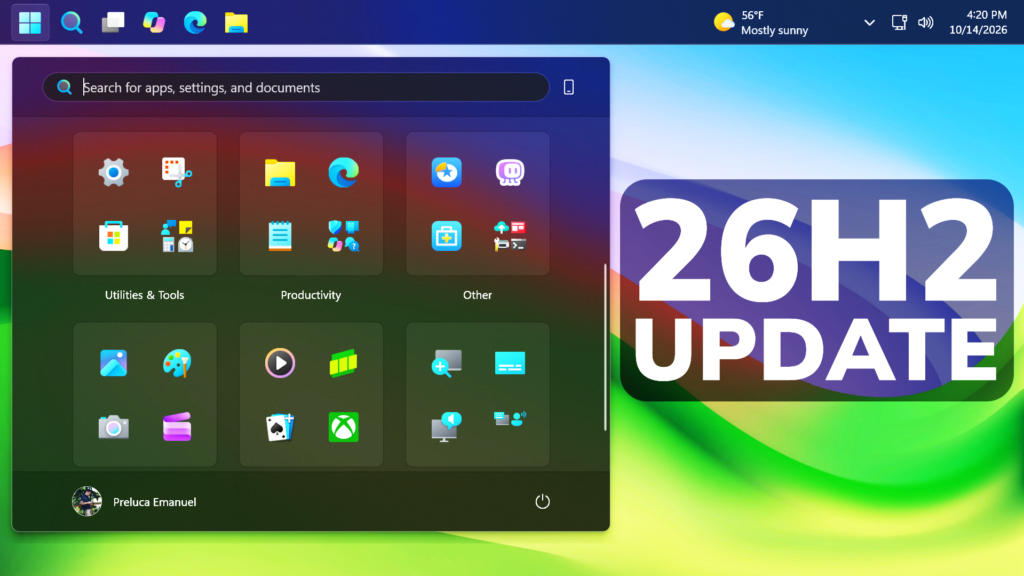
In this article, we will talk about the latest Windows 11 Update for the 26H2 Main Release, which is the Build 26300.9711 or KB5127648.
For those of you who are not familiar with how Windows 11 Updates for the Main Release work, I will explain it to you in the following lines.
Every month Windows 11 has a B and a C Release for Windows 11. Usually, the B Release is launched on the second Tuesday of the month and contains all the features that were tested in the previous month’s C Release.
Microsoft is also announcing that starting with the January 2026 security update, Windows Server 2025 will have its own KB identifiers and build numbers. This change applies only to Windows Server 2025. It doesn’t change how you get or manage updates for Windows 11, version 24H2 or Windows 11, version 25H2.
New Improvements in this Update
- Windows 11, version 24H2 Home and Pro has reached end of updates. The October 2026 monthly security update is the last update available for these editions. Devices running these editions will no longer receive monthly security and non-security preview updates containing protections from the latest security threats. To stay protected and up to date, we recommend you upgrade to the latest version of Windows 11.
- [Security updates] This update provides security improvements. For more information about the security vulnerabilities resolved by this update, see the Security Update Guide.
- [Secure Boot] This update continues the deployment of updated Secure Boot certificates using the latest high-confidence targeting data to identify eligible devices that are ready to automatically receive the new certificates. Deployment through Windows Update remains ongoing across supported devices.
- [Windows Explorer (Known issue)] Fixed This update fixes an issue that affects Windows Explorer in multi-user environments, such as Azure Virtual Desktop and FSLogix. After sign-in, Explorer.exe might fail to start or repeatedly crash, causing a black screen.
- [Audio (known issue)] Fixed This update fixes an issue that affects AC-3 audio playback in some applications.
- [Always On VPN] This update fixes an issue that affects Always On VPN connections after installing KB5124008. When automatic protocol selection or protocol fallback was configured, affected VPN connections could remain stuck in a Connecting state or fail to connect after an initial connection attempt failed. In some cases, subsequent connection attempts could display the error, “The specified port is already in use.”
- [Storage Spaces] This update fixes an issue that affects tiered Storage Spaces Direct virtual disks. Some virtual disks might fail to come online after installing certain security updates, making dependent clustered workloads unavailable.
- [Date and Time] This update introduces the new (UTC-05:00) Manitoba time zone to support Manitoba’s November 1, 2026, time zone change.
- [ReFS security] This update adds auditing and optional policy controls for ReFS volumes on externally attached storage devices. Auditing is enabled by default, while enforcement controls remain disabled by default to give administrators time to evaluate and prepare for future security hardening changes. To learn more, see KB5130741.
- [Printing] This update resolves an issue where printing could fail in some applications and on devices using RAW or Generic Text Only printer drivers after installing the August 2026 security update.
- [Gaming] This update fixes an issue that could cause mouse input to stutter in some games.
- [Windows Hello] This update fixes an issue where fingerprint sign-in might not work after a cold boot on some devices.
For an in-depth list of other features and fixes that are rolling out, you can check this article.
Windows 11 Servicing Stack Update – 26100.9703
This update makes quality improvements to the servicing stack, which is the component that installs Windows updates. Servicing stack updates (SSU) ensure that you have a robust and reliable servicing stack so that your devices can receive and install Microsoft updates.
For more info about this Update, you can check this article from the Microsoft Blog.
For a more in-depth presentation of the New Update, you can watch the video below from the YouTube channel.
 11
11
 20
20

