
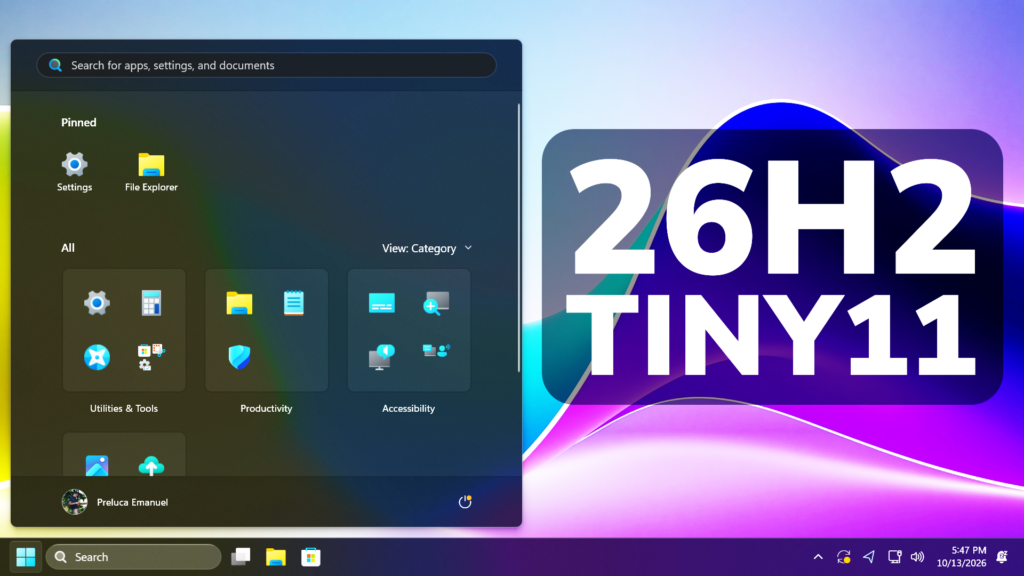
In this article, we will talk about the New Updated Tiny11 Builder which now uses WinUI3 and helps you build a custom Windows 11 26H2 ISO that is faster and smaller.
New Tiny11 with WinUI3
Before the creating of this Modern Tiny11 Builder, you had to go through a pretty tough process of running different commands in powershell, but now this process has been made easy for the average user thanks to NTDEV.
Get Windows 11 26H2 ISO
To get the Windows 11 26H2 ISO follow the full process from this article.
Create Tiny11 Windows 11 26H2 ISO
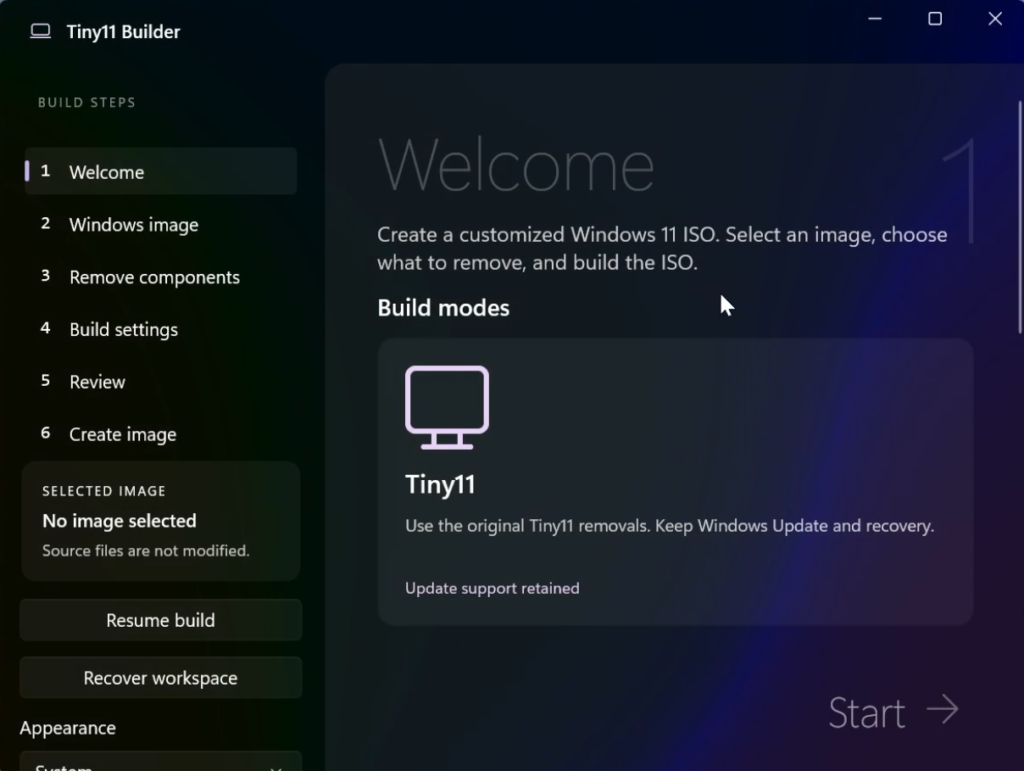
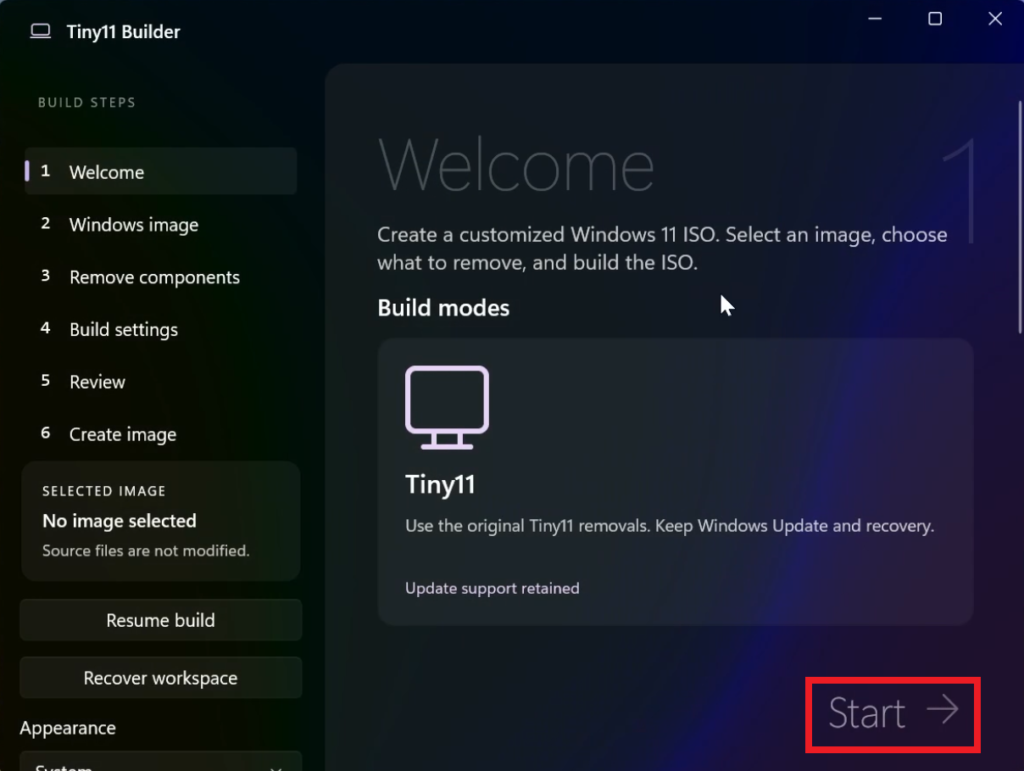
Once you have the ISO, open Tiny11 Builder and click on Start.
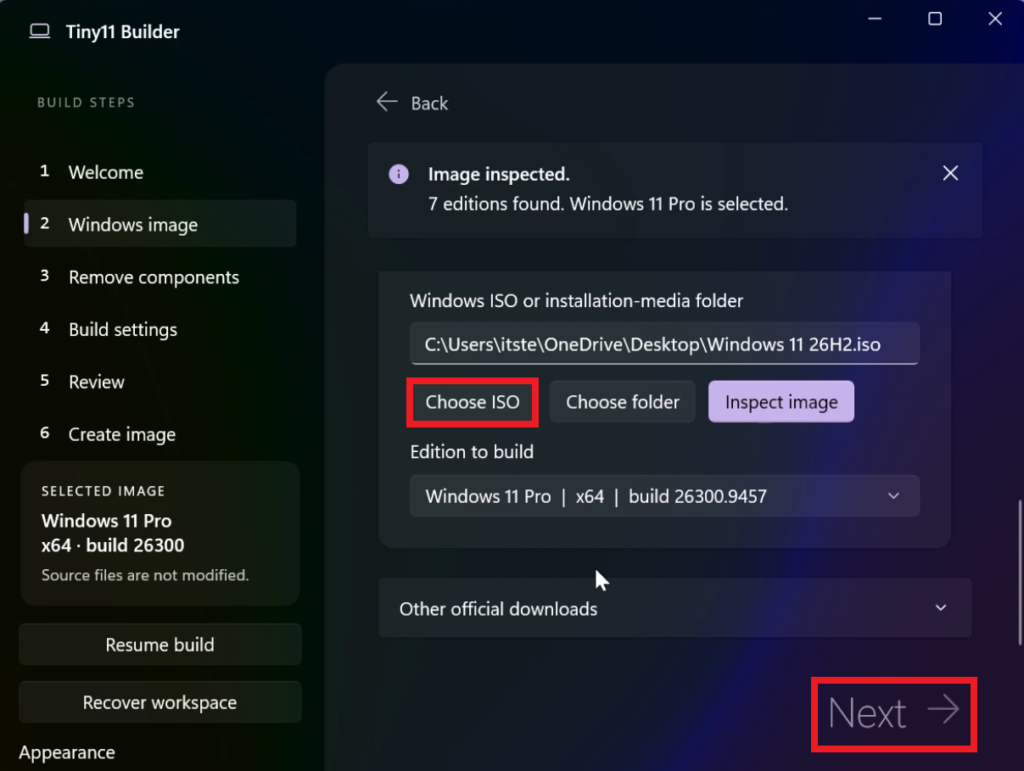
Choose your Windows 11 26H2 ISO and then click on Next.
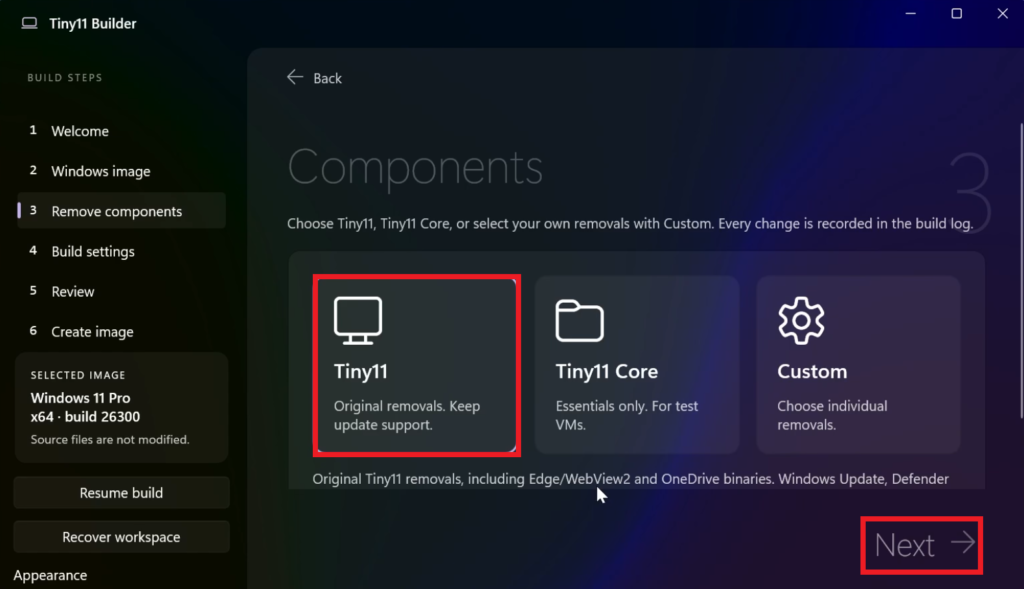
The best option for the average user to select is the Tiny11 option, but you can also test the Tiny11 Core option or even customize what is being removed from the ISO. After that click on Next.
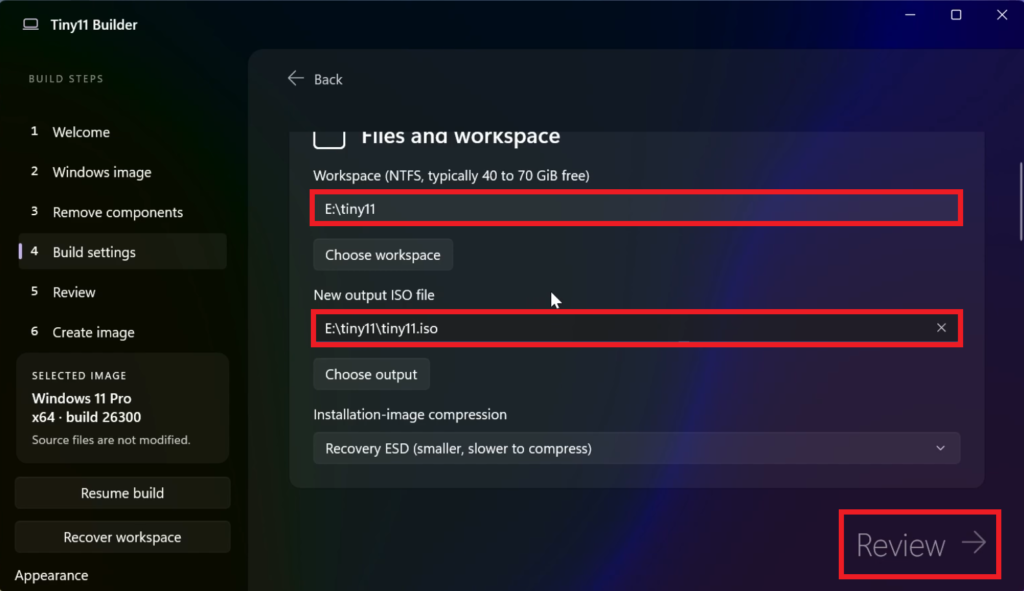
Select the locations for the Workspace and the Output ISO File and then click on Review.
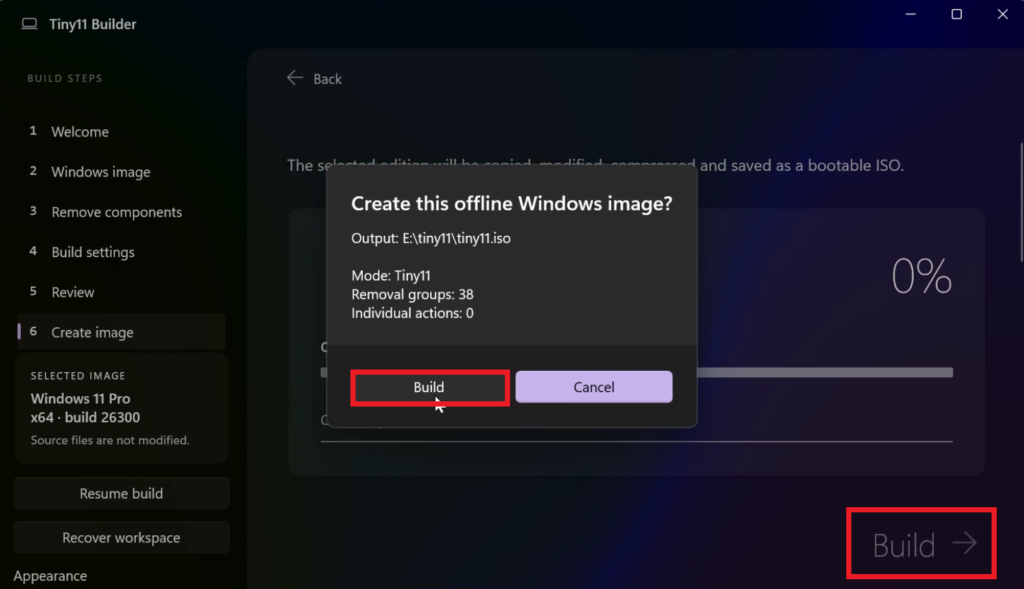
After that click on Continue, Build and then Build again.
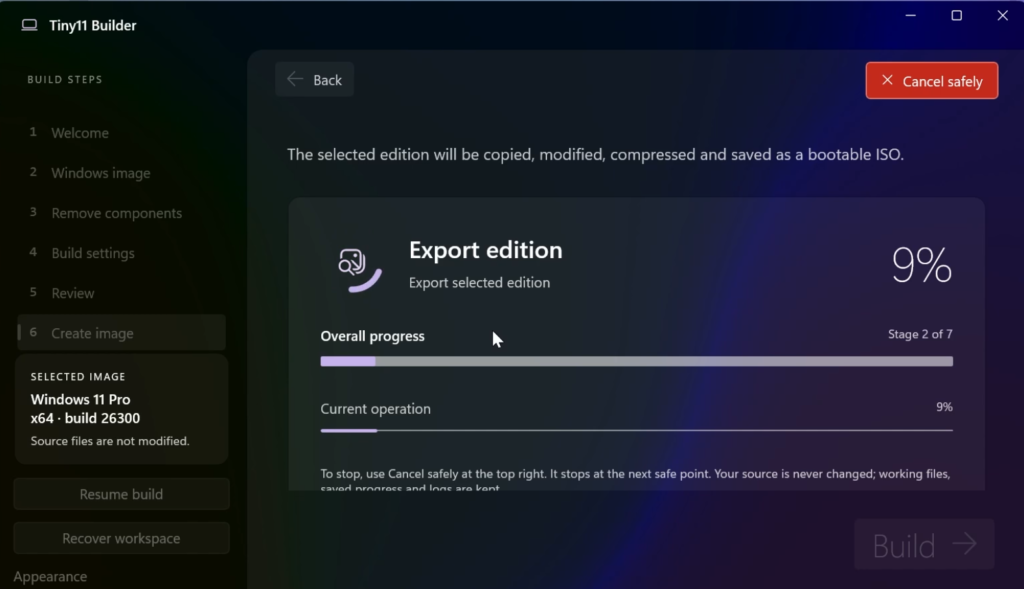
The creation process will start and it can take up to 15-20 minutes depending on your computer.
Install Tiny11 26H2
To install the Tiny11 26H2 Version, you can follow the full process from this article.
Tiny11 26H2 Review
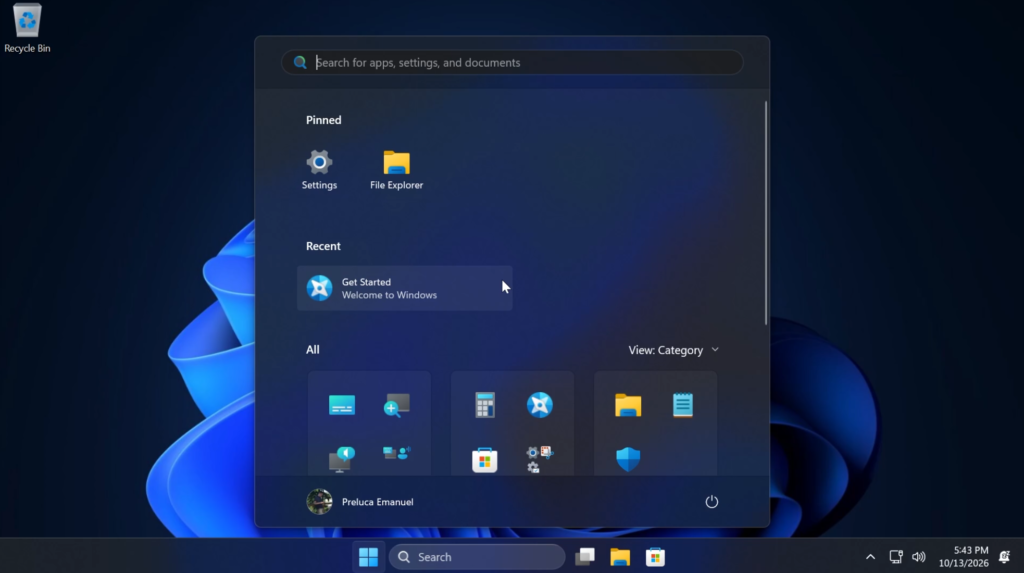
After the install process is finished, you will notice the Tiny11 26H2 Version of Windows 11 is much faster and smaller. A lot of the apps, services and background processes that were unnecessary have been removed and now the system is better for lower end computers.
You will have access to features such as Windows Updates, Defender or even Recovery Options.
For a more in-depth presentation of the Tiny11 Builder, you can watch the video below from the youtube channel.
 11
11
 20
20

