
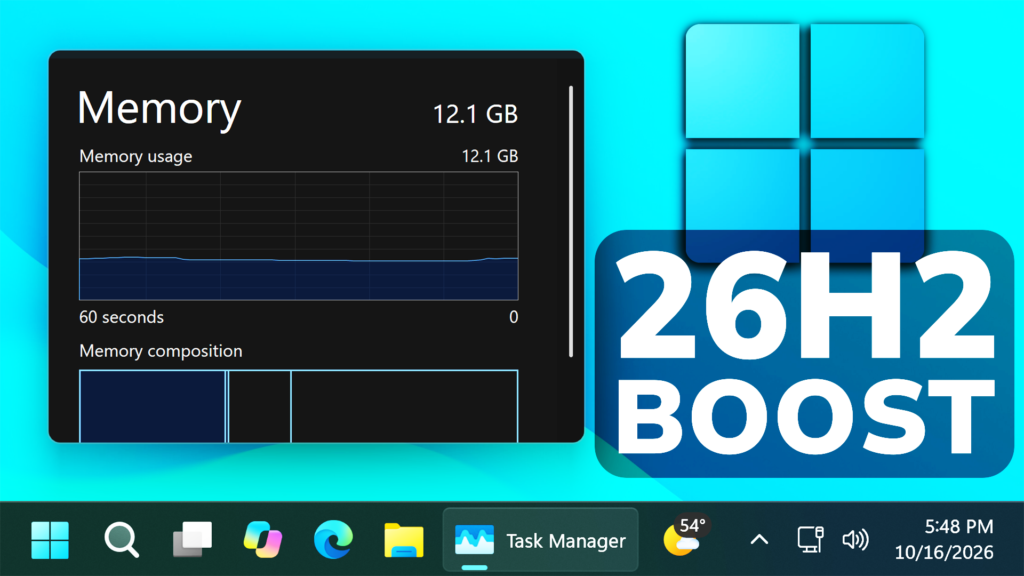
In this article, we will talk about the latest Microsoft news, where they officially confirm all the Performance Improvements related to Windows 11 26H2.
Previously we’ve talked about users reporting that the idle RAM Usage in 26H2 is lower than 25H2, but now we have Microsoft’s Official confirmation and explanation of how things are improved in 26H2.
Microsoft is stating that Windows 11 26H2 is 20% more responsive, with improvements you can feel as soon as you boot into your PC and extending to Start, File Explorer, Search, Snipping Tool, Microsoft 365, Edge and more.
These are measurements of Search, Start, right-click, Settings, Snipping Tool and File Explorer response times using Windows 11 OS build 26300.9550 compared to Windows 11 OS build 26200.7628.
Microsoft is also announcing smarter use of memory and system resources. They’ve improved memory management and efficiency across Windows to help keep more of your PC’s resources.
This can make an especially meaningful difference on PCs with 8GB of memory. Windows can now keep up to 2GB more of your active data in memory instead of moving it to slower storage, helping your PC stay responsive as you open more apps or browser tabs. Windows is also making additional memory-saving improvements that reduce background memory use. For example, on PCs with 8GB of memory or less, Widgets load only when you open them, making more than 200 MB of memory available for your apps and other work.
These claims are also based on improvements included in Windows 11 OS build 26300.9550.
Microsoft is also announcing Advanced Shader Delivery (ASD) which is designed to reduce the initial load time of your games by delivering precompiled shaders for supported titles like Forza Horizon 6 and Gears of War: E-Day, so your games load in seconds instead of minutes. To get the most from ASD, install the XBOX PC app before downloading a supported game and make sure your graphics drivers are up to date.
Also the New Photos app now launches up to 20% faster and the redesigned Viewer opens photos with less clutter and more room for your pictures.
These are also based on measurements of Photos launch times using Windows 11 OS build 26300.9550 compared to Windows 11 OS build 26200.7628.
More info about Windows 11 26H2 Performance Improvements can be found in this article from the Microsoft Blog.
For a more in-depth presentation of the New Performance Boost, you can watch the video below from the youtube channel.
 11
11
 20
20

