
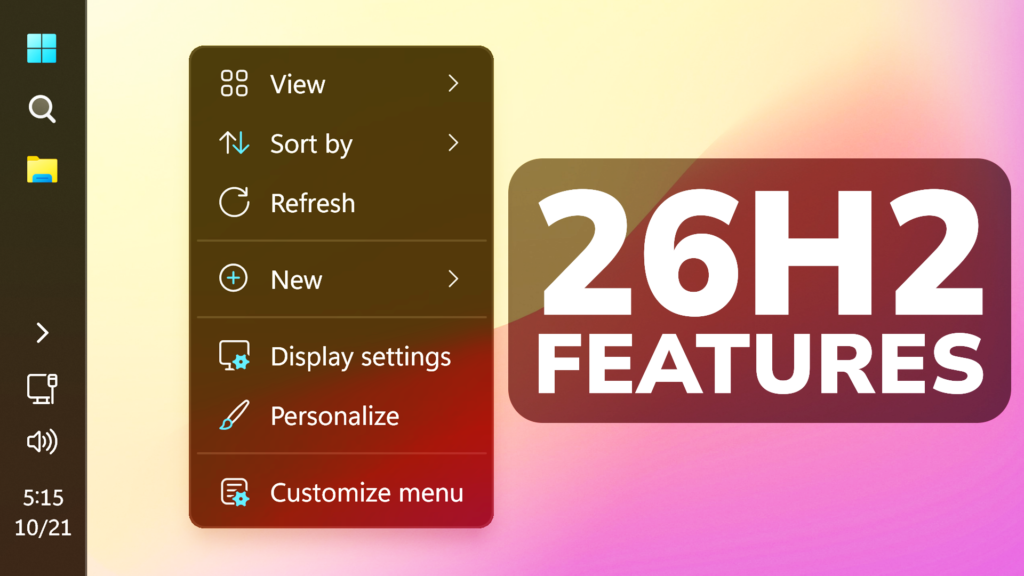
In this article, we will talk about How to Enable All New Features in Huge Windows 11 26H2 October 2026 Update (Build 26300.9807 or KB5127936).
In the latest Windows 11 26H2 October 2026 Update, Microsoft has started slowly rolling out a lot of New Features, so in this article I will show you how to manually enable all of those features.
Thanks to phantomofearth for discovering this, follow him for more hidden features!
You will need to download ViveTool, which is a small app that will help us enable hidden features from Windows.
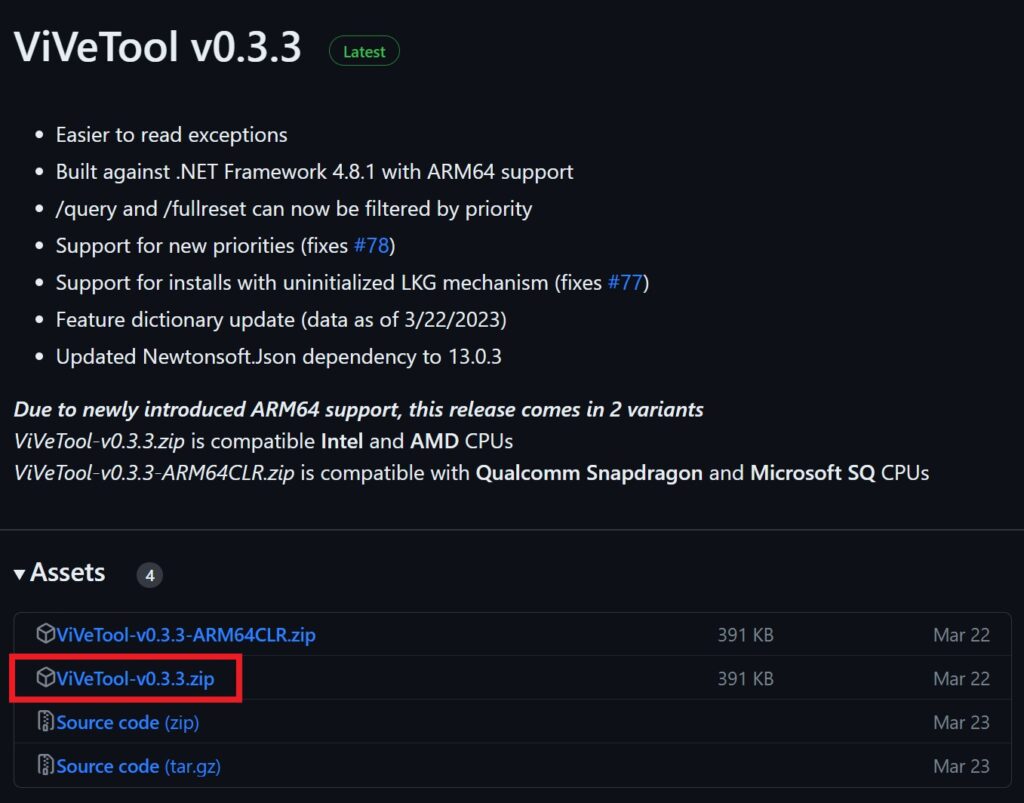
After you download ViveTool, you will need to extract the contents of the archive into a folder of your choice.
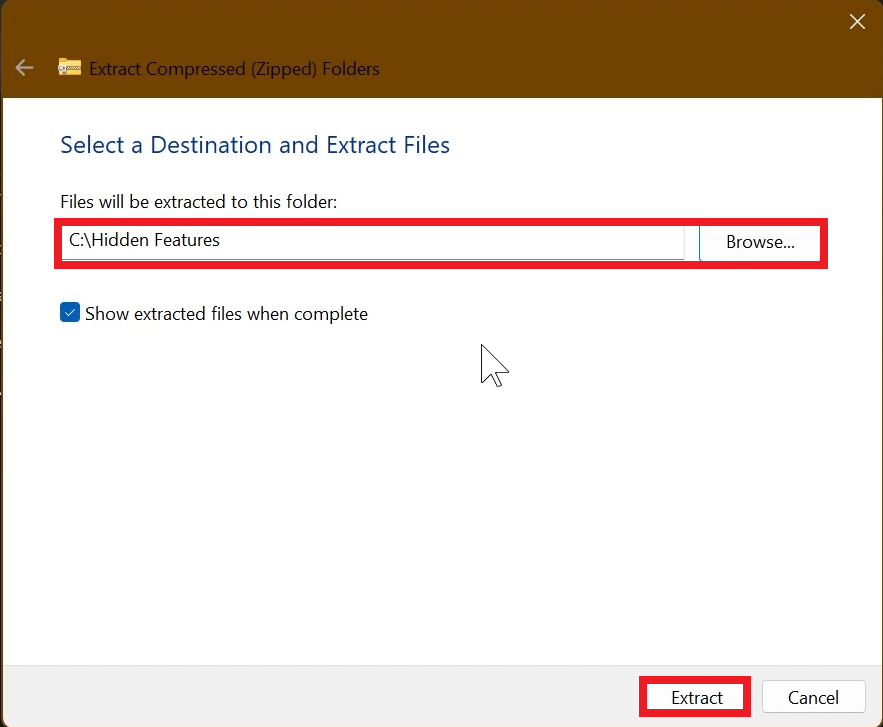
Right-click on the archive and then click on Extract all. Select Your Folder and then click on Extract. You will also need to provide some administrative privileges.
After you’ve done that, you will need to open CMD as administrator. Type the following command in CMD:
cd "your-location"Then copy and paste the following command:
Feature Bundle ID:
vivetool /enable /id:61161283New Context Menu:
vivetool /enable /id:60813048New AutoPlay Dialog:
vivetool /enable /id:62141177New Low Latency Profile for Files:
vivetool /enable /id:62816659New Folder Options with Dark Mode:
vivetool /enable /id:59203365New Temporary Files Settings Page:
vivetool /enable /id:61456288New Start Menu Phone Hover:
vivetool /enable /id:60682493New Tilde Support:
vivetool /enable /id:61815311New Task View in XBOX Mode:
Update All Apps in Microsoft StoreYou will now need to restart your computer, for the changes to take effect.
After the restart, you should be able to see the New Features on your Windows 11 PC.
For a more in-depth presentation of the New Build, you can watch the video below from the YouTube channel.
 11
11
 20
20

