
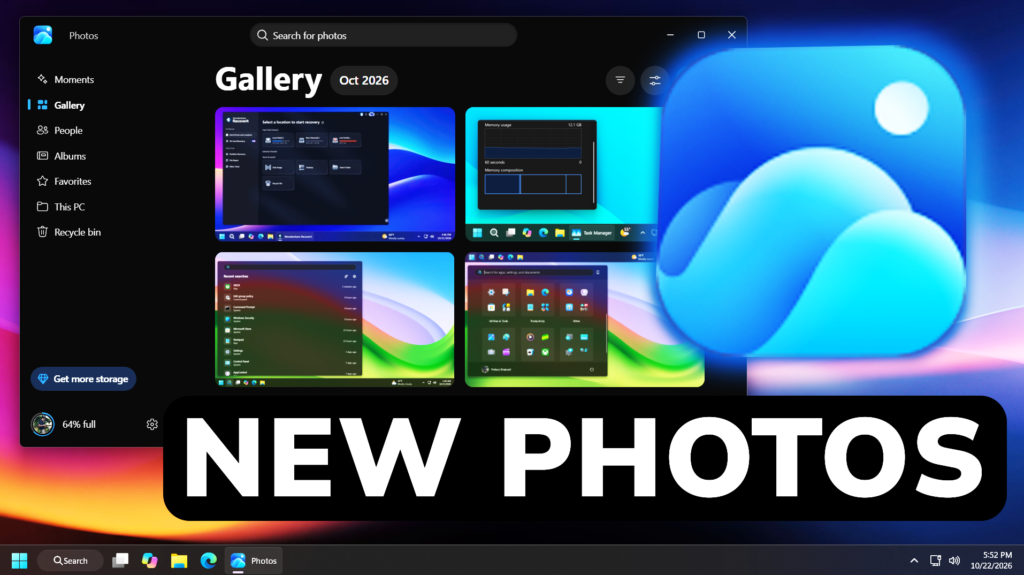
In this article, we will talk about the New Photos App Update that you can see in Windows 11 26H2.
How to Install
To install the New Photos App Update, you will need to be enrolled in Any Windows 11 Insider Program Channels and Update All your Apps in the Microsoft Store.
New Gallery
The all-new Gallery brings photos and videos from your PC, OneDrive, and Apple iCloud together in one fast, beautiful gallery. Your phone may capture the moment, but your PC gives you the space to see the whole story—and the control to find, organize, and make more of your photos. Browse by date, explore photos by the people in them, organize and share albums, search with natural language, and rediscover your favorite memories, all right on Windows.
We’ve improved app launch and scrolling performance, too. Whether you’re opening Photos to find a recent picture or taking your time browsing years of memories, you can get to your collection faster and move through it more smoothly.
You can browse online or offline, with photos available on your device ready to enjoy even when you’re not connected.

New Moments Section
For photos saved in OneDrive, Moments finds themes in your library and brings related pictures together into memories throughout the year. It even gives them meaningful names, such as Peaceful Moments, inviting you to revisit a quieter part of a family trip or an everyday scene you might have forgotten.
At the end of each season, OneDrive also creates a recap automatically. A summer of family outings, holidays, and small discoveries can be waiting for you when you open Moments, without having to write a prompt or put the collection together yourself.
New Albums
With Albums, you can bring your photos together into a collection that tells the story. Organize your favorites around the experiences that matter to you, and when you’re ready to share, albums help friends and family enjoy the highlights. You can also mark individual photos as favorites and revisit them anytime in the dedicated Favorites view.
New Natural-language Search
Looking for something specific? Describe it in your own words, such as “a family picnic by the lake” or “sunset at the beach.” Natural-language search in Gallery helps surface photos more quickly. You can start with what you remember, rather than a filename or an exact date. On supported hardware, improved Windows Search also works with photos saved locally in your Pictures Library.
New Native Editor
The same native Editor is available for photos in Gallery or from anywhere on your PC. The Editor now launches 25% faster1 and offers smoother navigation to help it fit naturally into your workflow, whether you’re making a quick adjustment or spending more time on a favorite image.
The tools are arranged into four categories, organized around what you want to accomplish:
- Crop brings together tools for adjusting framing, composition, and aspect ratio.
- Enhance helps you fine-tune light, color, and the overall appearance of your photo.
- Repair provides tools for correcting flaws and addressing imperfections in your photos.
- Stylize offers creative ways to change a photo’s look and feel.

New HDR Changes
Photos now preserves the rich color and contrast of HDR throughout the editing process and lets you edit and save HEIC and WebP images in their original format. Whether you’re enhancing an HDR photo or refining a shot captured on an iPhone, you can now make it your own without compromising its quality or format.
New Photo Viewer
Microsoft has significantly improved Viewer launch performance with 15% faster startup on average and improvements of up to 30% for HEIC images, so your photos open faster. The cleaner layout keeps edit, print, and share close at hand, while smooth navigation with the arrow keys helps you move quickly through your collection. We’ve also improved HDR viewing and expanded file-type support, including SVG files.
A single menu keeps navigation and app choices organized without crowding the photo. Select the information button to see useful details alongside the image: the file name, date, camera details, a location map when location data is available, a color histogram, and visual search. Those details are there when you need them and out of the way when you don’t.

Better Performance in Photos
Microsoft is continuing to invest in the fundamentals that make Photos feel fast, dependable, and easy to use. Performance, reliability, and usability matter in every part of the experience, whether you open a single picture or spend time exploring your collection.
For more information about the New Photos App Update, you can check this article from the Microsoft Blog.
For a more in-depth presentation of the New Photos App, you can watch the video below from the youtube channel.
 11
11
 20
20

