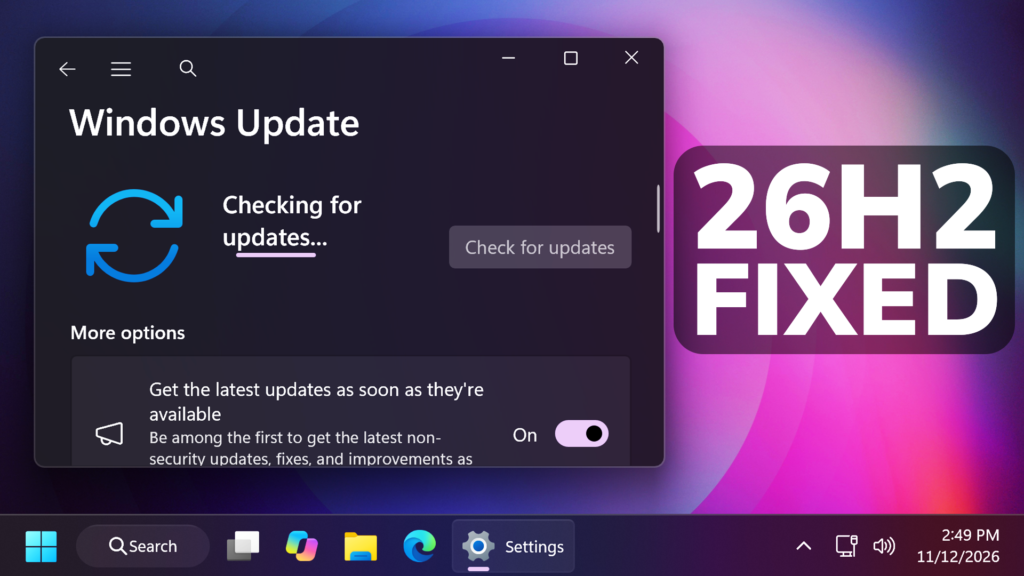
In this article, we will talk about the Windows 11 26H2 November Update KB5132061 which can fail to install for a lot of users, but Microsoft is now rolling out a fix.
Yesterday, Microsoft released the November 2026 Update for Windows 11 26H2, which brings out a lot of New Features and Security Patches. One problem with this Update, is that a lot of users encountered errors 0x80070306, 0x800f0989, or 0x800f0993 while trying to install it. Today, Microsoft has updated their release notes, noticing users that a Fix is automatically rolling out.
This is how Microsoft is describing the issue:
When attempting to install the November 2026 Windows security update KB5127936, some devices might be unable to complete the installation. Affected devices might repeatedly attempt to install the update or display error code 0x80070306, 0x800f0989, or 0x800f0993.
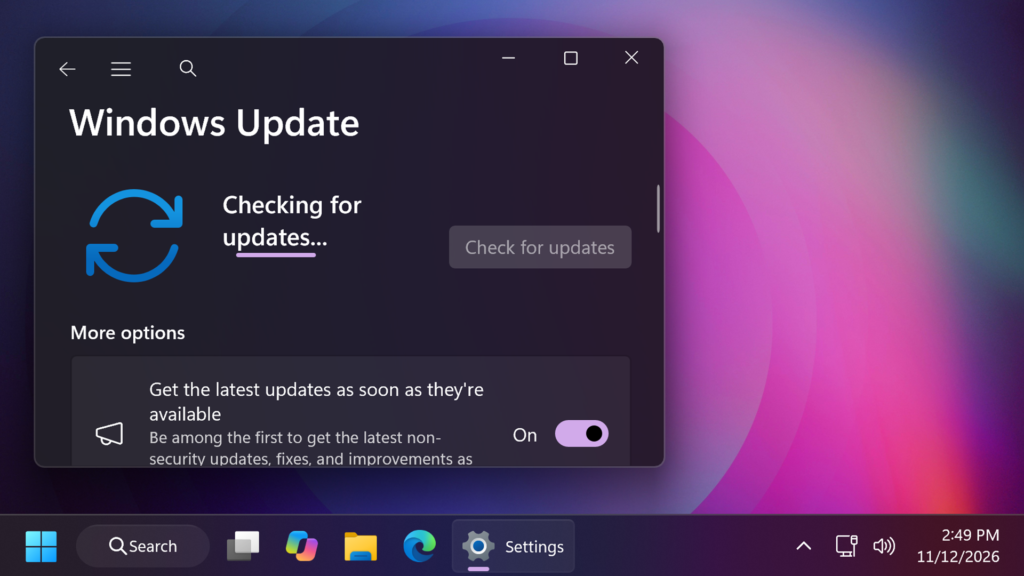
The resolution for this issue is automatically running in affected devices connected to the internet and using Windows Update in Settings to install updates. No manual action from end-users is required to receive the repair. All affected devices should be repaired in 24 to 48 hours starting from November 11, 2026, 10am PT. Once your device receives the repair, it will automatically download and install the November 2026 security update via Windows Update. You can also install the update by following these instructions.
If you still face installation issues after 48 hours, please use Windows help and learning or contact Microsoft Support.
For more information about this Update, you can check this article from the Microsoft Blog.
For a more in-depth video about the November 2026 Update, you can watch the video below from the youtube channel.
 11

 20