
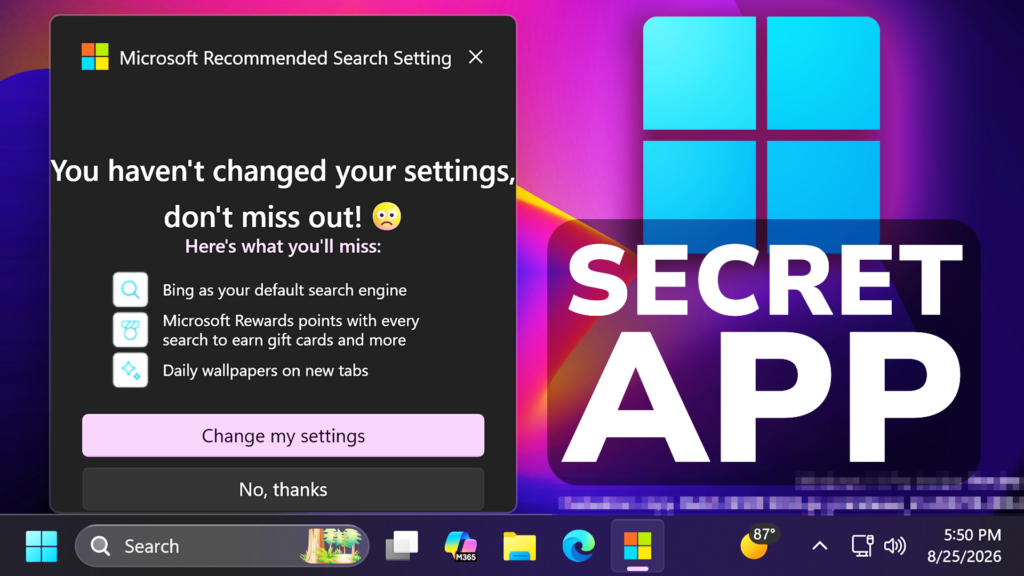
In this article, we will talk about a New Secret Windows 11 App that is stored in Microsoft’s Servers, which tries to force Bing Search in All Browsers.
This Secret Windows 11 App was found by XenoPanther on Twitter and he is stating the following:
This is actually a WinUI shell with a WebView App, that tries to Force Bing Search in All Browsers.
The good news is that it is not offered through Windows Update or Microsoft Store and most likely used on New Microsoft Devices.
Whenever you run it for the first time, it automatically selects Bing as the Default Search Engine, behind a Microsoft Recommended Search Settings Banner.
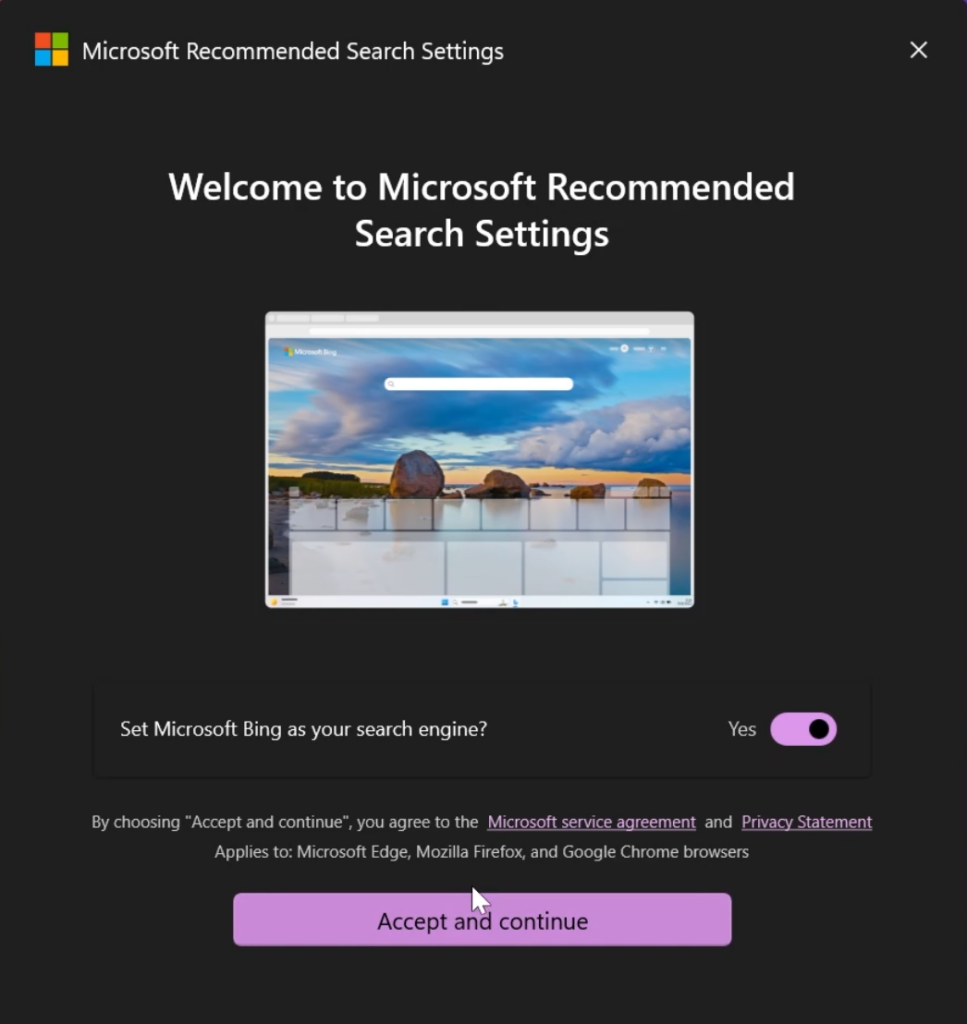
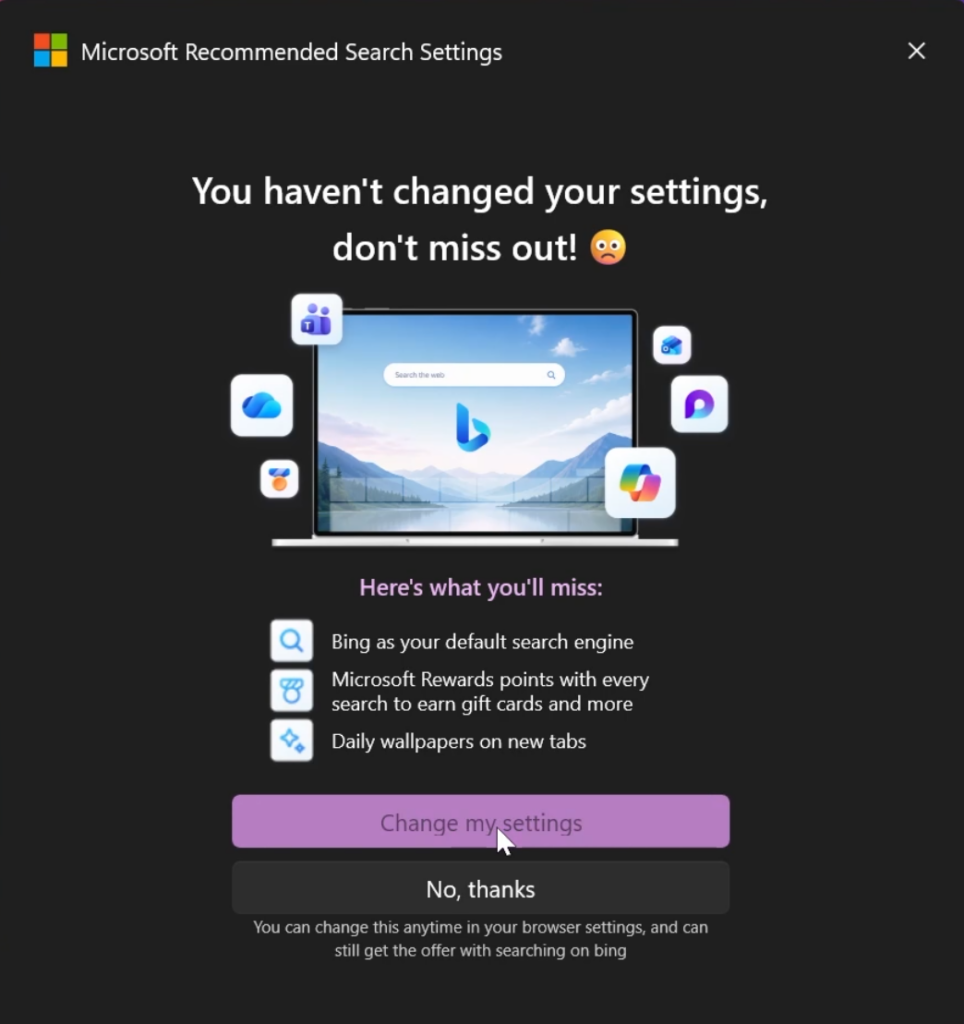
If it detects that you haven’t set up the Search Settings, it will try again to install a browser extension that Forces Bing Search.
Pretty much any Chromium based browser has good protection against extensions like these and won’t automatically install without confirmation.
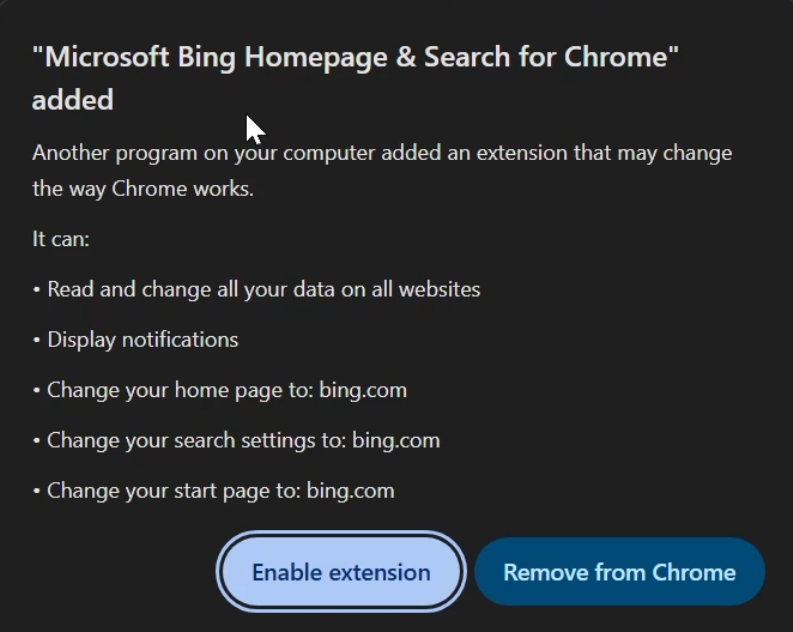
Another weird thing about this extension is that it has around 100 reviews, but 5 mil.+ installs.
In this case, best thing when using Windows 11 is to carefully choose all settings and don’t accept all prompts without reading everything, especially if you have a Microsoft Partenered Computer.
More information about this Secret Windows 11 App can be seen in the video below from the youtube channel.
 11
11
 20
20

