
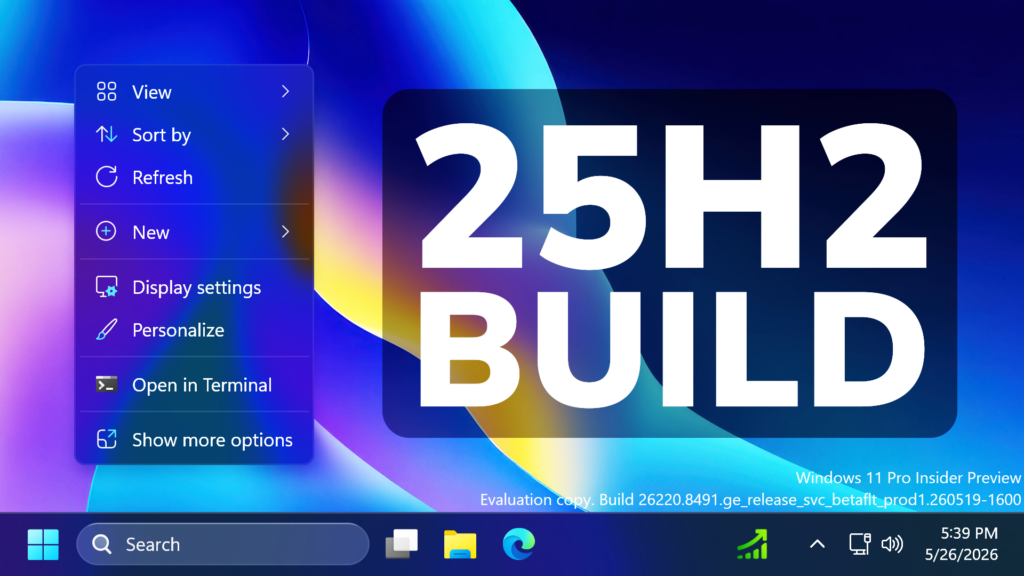
In this article, we will talk about the latest Windows 11 25H2 Insider Preview Build for the Beta Channel, which is the Build 26220.8491.
Microsoft is moving to two primary channels, with the advanced option to pick specific Windows core versions within those. The new channels are Experimental and Beta.
Beta is a refresh of the previous Beta Channel and previews what Microsoft plans to release in the next few weeks. The big change: Microsoft is ending gradual feature rollouts in Beta. When they announce a feature in a Beta update and you take that update, you will have that feature. You may occasionally see small differences within a feature as they test variations, but the feature itself will always be on your device.
New Windows Share
- The Windows ShareSheet just got smarter for AAD users. You can now discover and install relevant apps right where you share – no need to jump to the Microsoft Store or interrupt your flow.
- Previously available only to MSA users, this experience now extends to AAD accounts, bringing greater flexibility and convenience. You’re also in control, with a simple setting to turn promotional app recommendations on or off. The result is a faster, more seamless, and user-controlled sharing experience with helpful app suggestions exactly when you need them.

Storage Change
In the latest Insider builds, we’ve updated the dialog when creating a Dev Drive to now support specifying the size in GB instead of only MB. This has also been added when changing the size of volumes under Settings > System > Storage.
New EDU Licensing
Free upgrade path to Windows 11 Pro Education for K-12
Windows Insiders in K–12 education environments can now experience a seamless upgrade path from Windows 11 Home to Windows 11 Pro Education edition—at no additional cost. This enables educational organizations to procure Windows 11 Home devices, upgrade them to Windows 11 Pro Education, and bring devices under school management.
Instructions:
- Sign in to the device using a local account
- Launch an elevated Command Prompt and initiate the upgrade by running Clipupgrade.exe
- Sign in with your K–12 organization account to validate eligibility
- The device prepares the upgrade and completes after a restart
Please note: This upgrade is one-way only. Reverting to Windows Home is not supported without a clean OS reinstall.
New Voice Access and Voice Typing
Fluid Dictation is now available in Spanish & French for Windows Insiders! It makes voice-based dictation smoother and smarter by automatically correcting grammar, punctuation, and filler words as you speak, reducing the need for manual editing. This experience is powered by on-device small language models (SLMs) to ensure fast and private processing. You can try out fluid dictation from Windows voice access or Voice typing (Win +H).
Voice Isolation in Voice Access
Microsoft is introducing Voice Isolation, a new option in Voice Access that helps it focus on your voice, even when others are speaking nearby. Whether you’re in a shared office, an open floor plan, or at home with family around, Voice Isolation filters out other voices and background noise so Voice Access can better understand you. All processing happens privately on your device.
Fixes in this Build
- Task Scheduler will now persist column width adjustments in task list view across sessions.
- Fixed accuracy of CPU speed display on the Performance page of Task Manager for VMs after resume from hibernate, so it doesn’t sometimes show unexpectedly high unrealistic numbers.
- Improved reliability of Japanese IME usage when Administrator Protection is enabled.
- Fixed a WPN hang in the previous flight, which was leading to notification issues and certain apps hanging on launch.
- Improved reliability of loading desktop app icon shortcuts.
- Fixed an issue in the previous flight where Properties wasn’t invoking correctly for the Recycle bin and some other scenarios.
- This update improves the reliability of Simple Service Discovery Protocol (SSDP) notifications to help prevent the service from becoming unresponsive.
- Improved reliability of running dism /online /cleanup-image /restorehealth command.
- If you were experiencing a cyclical explorer.exe crash after the previous flight (which may have looked like the screen or taskbar was blinking and repeatedly refreshing), that should be resolved after updating to this build.
- Fixed an issue causing the Energy Saver quick setting to show twice for some Insiders in recent flights.
- Fixed an issue resulting in the audio volume being unexpectedly muted on certain devices in recent flights.
- Resetting your PC may get stuck when using “Reset this PC.” To complete the reset successfully, choose the cloud download option (Cloud PBR) instead of local.
For more information about this Build, you can check this article from the Microsoft Blog.
For a more in-depth presentation of the New Build, you can watch the video below from the youtube channel.
 11
11
 20
20

