
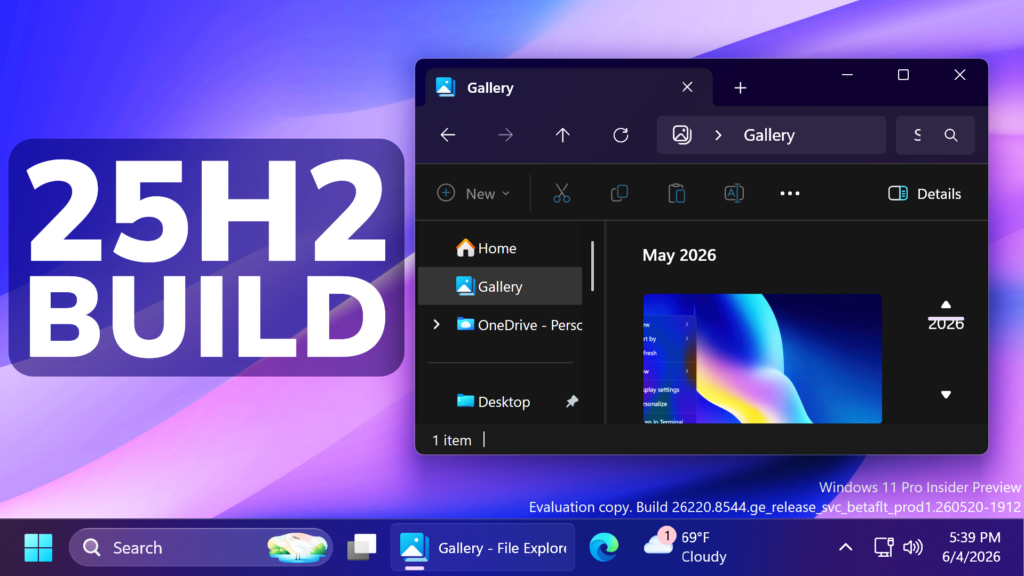
In this article, we will talk about the latest Windows 11 25H2 Insider Preview Build for the Beta Channel, which is the Build 26220.8544.
Microsoft is moving to two primary channels, with the advanced option to pick specific Windows core versions within those. The new channels are Experimental and Beta.
Beta is a refresh of the previous Beta Channel and previews what Microsoft plans to release in the next few weeks. The big change: Microsoft is ending gradual feature rollouts in Beta. When they announce a feature in a Beta update and you take that update, you will have that feature. You may occasionally see small differences within a feature as they test variations, but the feature itself will always be on your device.
New Windows Search
Search by Substring: Files with compound names or content (e.g., MeetingNotesApril, ProjectStatusReport) are now easily discoverable by typing “april” or “status”.
New Windows Ready Print
- Last month, Microsoft introduced a change where new printer installations use IPP by default when supported to simplify setup and improve reliability (see our third-party driver deprecation timeline: End of Servicing Plan for Third-Party Printer Drivers on Windows). This month, they’re adding a new toggle in Settings > Bluetooth & devices > Printers & scanners > Default install printers using Windows Ready Print to give you control over this behavior.
- When enabled, Windows installs supported printers using IPP by default. When turned off, Windows may use other available installation methods.
- This experience is part of our modern print platform, now called Windows Ready Print, designed to deliver a more consistent, reliable, and simplified printing experience.
For more information about this Build, you can check this article from the Microsoft Blog.
For a more in-depth presentation of the New Build, you can watch the video below from the youtube channel.
 11
11
 20
20

