
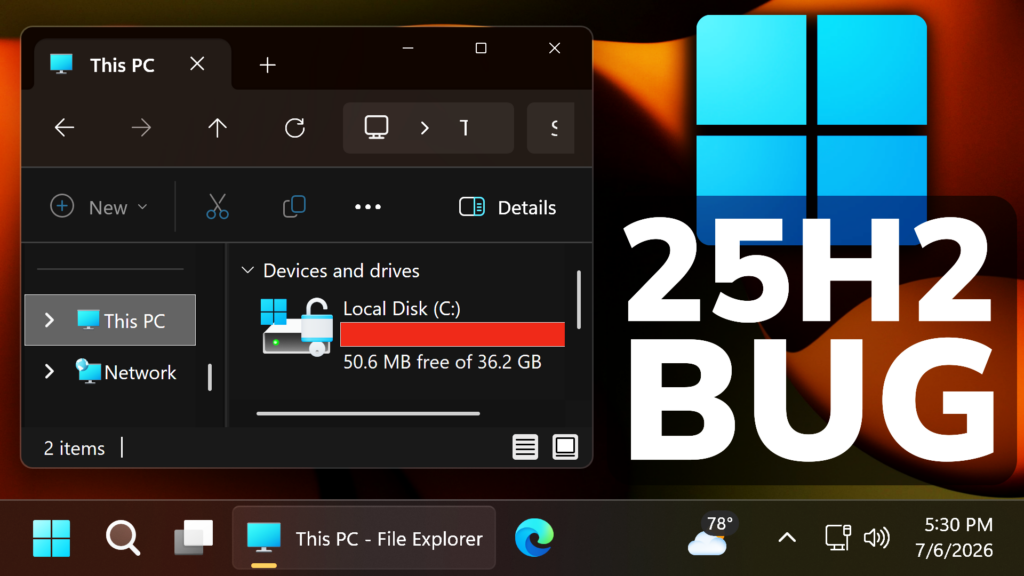
In this article, we will talk about a New Windows 11 25H2 Huge Disk Usage Bug and how to fix it.
Over the past few months, a lot of users have reported issues related to Disk Usage in Windows 11 25H2, in the Main Release.
Certain Forum Posts from Microsoft claim that a certain CapabilityAccessManager.db-wal can use even up to 70GB of Storage, claim which has been confirmed by tens of users.
This is what a user has reported on the Official learn.microsoft.com website:
Checking Storage in Settings (Windows 11) shows I have 83GB of Installed apps and 111GB of System and Reserved. Most people report System and Reserve should represent ~40GB. What is the extra 70GB?
Turns out it is a single file , a database for Capability Access Manager. Online commentors say it is supposed to store data for a month and then delete it. My file (and others on the internet) just keeps growing and today this single file is 66.5GB. My 221GB hard drive is full and my system is completely constipated.
The CapabilityAccessManager is a Windows system service (camsvc) that tracks and logs app permissions, such as when applications request access to your webcam, microphone, or location. It stores these logs locally in a SQLite database (CapabilityAccessManager.db-wal) located at C:\ProgramData\Microsoft\Windows\CapabilityAccessManager
Certain people have also provided temporary fixed for this issue and ways of checking how much Disk Space that file uses by going into Safe Mode.
In the latest Windows 11 25H2 Update, Microsoft has silently solved this issue, so all you need to do is update to the latest version, which is the Optional Update for the Month of June 2026 (Build 26200.8737 or KB5095093)
This is Microsoft’s Official Statement:
[Storage] This update improves disk space usage for the CapabilityAccessManager.db-wal file.
So this confirms it was indeed an issue that needed to be addressed by Microsoft and which has finally been fixed in the latest Windows 11 25H2 Update.
For more information related to this Windows 11 25H2 Disk Usage Bug, you can watch the video below from the youtube channel.
 11
11
 20
20

