
In this article, we will talk about the New Windows K2 Performance Boost Feature, or the Low Latency Profile that is now being Released in the Release Preview Channel.
Windows K2 is a codename for an internal plan by Microsoft, which aims to fix Windows 11 and gain back the user trust, by improving Windows 11 in general and listening to user feedback.
In the latest Windows 11 Build for the Release Preview Channel, which is the Build 26200.8514, Microsoft is testing the New Low Latency Profile Feature. In this article, I will show you how to enable it.
Thanks to phantomofearth for discovering this, follow him for more hidden features!
You will need to download ViveTool, which is a small app that will help us enable hidden features from Windows.
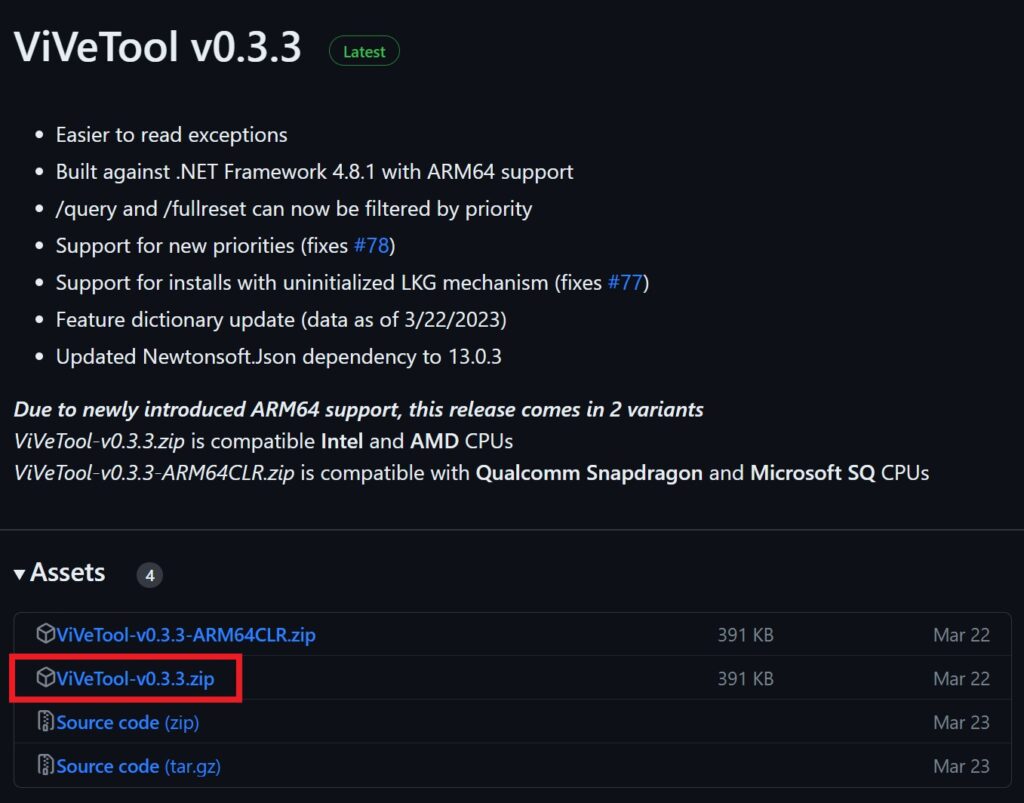
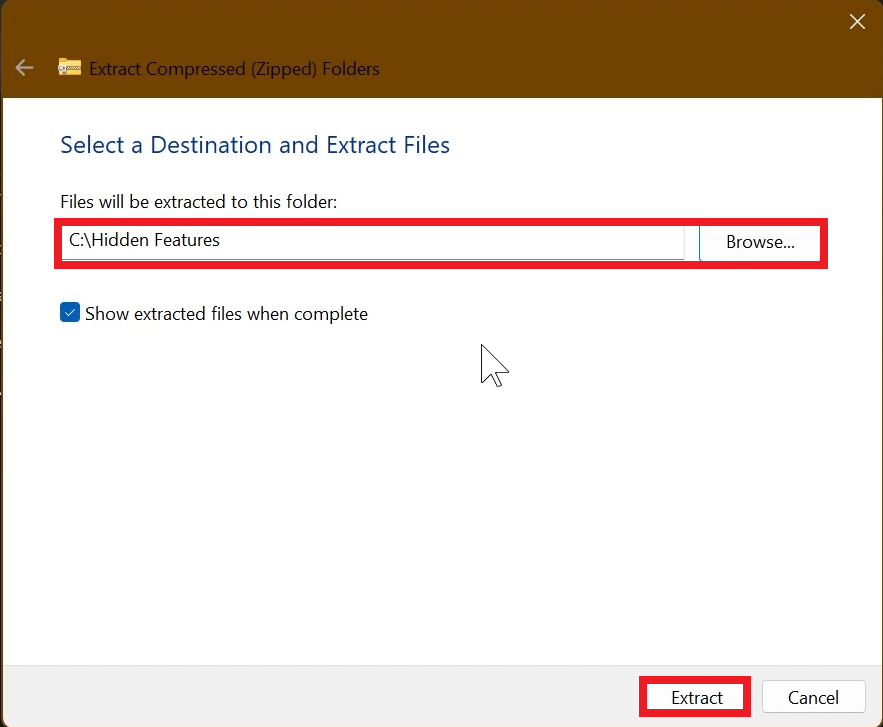
After you download ViveTool, you will need to extract the contents of the archive into a folder of your choice.
Right-click on the archive and then click on Extract all. Select Your Folder and then click on Extract. You will also need to provide some administrative privileges.
After you’ve done that, you will need to open CMD as administrator. Type the following command in CMD:
cd "your-location"Then copy and paste the following command:
New Low Latency Profile (+additional Features):
vivetool /enable /id:58989092You will now need to restart your computer, for the changes to take effect.
After the restart, you should be able to see the New Low Latency Profile on your Windows 11 PC.
The New Low Latency Profile, uses the CPU to its Max frequency in short periods of time to launch apps or use Windows Features (Start Menu, Context Menu etc.)
This New Feature can improve launch speed for Apps by 40% and Windows in general by 70%.
The only downsides that we can name are a small heat increase for the CPU and lower battery life for laptops.
For a more in-depth tutorial, you can watch the video below from the youtube channel.
 11
11
 20
20

