
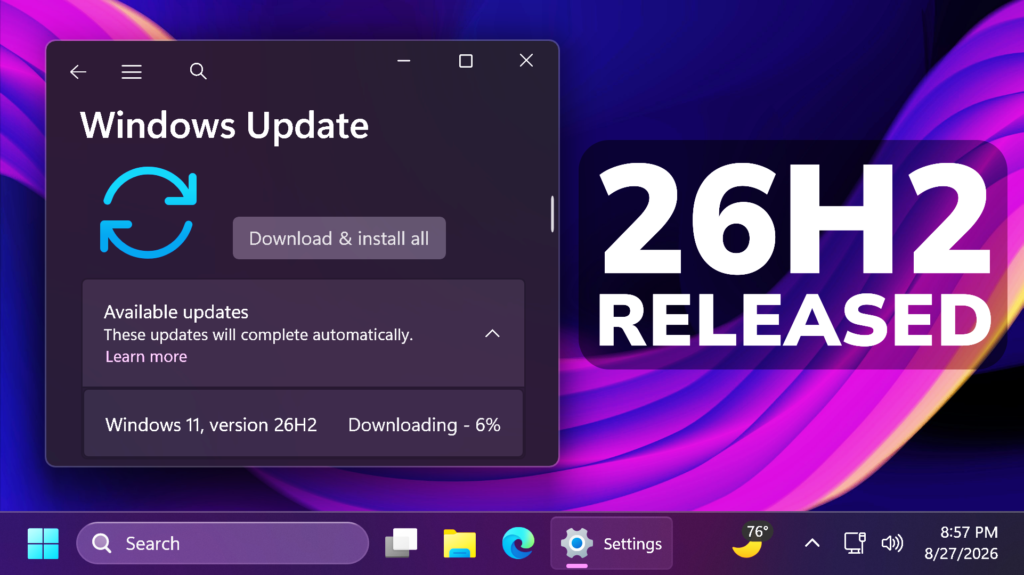
In this article, we will talk about Windows 11 26H2, which is released on the Release Preview Channel.
How to install
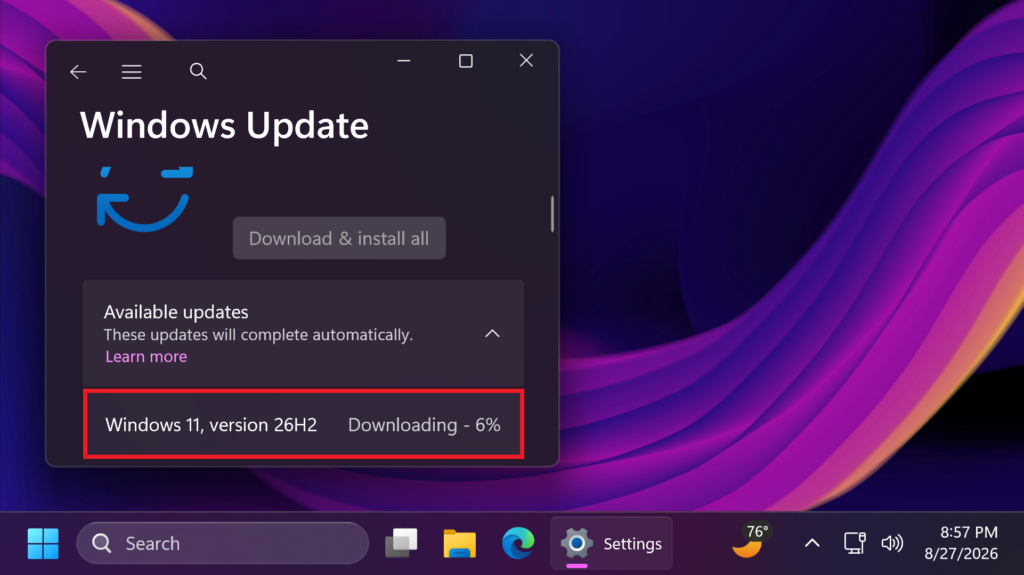
Make sure you are enrolled in the Release Preview Channel of the Windows Insider Program, and then go to Windows Update, check Get the latest Updates as soon as they’re available, then click on Check for Updates and Windows 11 26H2 will be offered to you.
More information about Windows 11 26H2
The first Build that you will receive in the Release Preview Channel, is the Build 26300.9278.
Windows 11, version 26H2 will be delivered as an enablement package (eKB). This means that Windows 11, versions 24H21, 25H2, and 26H2 use a shared servicing branch. It also means that they share the same new features and enhancements delivered through our continuous innovation efforts. As a result, many of the features and improvements available in Windows 11, version 26H2 might already be familiar, as they have been gradually introduced through monthly updates.
For commercial customers, Windows 11, version 26H2 enables several experiences that were introduced in earlier releases but not previously enabled by default for commercial devices. This includes Windows settings backup, app-specific actions from the taskbar, and some File Explorer enhancements. For guidance on how to prepare for Windows 11, version 26H2 in your organization, see Get ready for Windows 11, version 26H2.
Windows Insiders in the Release Preview Channel can install Windows 11, version 26H2 via our “seeker” experience in Windows Update. This means if you are an Insider currently in the Release Preview Channel on a PC that meets the Windows 11 hardware requirements, you can go to Settings and Windows Update and choose to download and install Windows 11, version 26H2. Once you update your PC to Windows 11, version 26H2, you will continue to automatically receive new servicing updates through Windows Update (the typical monthly update process). For instructions on how to join the Windows Insider Program and enroll your PC in the Release Preview Channel, click here.
And finally, ISOs will be available for download for Windows 11, version 26H2 via the Windows Insider ISO download page in the near term.
For more information about the Release of Windows 11 26H2, you can check this article from the Microsoft Blog.
For a more in-depth presentation of the New Windows 11 26H2, you can watch the video below from the YouTube channel.
 11
11
 20
20

