
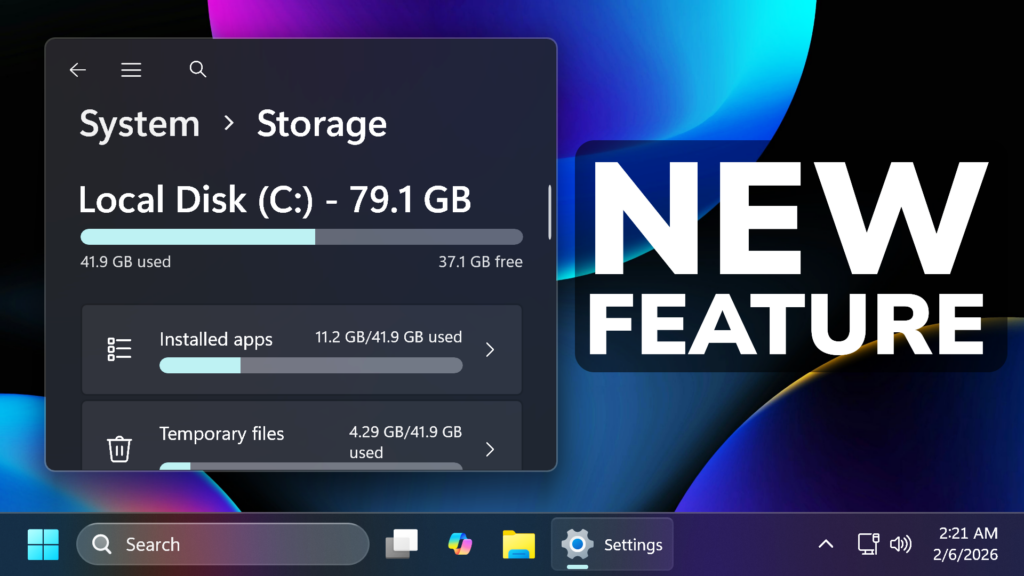
In this article, we will talk about a New Windows 11 25H2 Feature that went unnoticed in the latest Update for the Main Release.
On January 29th 2026, Microsoft released a New Windows 11 25H2 Update for the Main Release, which is the Feature Update, that includes a lot of New Features and Changes in the Operating System.
There is also a New Feature that went unnoticed, because Microsoft hasn’t documented it from the beginning, and the is the fact that Windows will now require permission to access System Files.
In their Official Blog Post, Microsoft is stating the following:
Update: This feature is included in the January 2025 non-security update (KB5074105).
[Settings] To help ensure that only authorized Windows users can access system files, Windows now displays a User Account Control (UAC) prompt when you open Storage settings (Settings > System > Storage).
This means that Windows 11 25H2 will now be even more secure when dealing with Apps that want to make changes to System Files, or even Users that don’t have Administrator Privileges.
Now when trying to access Settings > System > Storage, you will see this User Account Control Pop-up, that asks for permission to allow the Settings App to make changes to your device.
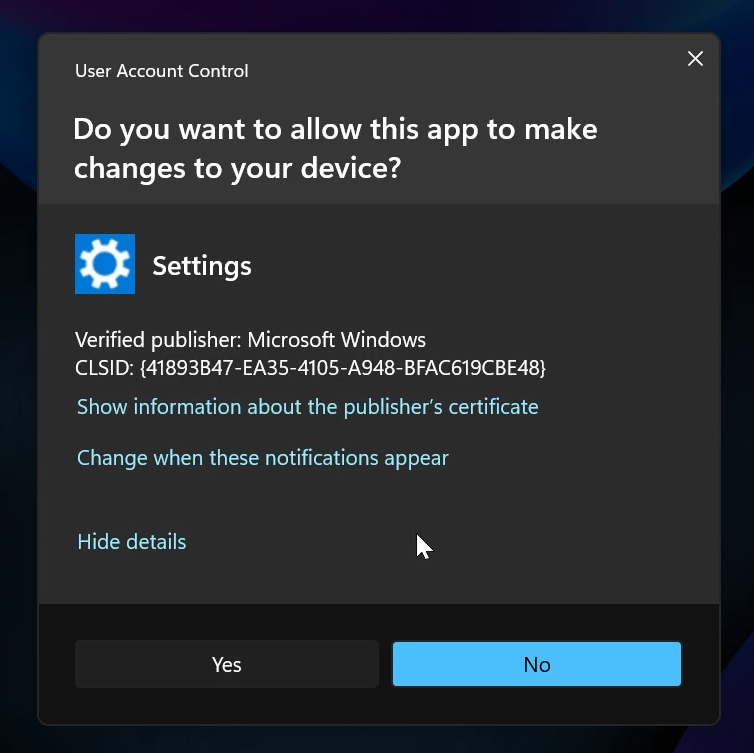
In my opinion, this is a great New Security Layer that will improve Windows 11 even further.
For more information about this New Feature, you can watch the video below from the youtube channel.
 11
11
 20
20

