
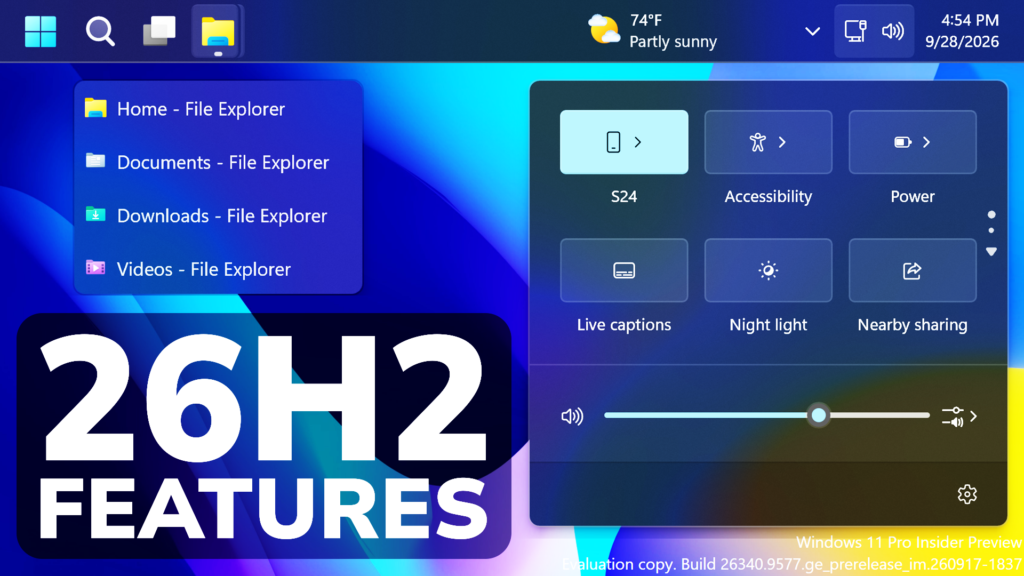
In this article, we will talk about How to Enable some New Windows 11 26H2 Features such as the New Taskbar, Start Menu and Quick Settings Phone Integration.
In the latest Windows 11 Build for the Experimental Channel (Old Dev Channel) which is the Build 26340.9577, Microsoft is testing some New Windows 11 26H2 Features such as the New Taskbar, Start Menu and Quick Settings Phone Integration. In this article, I will show you how to enable them.
Thanks to phantomofearth for discovering this, follow him for more hidden features!
You will need to download ViveTool, which is a small app that will help us enable hidden features from Windows.
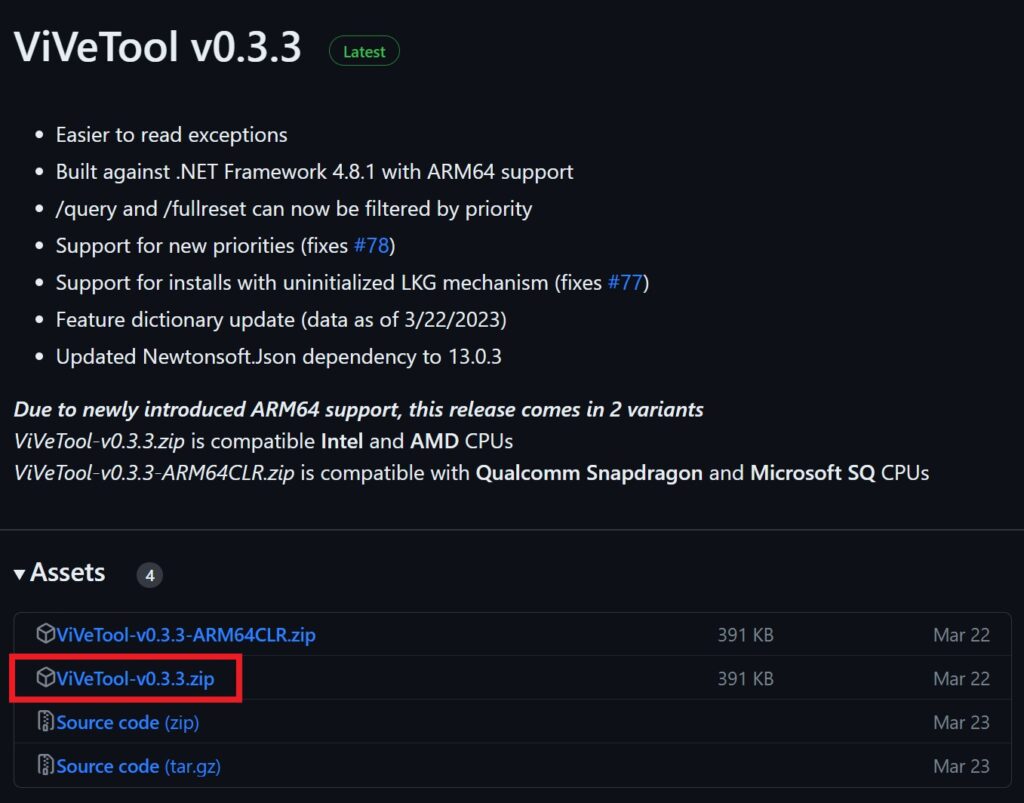
After you download ViveTool, you will need to extract the contents of the archive into a folder of your choice.
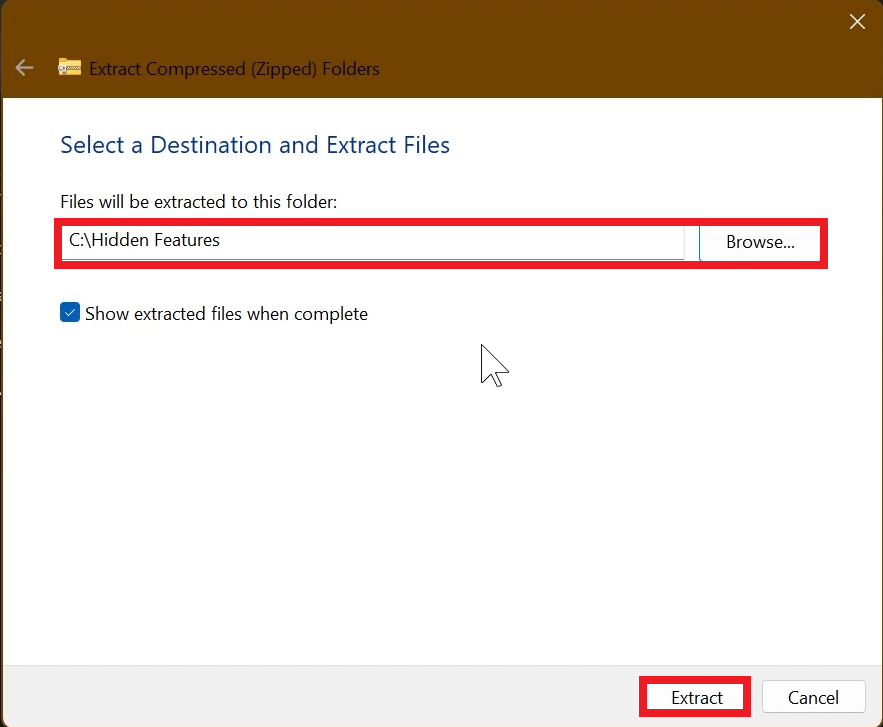
Right-click on the archive and then click on Extract all. Select Your Folder and then click on Extract. You will also need to provide some administrative privileges.
After you’ve done that, you will need to open CMD as administrator. Type the following command in CMD:
cd "your-location"Then copy and paste the following commands:
New Energy Recommendations in Quick Settings:
Go to Settings > Windows Update > Windows Insider Program > Feature Flags > Set Energy Recommendations in Quick Settings to Enabled
New Start Menu Phone Sidebar with Scrollable View:
Open Microsoft Store, go to Downloads and then Check for Updates, to update all the Apps including Phone Link.
New Quick Settings Phone Integration:
vivetool /enable /id:62103454New Taskbar List Previews:
vivetool /enable /id:62932453You will now need to restart your computer, for the changes to take effect.
After the restart, you should be able to see the New Windows 11 26H2 Features on your Windows 11 PC.
For a more in-depth tutorial, you can watch the video below from the youtube channel.
 11
11
 20
20

