
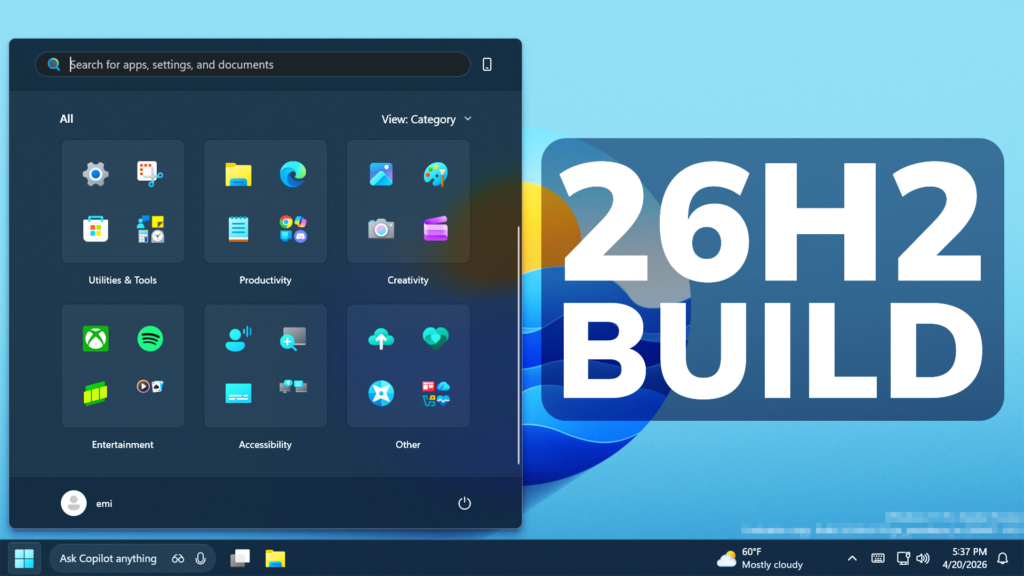
In this article, we will talk about the latest Preview Build for Windows 11 26H2 in the Dev Channel, which is the Build 26300.8276.
Starting recently, the Dev Channel is jumping ahead to receive 26300 series builds. This means that the window to switch from the Dev Channel to the Beta Channel is closed once Build 26300.7674 is installed. If you are in the Dev Channel today and still want to switch to the Beta Channel at the last minute, when Build 26300.7674 is offered you can pause updates in Windows Update and switch your channel to the Beta Channel and un-pause updates.
These 26300 series builds will contain many of the same features and improvements as the 26220 series builds that will continue to be released in the Beta Channel. Over time, we will be making behind-the-scenes platform changes in each build so they may have different known issues because of those changes.
New Settings Changes
- Based on feedback, Microsoft is providing clarity regarding location options in Settings > Privacy & Security > Location. When Location services is turned off, options like Default location and Allow location override are unavailable because apps and services aren’t receiving location info. To make that clearer, these options will now appear disabled (greyed out) until Location services is turned back on.
- They have also improved the reliability of navigating to Settings > Apps > Installed apps.
New File Explorer Search Design and Improvements
- Microsoft have updated iconography placement in the File Explorer search box to be more consistent across different PCs.



- Improved File Explorer reliability.
- Improved navigation pane usage for Voice Access users.
New Start Menu Performance and Reliability
New Notification Center Option
New Windows Hello Improvements
Improved reliability and performance of Windows Hello fingerprint after your PC wakes from sleep.
New Clipboard History Startup Performance
Improved performance of opening clipboard history.
New Fonts Improvements
Microsoft made some font improvements, including updating the Leelawadee UI font family for the Thai, Lao, Khmer, and Lontara scripts to help improve glyph sequencing, positioning, and rendering for these scripts.
For more information about this Build, you can check this article from the Microsoft Blog.
For a more in-depth presentation of the New Build, you can watch the video below from the youtube channel.
 11
11
 20
20

