
In this article, we will talk about All Methods which you can use to Upgrade to Windows 11 26H2 Official Release.
On the 29th of September 2026, Microsoft has released the 2026 Update or the 26H2 Version for Windows 11.
1. Upgrade through Windows Update
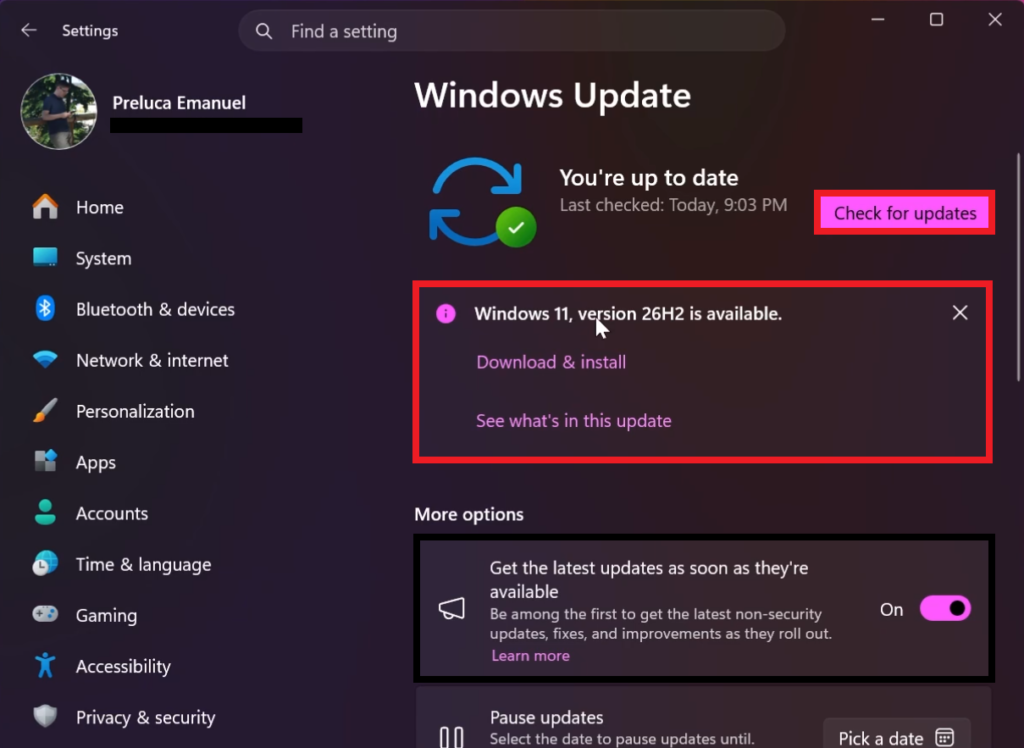
To install the New Version, assuming you are eligible for the upgrade, you need to open the Settings App, go to Windows Update, select Get the latest updates as soon as they’re available and then click on Check for updates.
A banner should appear, stating the Windows 11, version 26H2 is available and then you can click on Download & install.
2. Upgrade through Windows 11 Installation Assistant
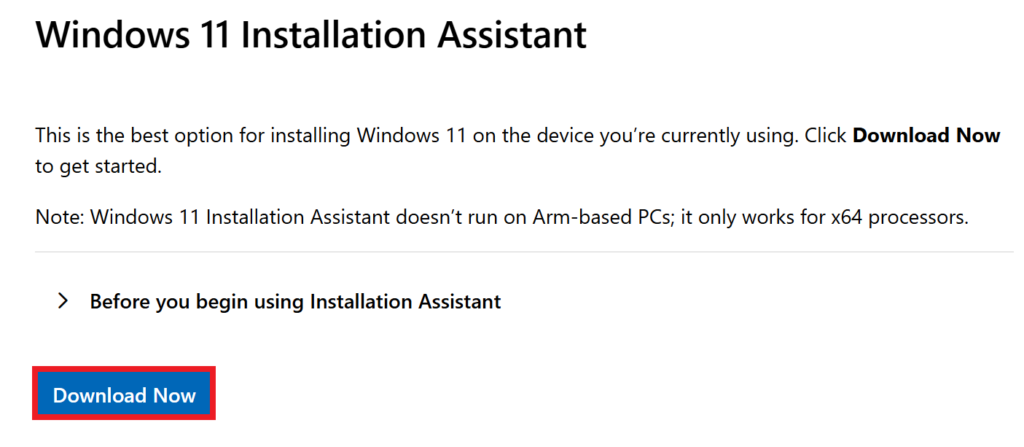
Make sure you go to the Official Windows 11 26H2 Microsoft Download Page and click on Download Now in the Windows 11 Installation Assistant Section.
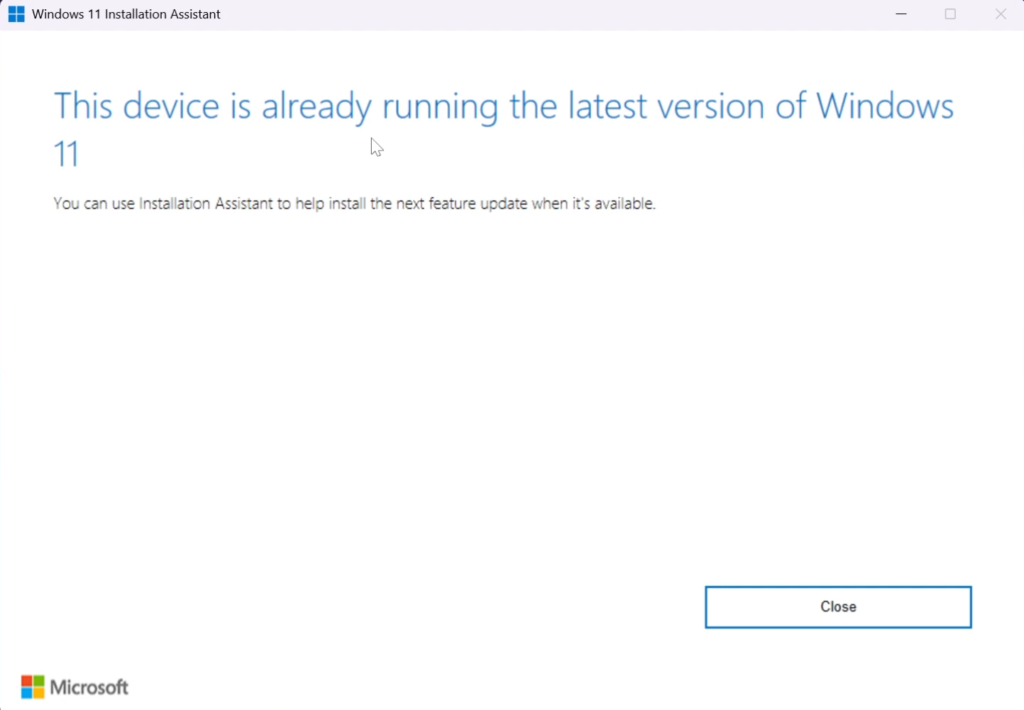
The Windows 11 Installation Assistant usually takes the longest to be updated to the latest version so be patient with it, if you see the message This device is already running the latest version of Windows 11.
3. Upgrade through Official ISO
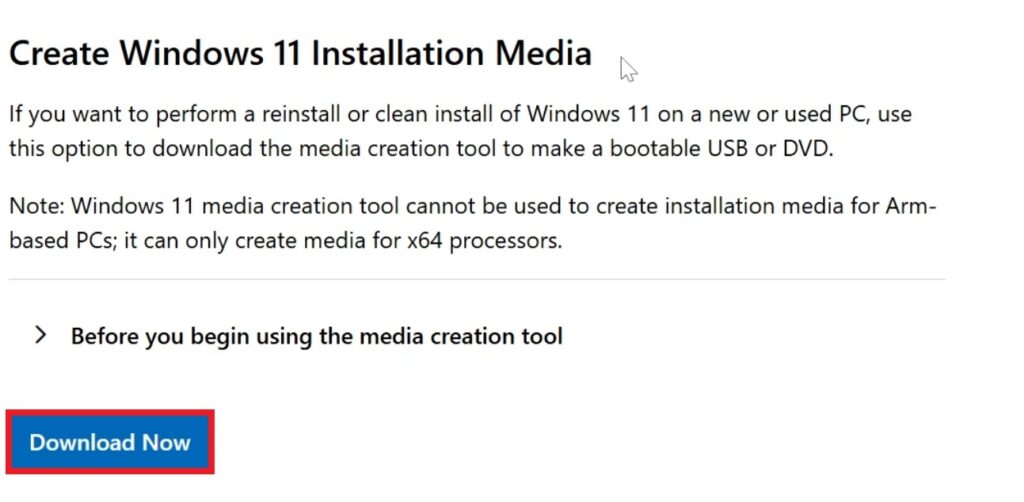
Make sure you go to the Official Windows 11 26H2 Microsoft Download Page and in the Create Windows 11 Installation Media Section click on Download Now.
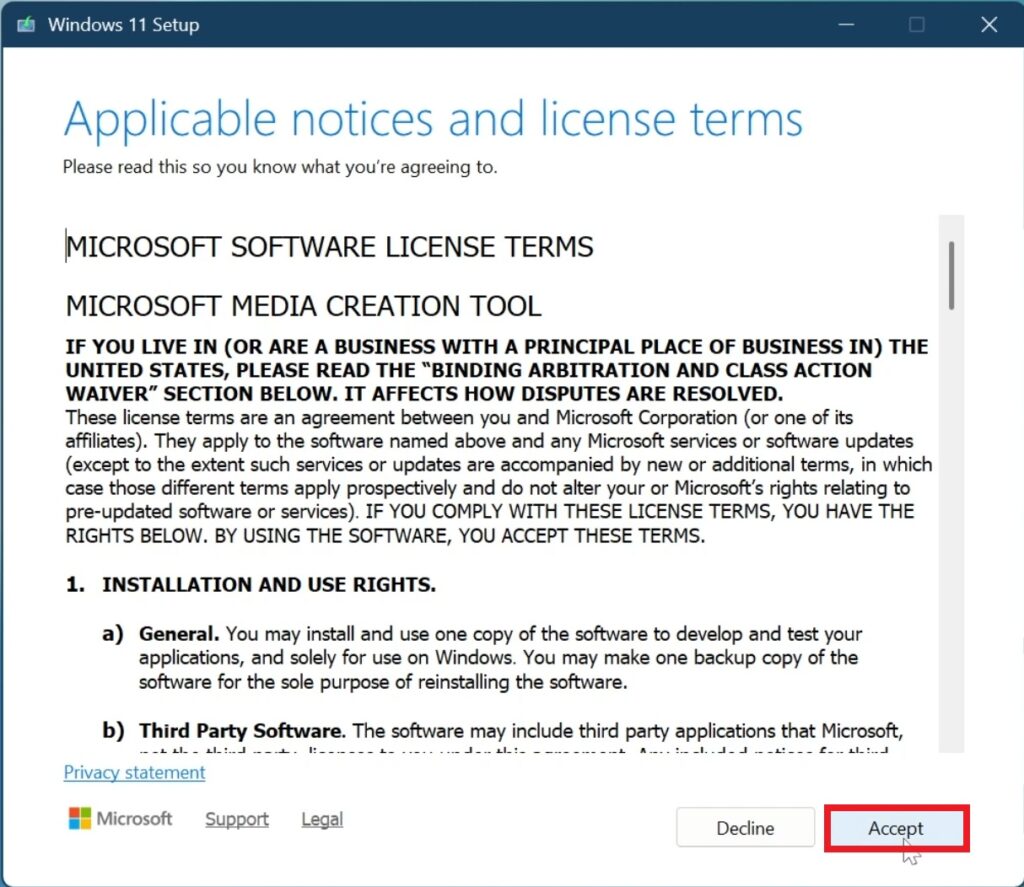
Once opened, you will need to Accept the License Terms in the Windows 11 Installation Media.
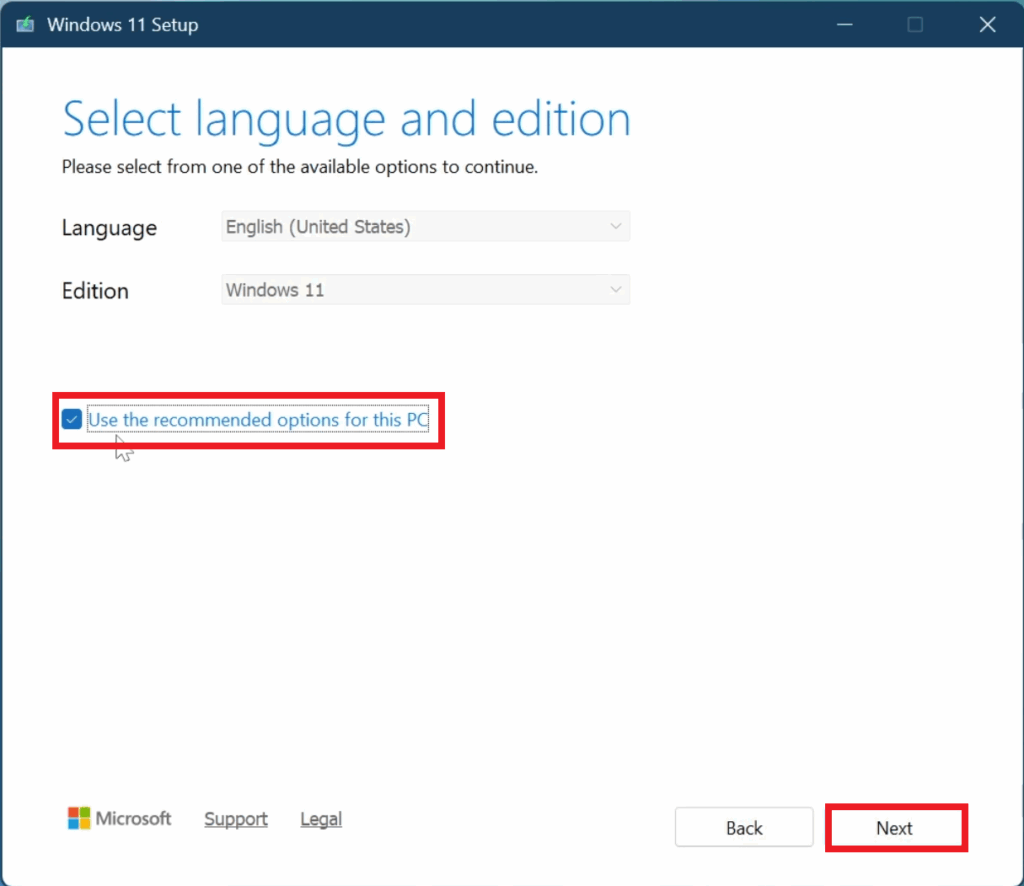
Next up, select Use the recommended options for this PC and then click on Next.
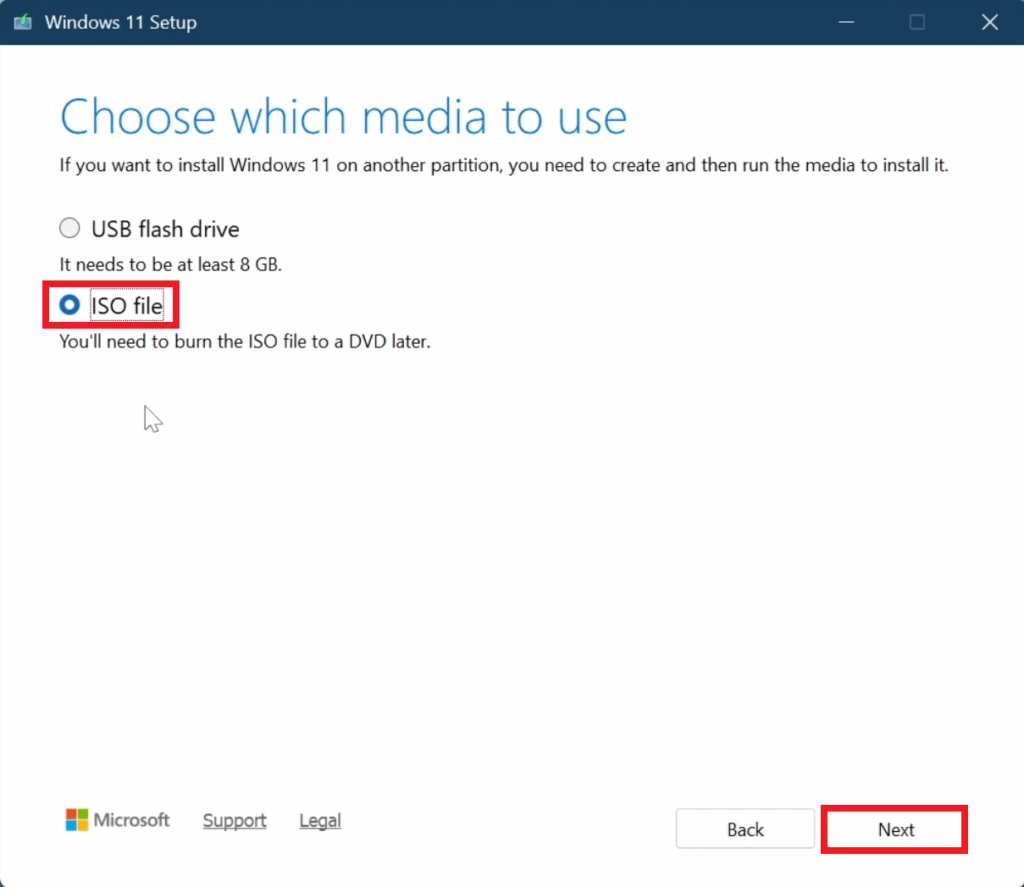
Then select ISO file, click on Next and select the location where you want the ISO to be downloaded.
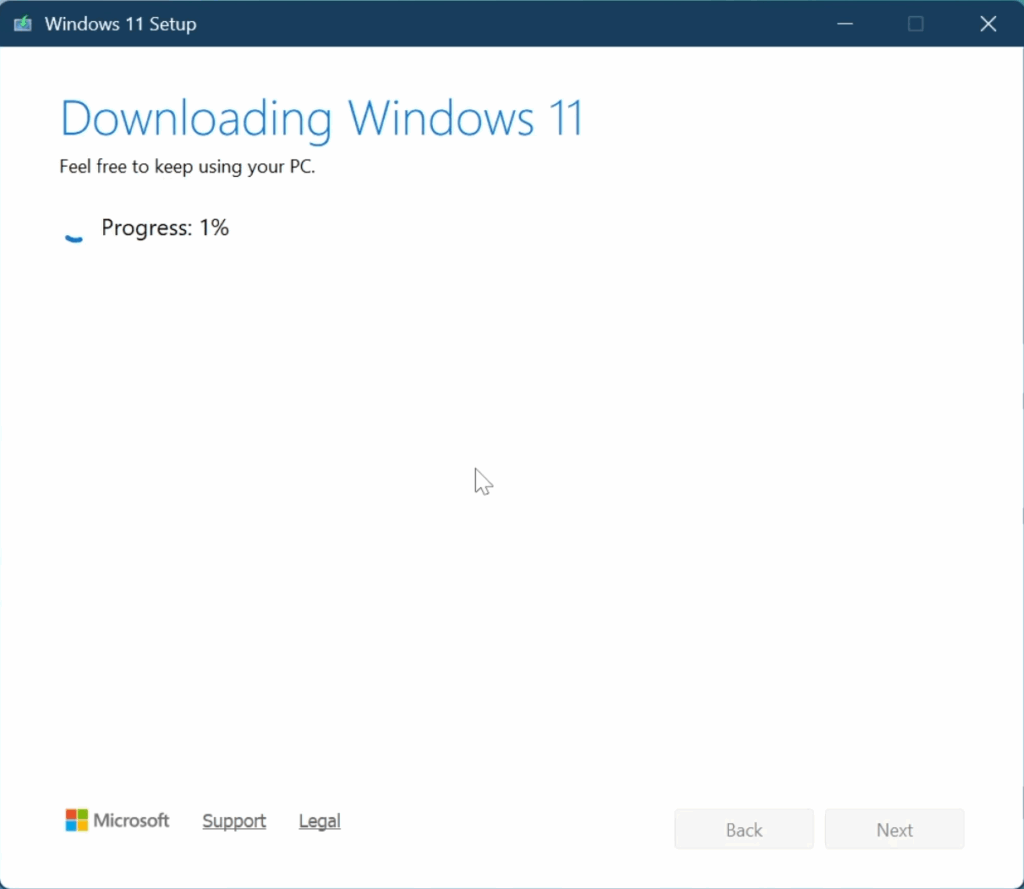
After this, just wait for the Download Process to be finished and then click on Finish.
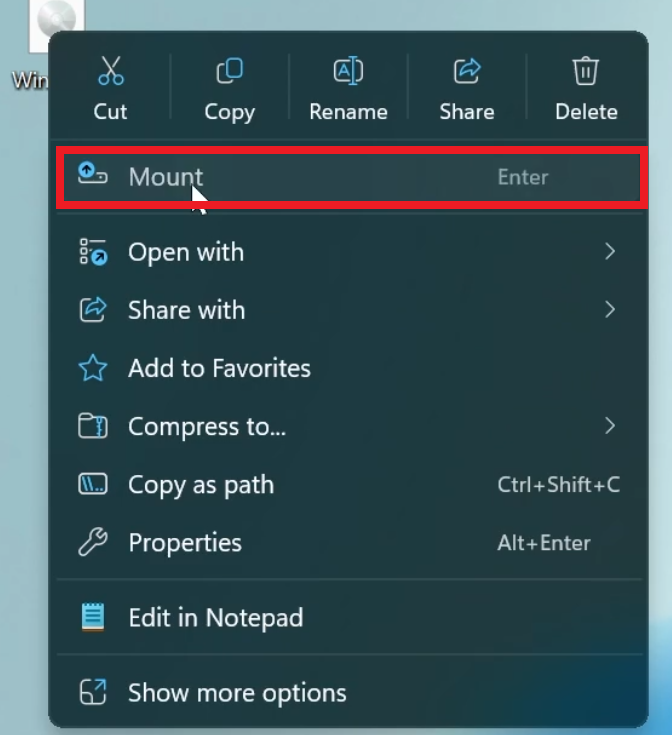
After this, locate the ISO, right-click on it and then click on Mount.
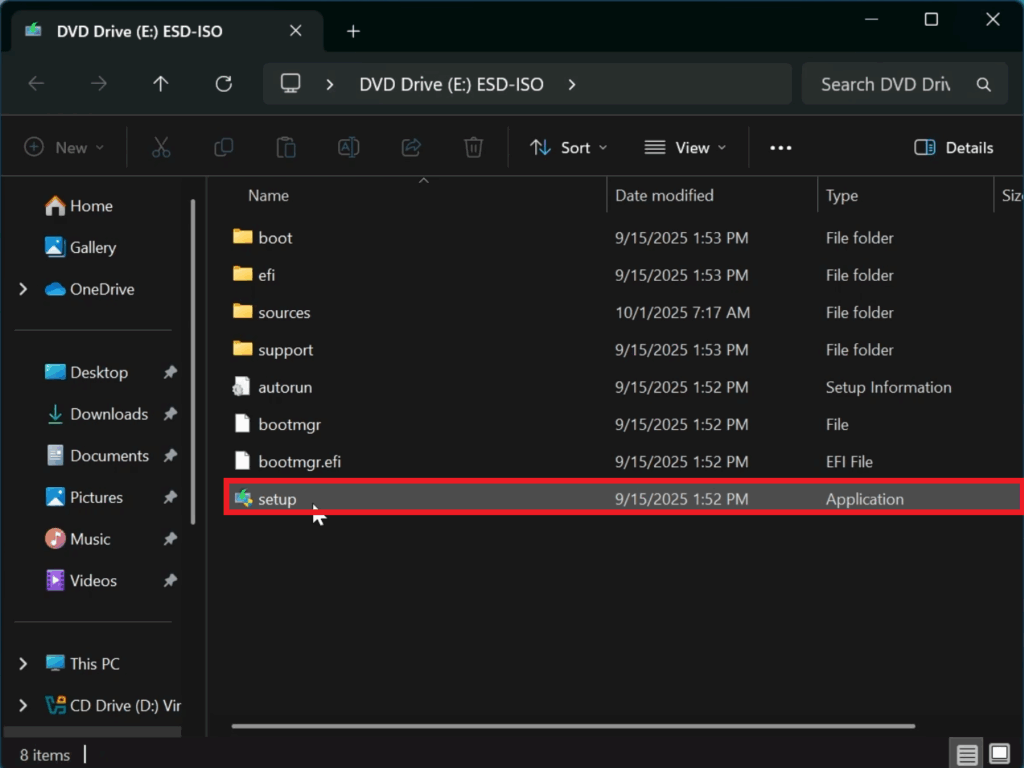
Next up, double-click on setup.
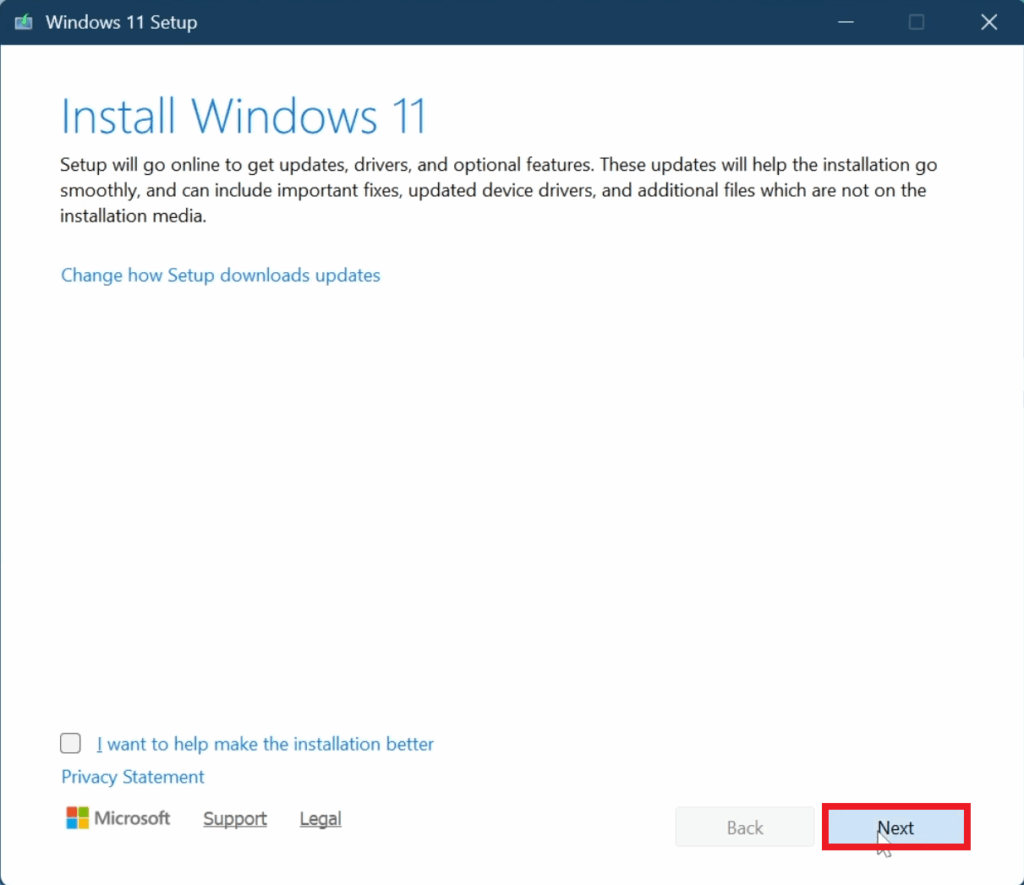
In the first step, click on Next.
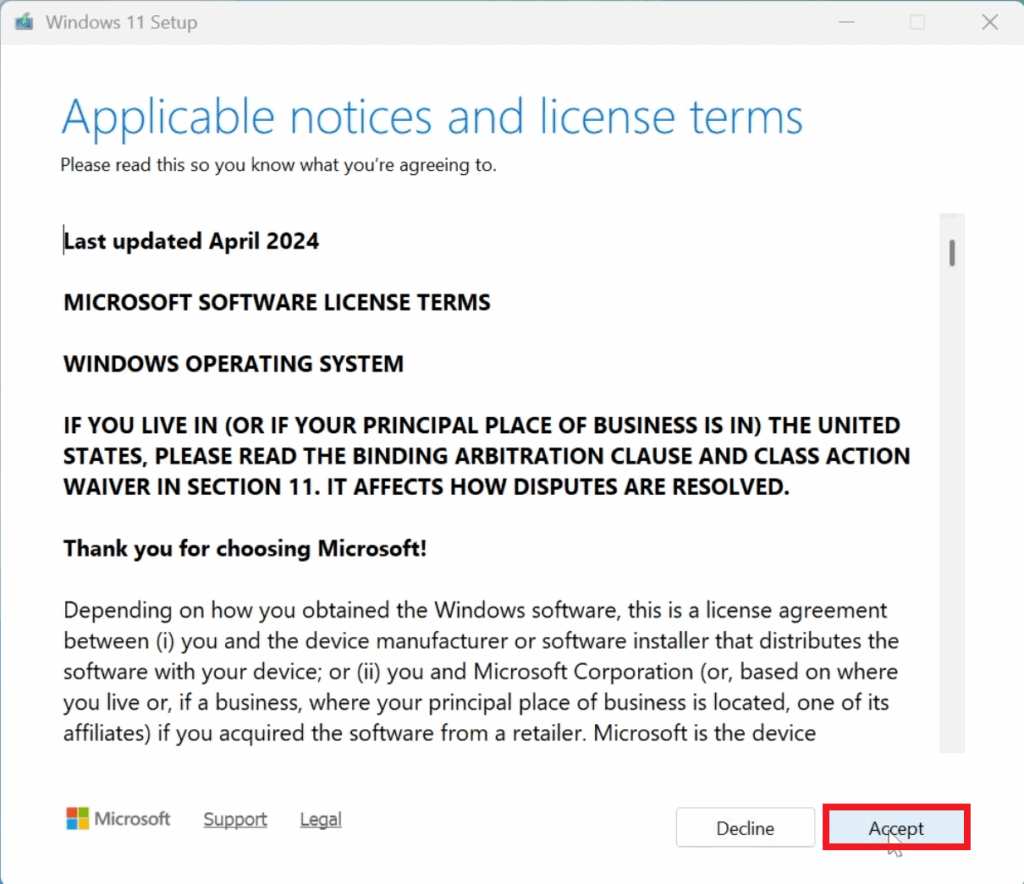
Accept the License Terms.
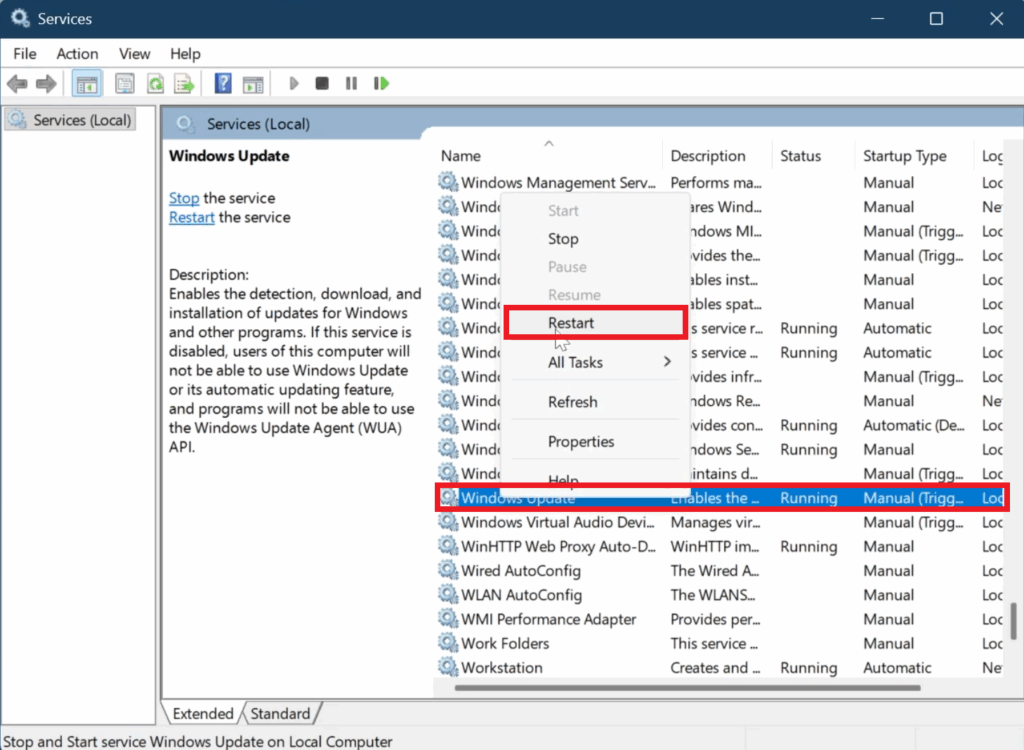
In case your Getting Updates Section is getting stuck at 46%, you can open Services from the Search Box, locate the Windows Update Service, right-click on it, and then click on Restart.
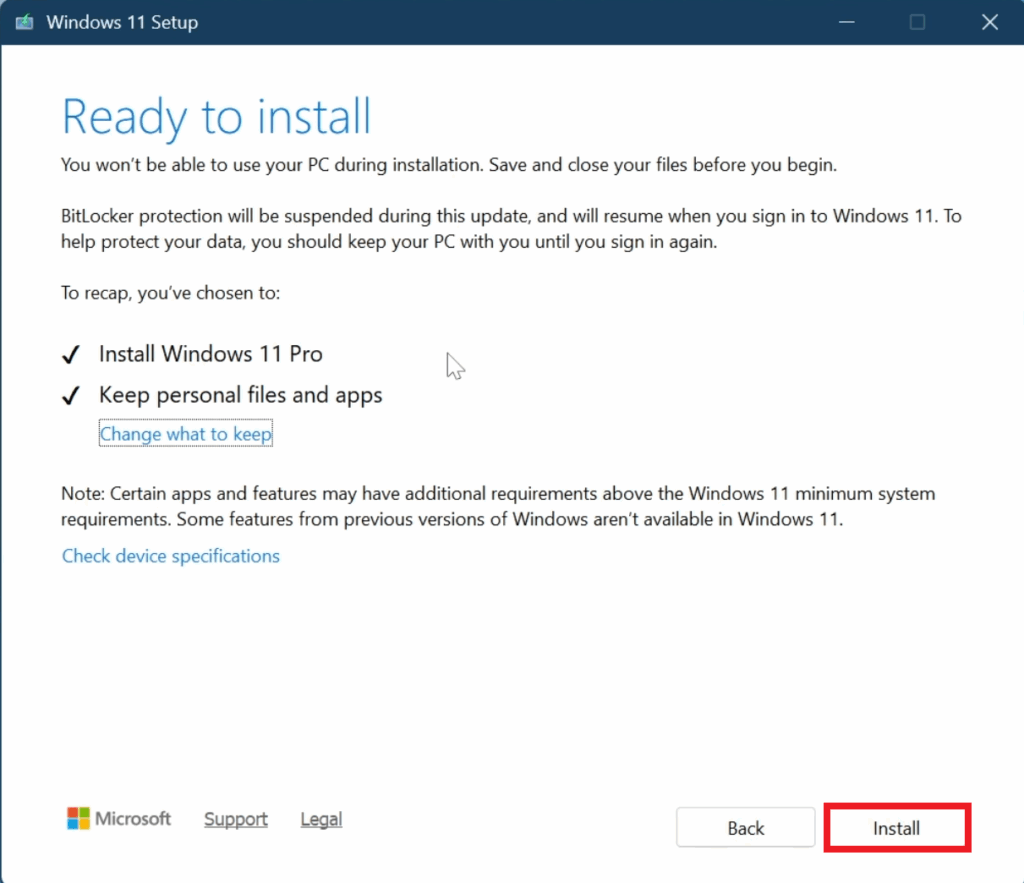
In the end, make sure to double-check the options and click on Install.
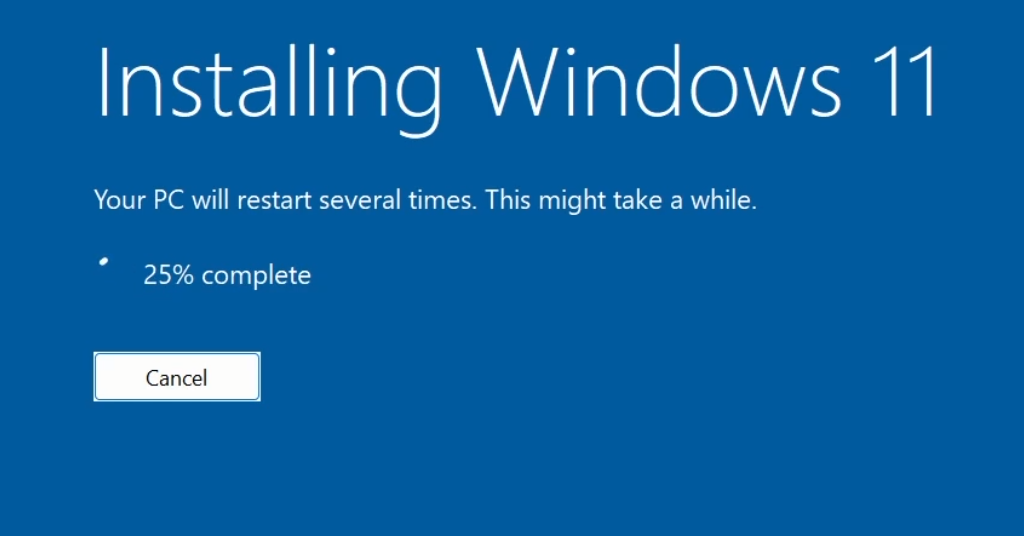
After this, all you need to do is to wait for the Installation Process to be finished, and you will have Windows 11 26H2 Installed on your System.
For a more in-depth tutorial, you can watch the video below from the youtube channel.
 11
11
 20
20

