
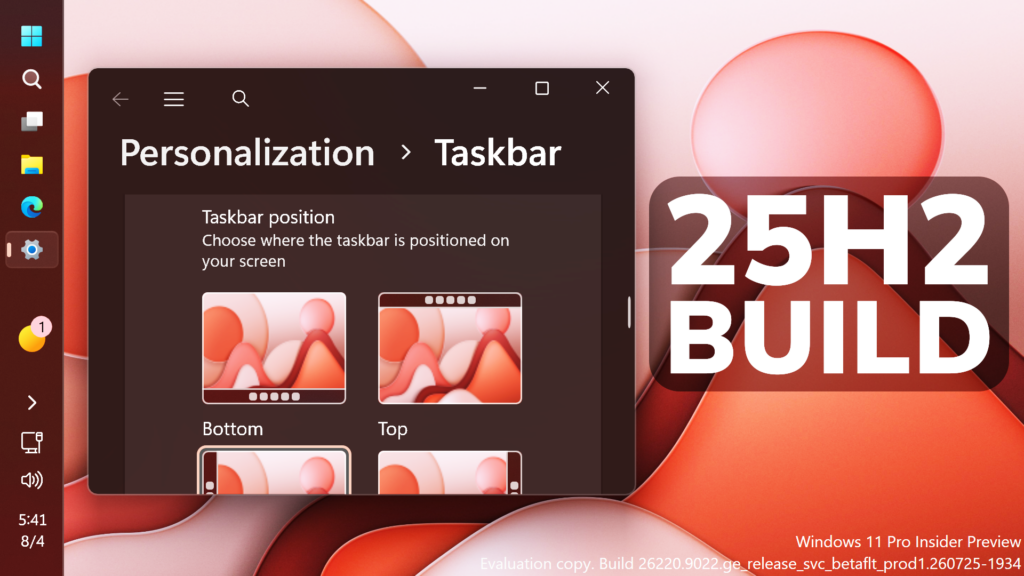
In this article, we will talk about the latest Windows 11 25H2 Insider Preview Build for the Beta Channel, which is the Build 26220.9022.
Microsoft is moving to two primary channels, with the advanced option to pick specific Windows core versions within those. The new channels are Experimental and Beta.
Beta is a refresh of the previous Beta Channel and previews what Microsoft plans to release in the next few weeks. The big change: Microsoft is ending gradual feature rollouts in Beta. When they announce a feature in a Beta update and you take that update, you will have that feature. You may occasionally see small differences within a feature as they test variations, but the feature itself will always be on your device.
New Certificate Renewal
- This build includes the renewed Windows Insider flight certificate. Windows Insider Preview builds use flight certificates that are renewed periodically to help ensure Insider devices remain on supported builds and continue receiving future Insider Preview updates. The current flight certificate expires on August 11, 2026, so please update your device to this build or a later one containing the renewed flight certificate before that date.
- For more information, see aka.ms/WIPCertExpiry.
New Taskbar
- Alternate Taskbar Position
- You can now change the position of the taskbar on your screen. In Settings > Personalization > Taskbar > Taskbar behaviors, you can select the side of the screen where you want your taskbar: bottom, top, left, or right. In these other positions, tooltips, flyouts, and animations will still come from the taskbar, and most customization settings, such as never combining taskbar icons, will work with all locations.
- Support for touch gestures, the Search box, and Ask Copilot in alternate locations is in progress. Auto-hidden and touch-optimized taskbars aren’t currently supported. The smaller taskbar is currently supported only for top and bottom positions.
 Screenshot of the taskbar in the left-aligned position.
- Smaller Taskbar
- We’re introducing a smaller taskbar for users who want to maximize screen space, especially on smaller devices. While the default taskbar remains unchanged, this setting provides a more compact experience with smaller icons and a reduced taskbar height, giving you more room for your apps. Core elements like Start, Search, and the system tray scale appropriately to stay aligned and consistent.
- To change your taskbar size, go to Settings > Personalization > Taskbar > Taskbar behaviors > Taskbar size. When set to Small, both the icons and the taskbar height become smaller.

New Settings
The Bluetooth quick settings page is now navigable using gamepad input.
Windows Update Fix
Fixed an issue causing some Insiders in Beta to experience rollbacks with error code 0xc1900101 when attempting to install the latest builds.
Storage Fix
This update fixes an issue that affects File History automatic backups to network shares using Server Message Block (SMB). Backups didn’t work because Windows showed a false “invalid credentials” error when connecting to SMB shares.
File Explorer Fix
This update addresses an issue where files stored on a DFS mapped drive could be incorrectly treated as originating from the internet after the device started while disconnected from the network and later reconnected. This could cause File Explorer’s Preview pane to display the message, “The file you are attempting to preview could harm your computer,” or cause files copied from the DFS drive to receive an unexpected Mark of the Web.
For more information about this Build, you can check this article from the Microsoft Blog.
For a more in-depth presentation of the New Build, you can watch the video below from the youtube channel.
 11
11
 20
20

