
In this article, I will show you How to Get Windows 11 26H2 Early.
Windows 11 26H2 has been recently Officially Announced in the Experimental Channel in the Windows Insider Program, and if you want to test it early, it is easily possible.
- Get the Official ISO
To Download the Official Windows 11 26H2 ISO, make sure to go into the Windows Insider Preview ISO Page and make sure you are logged in with a Microsoft Account.
Scroll at the bottom of the page and you will be able to select your ISO Edition, which has to be the Experimental Channel Version.
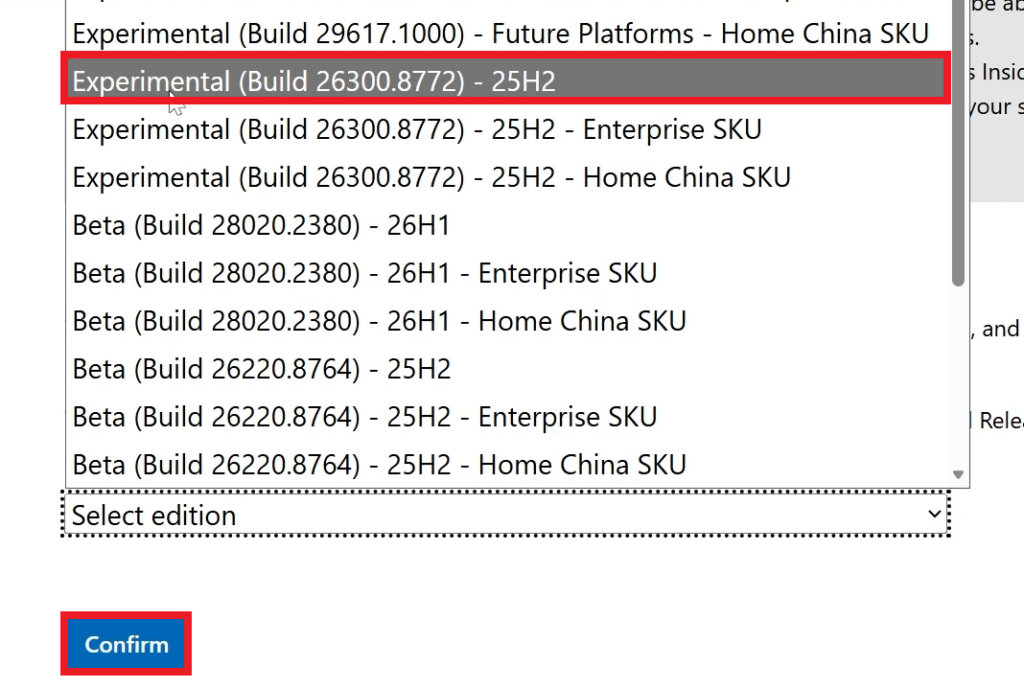
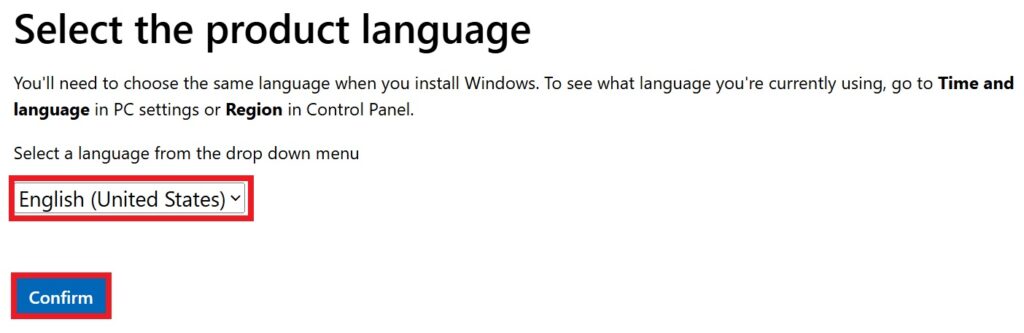
After clicking on Confirm, you will now need to Select your Product Language and click on Confirm again.
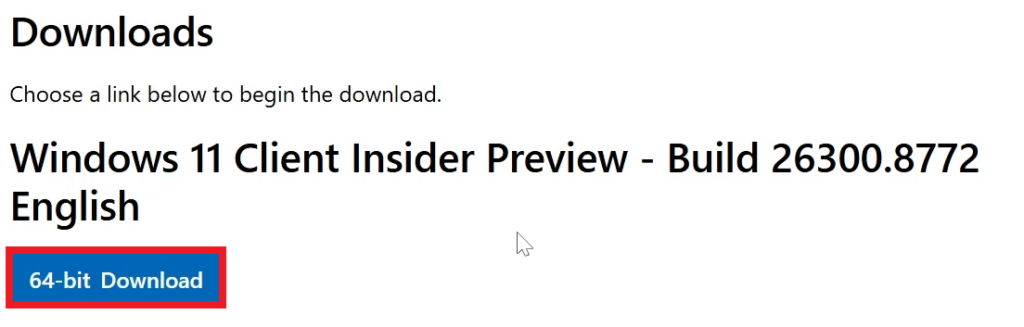
Finally, you will be able to Download your Windows 11 25H2 ISO, by clicking on 64-bit Download.
2. Enroll in the Experimental Channel
To enroll in the Windows Insider Program, go to Settings > Windows Update > Windows Insider Program > Get Started. Log in with your Microsoft Account and then select the Experimental Channel (if you have the new experience) or the Old Dev Channel (if you still have the old experience).
For the Experimental Channel, you will also need to double check that under Advanced Options, Windows 11, version 26H2 is selected.
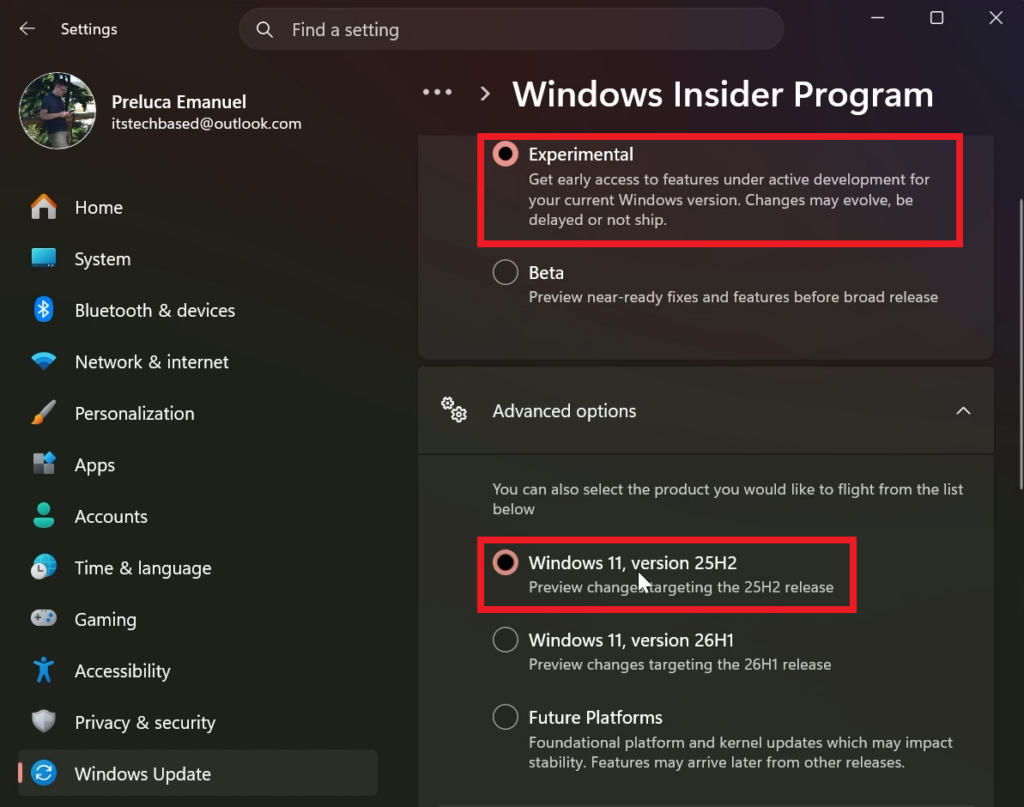
Make sure to test this on another computer or on a virtual machine, as these Builds can be unstable and have bugs.
For more information about Windows 11 26H2, you can watch the video below from the youtube channel.
 11
11
 20
20

