
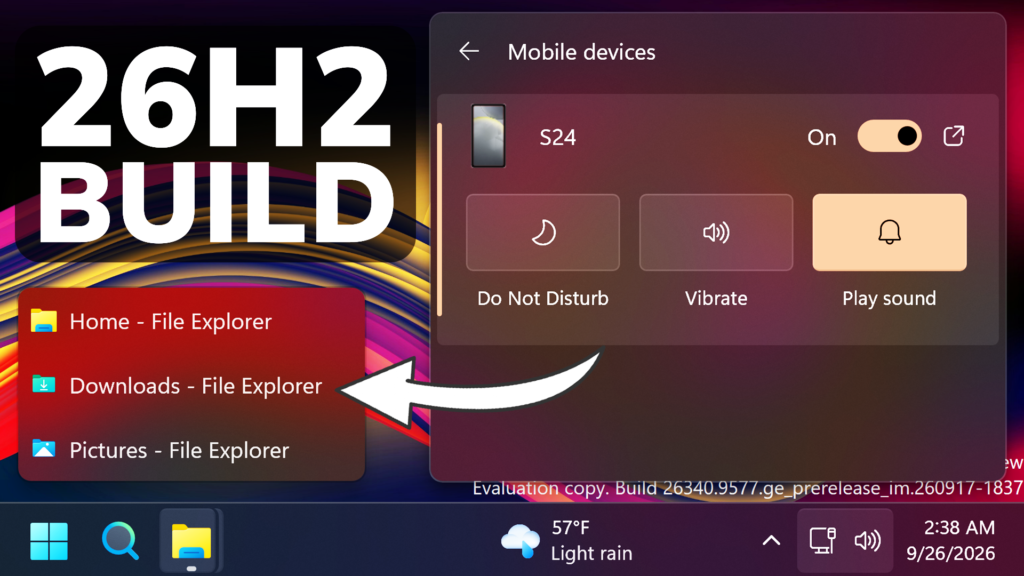
In this article, we will talk about the latest Preview Build for Windows 11 26H2 in the Dev Channel, which is the Build 26340.9577.
Windows 11, version 26H2 represents Microsoft’s yearly second half major update as part of their standard annual Windows 11 update cadence. As Windows 11, version 26H2 shares the same servicing branch as Windows 11, version 25H2, the update is implemented through an enablement package (eKB). This means your device will be updated to the next version through a single restart – providing a familiar, fast, and reliable update experience.
Devices already enrolled in the Experimental channel will begin seeing their versioning updated to version 26H2 under Settings > System > About (and winver). If you are in the Beta channel and would like to switch to the Experimental, you can easily do so under Settings > Windows Update > Windows Insider Program. Remember, you can easily switch back to Beta at any time, without having to do a full Windows reinstall.
Not currently enrolled in the Windows Insider Program and wanting to preview version 26H2? Register for WIP selecting the Dev channel, while it’s transitioning to Experimental. Once the transition is complete, the new channel name to preview version 26H2 will appear as Experimental.
New Start Menu Phone Feature
Phone companion for the Start menu now shows more of your recent activity, with a scrollable side pane so you can view even more without leaving the Start menu.

New Quick Settings Energy Recommendations
Windows Insiders will now see Energy Recommendations directly in Quick Settings, making it easier to discover and take actions that can help reduce energy consumption and improve device sustainability.

New Quick Settings Phone Integration
In this Build, Microsoft adds the Phone Integration in Quick Settings as well, with some quick actions that you can apply to your phone quickly.
New Taskbar List Previews
Also in this Build, the option to replace Taskbar Previews with List View is hidden in Taskbar Settings.
New Taskbar Improvement
Improved underlying state persistence of taskbar settings related to multiple monitors across monitor connections and disconnections.
New Narrator Features
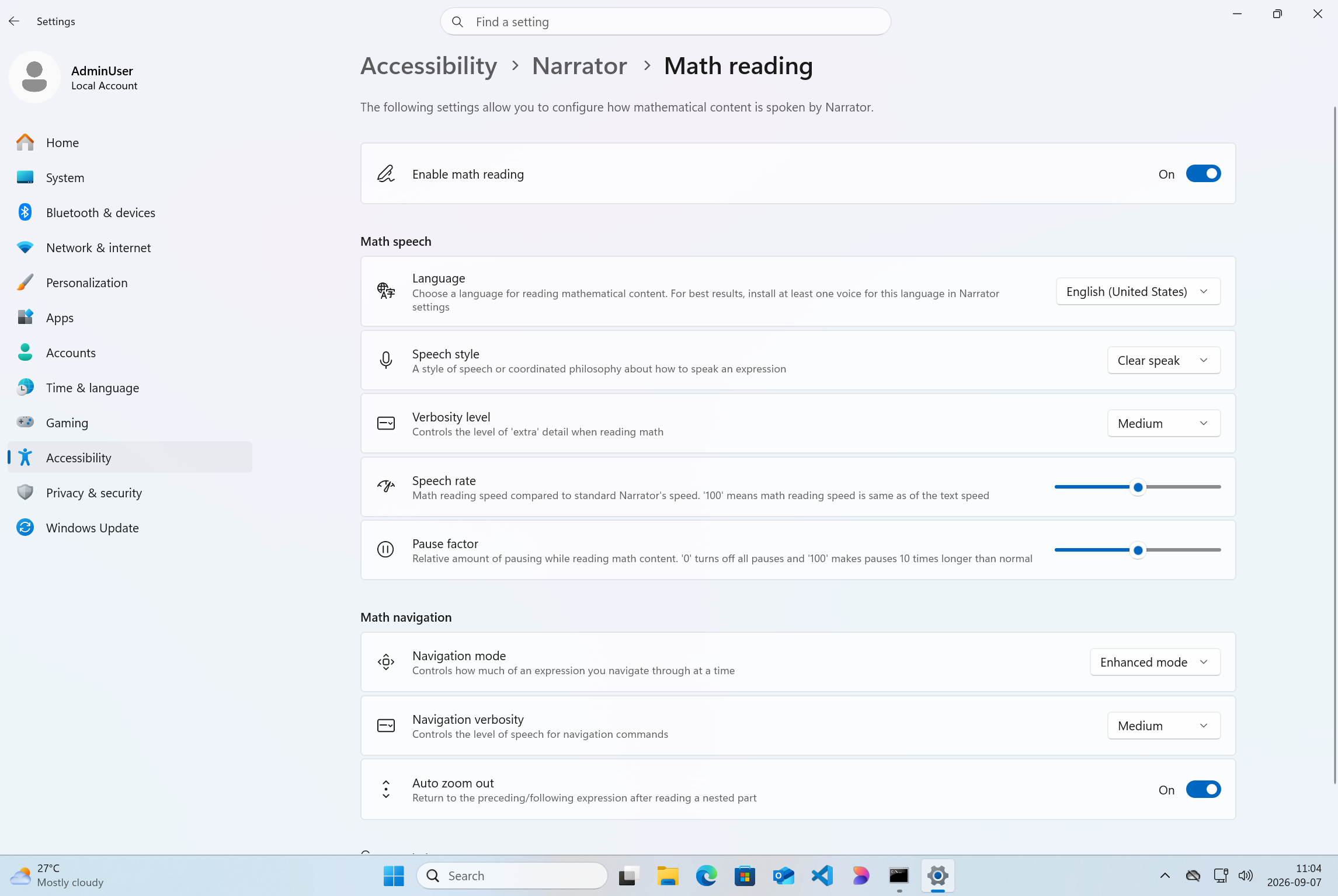
- Building on the math reading and navigation support introduced for Narrator in Build 26340.9354, we’re expanding the experience with additional language and browser support. Narrator math reading now supports a total of six languages: English (United States), English (United Kingdom), Traditional Chinese, Finnish, German, and Spanish. You can choose your preferred language under Math reading settings in Narrator settings.
- Math reading is also now available for supported web content in Microsoft Edge Stable version 153.0.4234.32 and later and Chrome Stable version 153.0.8010.18 and later, making it easier to read and explore equations across more of the places where students and professionals work.
Audio Fix
Fixed an issue affecting certain USB Audio Class 1.0 devices, including some multichannel audio headsets, that could prevent the device from working correctly after installing the latest updates.
For more information about this Build, you can check this article from the Microsoft Blog.
For a more in-depth presentation of the New Build, you can watch the video below from the youtube channel.
 11
11
 20
20

