
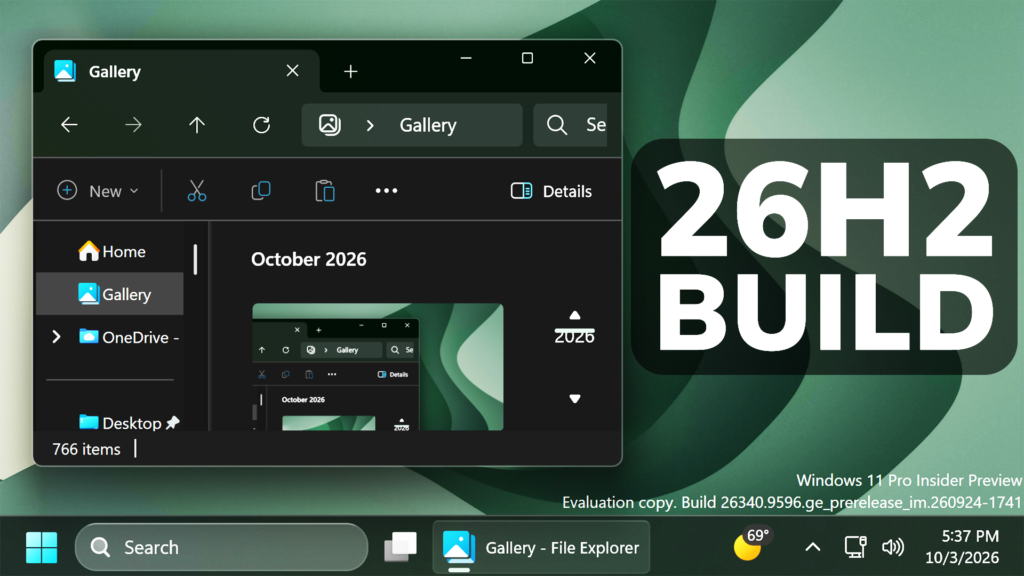
In this article, we will talk about the latest Preview Build for Windows 11 26H2 in the Dev Channel, which is the Build 26340.9596.
Windows 11, version 26H2 represents Microsoft’s yearly second half major update as part of their standard annual Windows 11 update cadence. As Windows 11, version 26H2 shares the same servicing branch as Windows 11, version 25H2, the update is implemented through an enablement package (eKB). This means your device will be updated to the next version through a single restart – providing a familiar, fast, and reliable update experience.
Devices already enrolled in the Experimental channel will begin seeing their versioning updated to version 26H2 under Settings > System > About (and winver). If you are in the Beta channel and would like to switch to the Experimental, you can easily do so under Settings > Windows Update > Windows Insider Program. Remember, you can easily switch back to Beta at any time, without having to do a full Windows reinstall.
Not currently enrolled in the Windows Insider Program and wanting to preview version 26H2? Register for WIP selecting the Dev channel, while it’s transitioning to Experimental. Once the transition is complete, the new channel name to preview version 26H2 will appear as Experimental.
New File Explorer Improvement
Address Bar now supports ‘~’ , making it quicker to navigate directly to your user profile folder and subfolders (e.g., “~\AppData”).
New Settings Performance
Microsoft is making performance improvements to the Settings home page, which should result in reduced loading times in certain scenarios.
New Cloud Rebuild in Settings
They are also adding a new entry point for Cloud Rebuild under Settings > System > Recovery, making it easier to access the feature from Settings.
New Unicode Updates
- Microsoft has updated Windows text shaping support for Unicode 17.0, helping Windows correctly display and shape newly encoded characters and scripts. Unicode 17.0 added 4,803 characters, including support for four newly encoded scripts: Beria Erfe, Sidetic, Tai Yo, and Tolong Siki.
- These updates help keep Windows text support current as the Unicode Standard evolves and improve support for languages and writing systems used by people around the world.
Known Issue
Microsoft is investigating an issue causing some Insiders to be unable to install the latest updates and see error 0x80073712. They believe this issue is related to having Windows Sandbox installed. As a workaround, try disabling Windows Sandbox.
For more information about this Build, you can check this article from the Microsoft Blog.
For a more in-depth presentation of the New Build, you can watch the video below from the youtube channel.
 11
11
 20
20

